The timer just gives you the flexibility to set it and leave the area. Can always be used manually and shut down at your convenience.
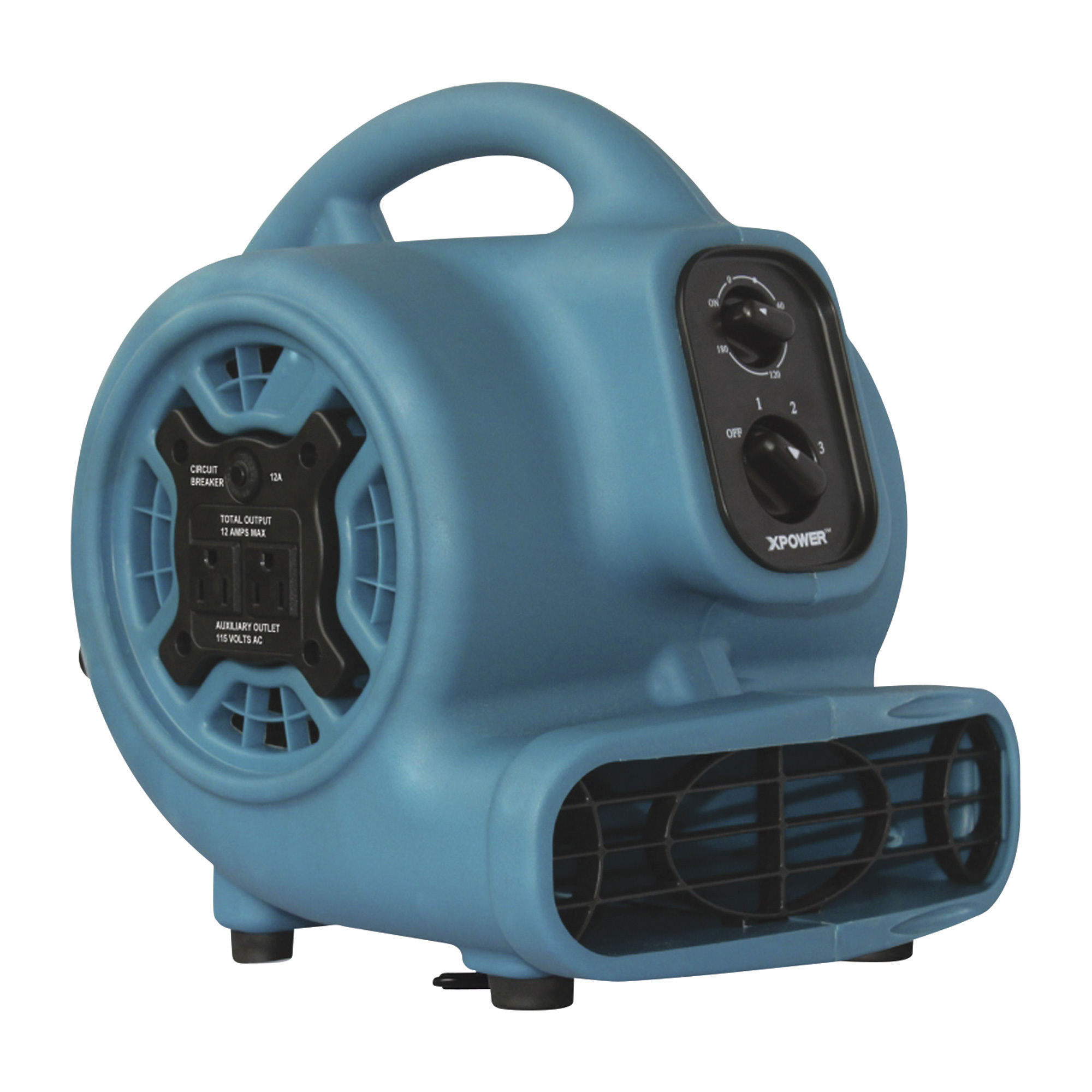
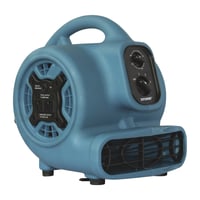
XPower 1/4 HP Mini Air Mover/Dryer, 925 CFM, Blue, Model# P-230AT
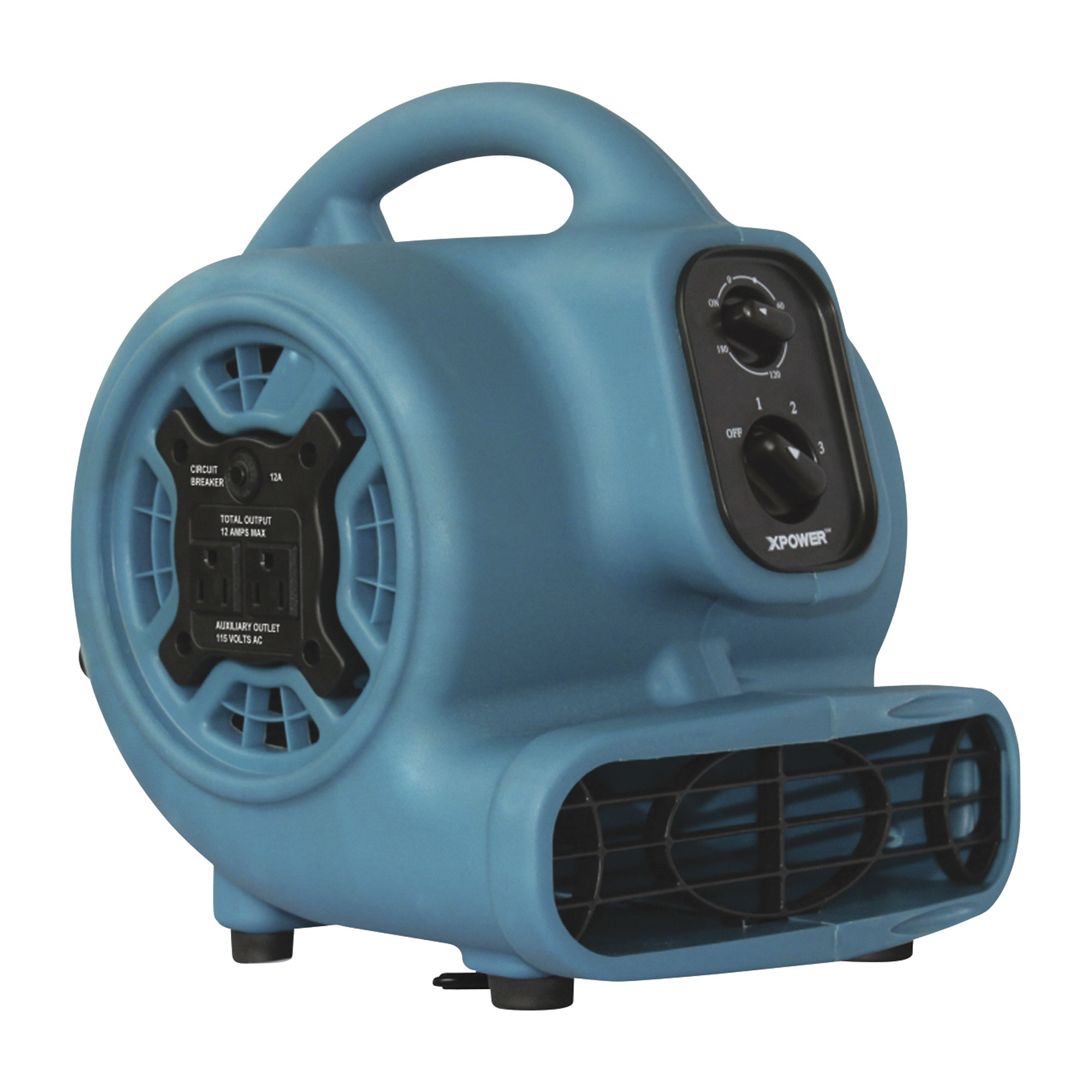
This is a carousel with one large zoomable image and a track of thumbnails on the left. Select any of the thumbnail buttons to change the zoomable image on the right. If a thumbnail is a video or 360 degree image thumbnail, or the last thumbnail in the list, the button will open the product media modal.

Click or Tap image to Zoom
Shipping:
Free shipping (lower 48 states) - Factory shippedStore Pickup:
- Xactimate Code WTRDRY
- Compact design with powerful airflow
- Powerful, efficient motor
- Built-in power outlet
- 3-hour timer
See full description
Description
Key Specs
Reviews
Q & A
Accessories
Warranty
Compare
Product Summary
What's Included
- (1) Air mover/dryer
Downloads
Features + Benefits
- Xactimate Code WTRDRY
- Compact design with powerful airflow
- Powerful, efficient motor
- Built-in power outlet
- 3-hour timer
- Four drying angles
- Thermal protection
- Durable housing
- Stackable design
Key Specs
| Attribute | Specification |
|---|---|
item# | 35446 |
Brand | XPOWER |
Manufacturer's Warranty | 1 year limited warranty |
Ship Weight | 11.6 LB |
Fan Diameter | 10.5 in |
Air Delivery | 925 cfm |
| Attribute | Specification |
|---|---|
Volts | 115 |
Speeds (qty.) | 3 |
Watts | 270 |
Stackable | Yes |
Horsepower | 0.2 |
Reviews
Questions & Answers
Questions
-
· 10 years ago
Must the timer be used?
Must the timer be used, or can this blower simply be turned on and left on until ready to be turned off?
-
Meastro· 6 years ago
Helpful?
-
Shravla· 9 years ago
It can just be used normally, timer does not have to be used.
Helpful?
-
ProductExpert29· 10 years ago
This unit can be run continuously without the timer by turning the timer switch to the "ON" position.
Helpful?
-
-
· 18 days ago
How loud is this fan on high and low settings? (Looking to keep it on all time to circulate air from back to front of rv)
1 answer-
ProductExpert6· 17 days ago
The fan would be rated at about 64 decibels (DBA) on low and about 76 DBA on high.
Helpful?
-
-
· 4 years ago
What are the dimensions?
1 answer-
ProductExpert13· 4 years ago
The dimensions are 10.7'' long, 12.4'' wide, and 13.3'' high.
Helpful?
-
-
· 4 years ago
At what temperature does the thermal cutoff occur? Can this be run for several hours in a 140F environment?
1 answer-
ProductExpert12· 4 years ago
The thermal fuse is set to shut off at 314 degrees F, the temperature controller tops out at 266 degrees F and the maximum ambient temperature it can operate in is 104 degrees F. It will not work for long in a room with the ambient temperature at 140 degrees F.
Helpful?
-
-
· 5 years ago
Does this provide any heat?
1 answer-
ProductExpert11· 5 years ago
The blower does not have a heating element.
Helpful?
-
Accessories We Recommend
This is a carousel with auto-rotating slides. Activate any of the buttons to disable rotation. Use Next and Previous buttons to navigate, or jump to a slide with the slide dots.
Warranty
Manufacturer's Warranty
1 year limited warranty
Extend Your Warranty Coverage with a Northern Protection Plan (NPP)
Replacement Plan — 1 Year
A Northern Protection Plan is available after adding the product to your shopping cart.
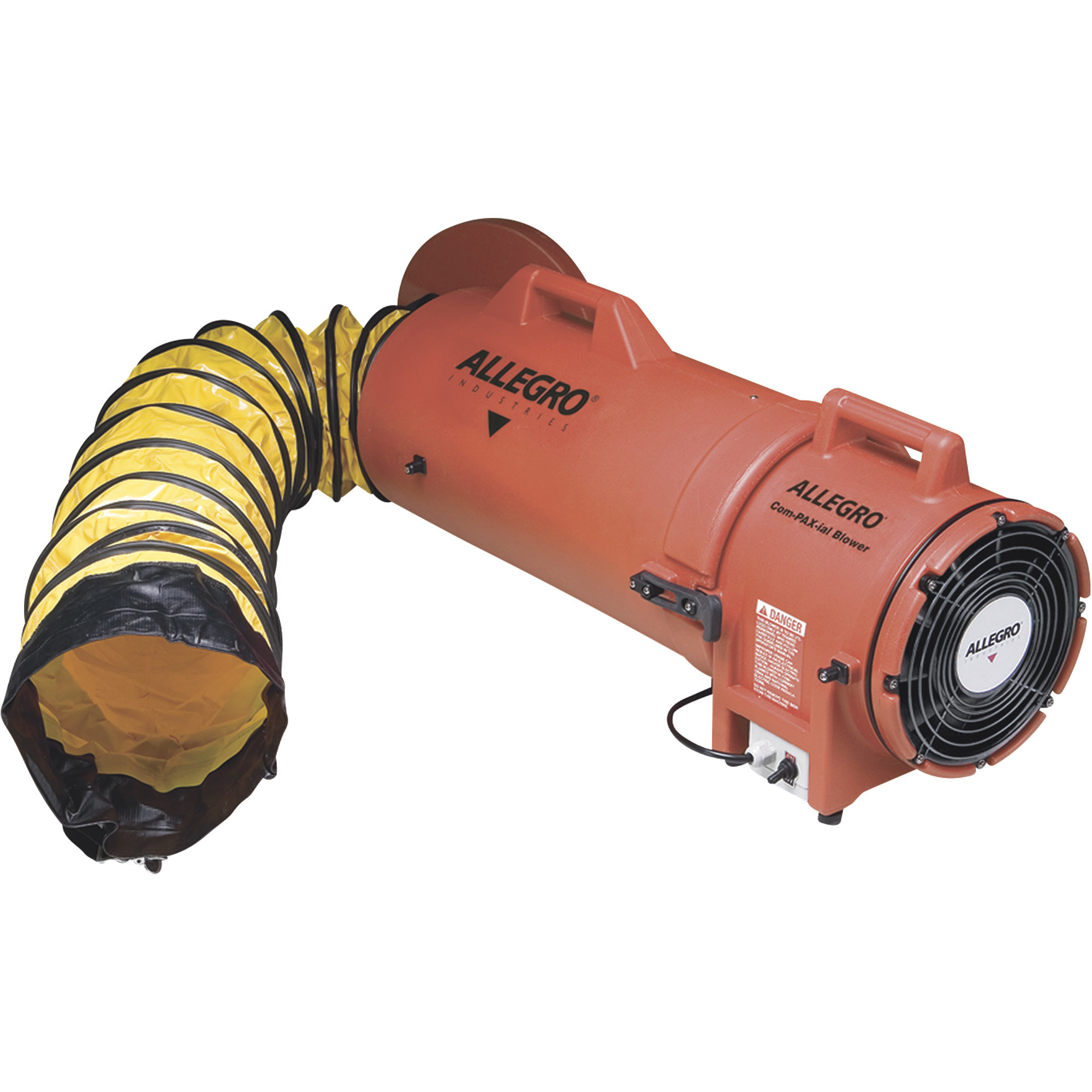
Compare with Most Popular in Air Movers + Carpet Blowers
See All Air Movers + Carpet Blowers
See All XPOWER Air Movers + Carpet Blowers
Currently Viewing This Product
$103.95Shipping:
Free shipping (lower 48 states) - Factory shippedStore Pickup:
- $454.99
Shipping:
Factory shippedStore Pickup:
- $129.00
Shipping:
Factory shippedStore Pickup:
- $517.99
Shipping:
Factory shippedStore Pickup:
Specifications
10.5 in
8 in
-
16.5 in
925 cfm
709 cfm
1,000 cfm
3,000 cfm
115
115
110
120
3
-
3
2
270
-
250
-
Yes
-
-
Yes
0.2
-
0.33
0.25
-
lb
-
37 lb
-
33.0 x 16.0 x 16.0 in
-
-
-
-
Polypropylene
-
See All Air Movers + Carpet Blowers
See All XPOWER Air Movers + Carpet Blowers
Recently Viewed Items
This is a carousel with auto-rotating slides. Activate any of the buttons to disable rotation. Use Next and Previous buttons to navigate, or jump to a slide with the slide dots.