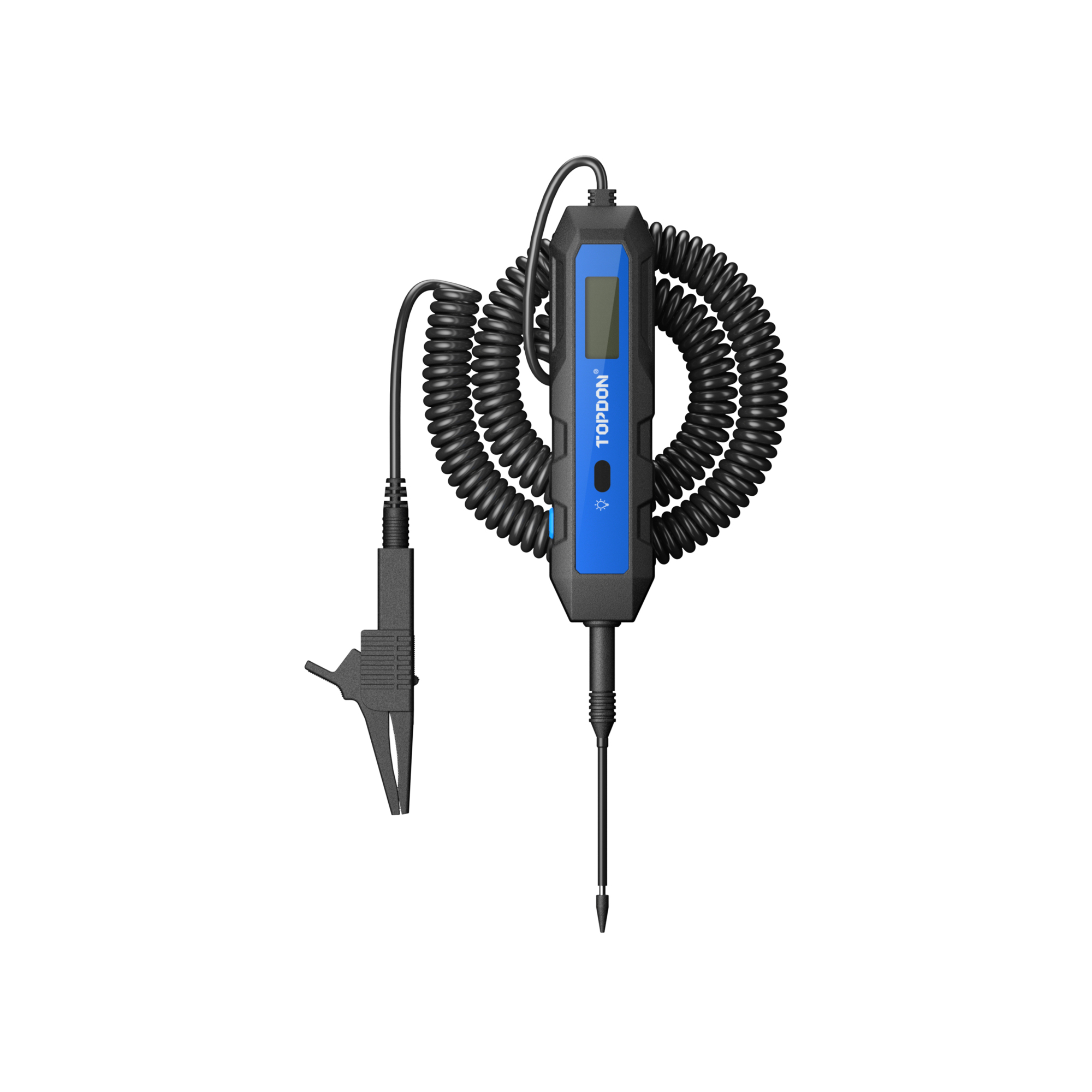
TOPDON, Auto Circuit Tester w/ Load Test, LCD, Polarity Alerts, Modle #CT100
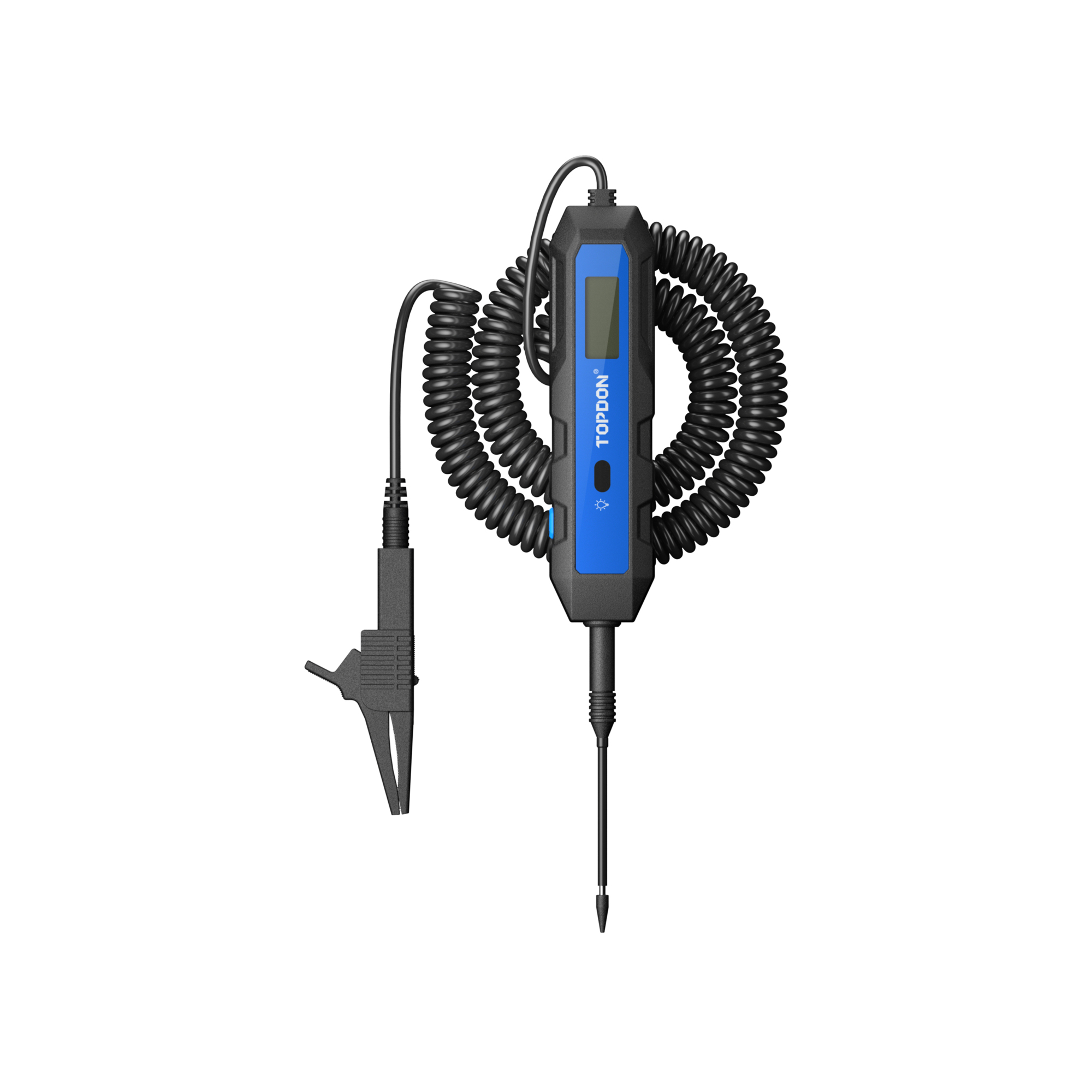
This is a carousel with one large zoomable image and a track of thumbnails on the left. Select any of the thumbnail buttons to change the zoomable image on the right. If a thumbnail is a video or 360 degree image thumbnail, or the last thumbnail in the list, the button will open the product media modal.
Click or Tap image to Zoom
$44.99
- Professional Load Test: Unlike basic test lights, the CT100 features a professional load test function (DC 5–30V, 1.2A Max). Hold the button for 5 seconds to check battery and circuit load capacity, quickly identifying aging batteries, weak connections, and voltage drops for faster, more accurate repairs.
- Precision Voltage Testing: Equipped with a clear backlit digital display, the CT100 measures DC voltage from 3.3–65V with 0.1V resolution (±0.1V accuracy from 3.3–60V; ±0.2V from 60–65V). With a wider range than standard testers, it delivers dependable performance for both professional technicians and serious DIY users.
- Polarity Protection & Anti-Reverse: Dual-color backlighting (red for positive, green for negative) and on-screen ± indicators activate instantly when the probe contacts a circuit. This intuitive feedback helps prevent reverse connections and protects sensitive vehicle electronics during testing.
- Safe, Battery-Free Operation: Battery-free operation eliminates maintenance and downtime while improving safety during testing. Integrated protections include overvoltage alerts, overheating warnings, and component status monitoring for dependable performance in daily automotive diagnostic work.
- Intuitive Status Light Indicators: Color-coded backlight indicators confirm polarity instantly, while additional alerts display overvoltage (“H”), overheating (“Hot”), and lamp abnormality (“ER1”) status—keeping key operating conditions visible at a glance during testing.
See full description
See All Automotive Diagnostics
See All TOPDON Automotive Diagnostics
Currently Viewing This Product
Specifications
Specifications
TOPDON, Auto Circuit Tester w/ Load Test, LCD, Polarity Alerts, Modle #CT100
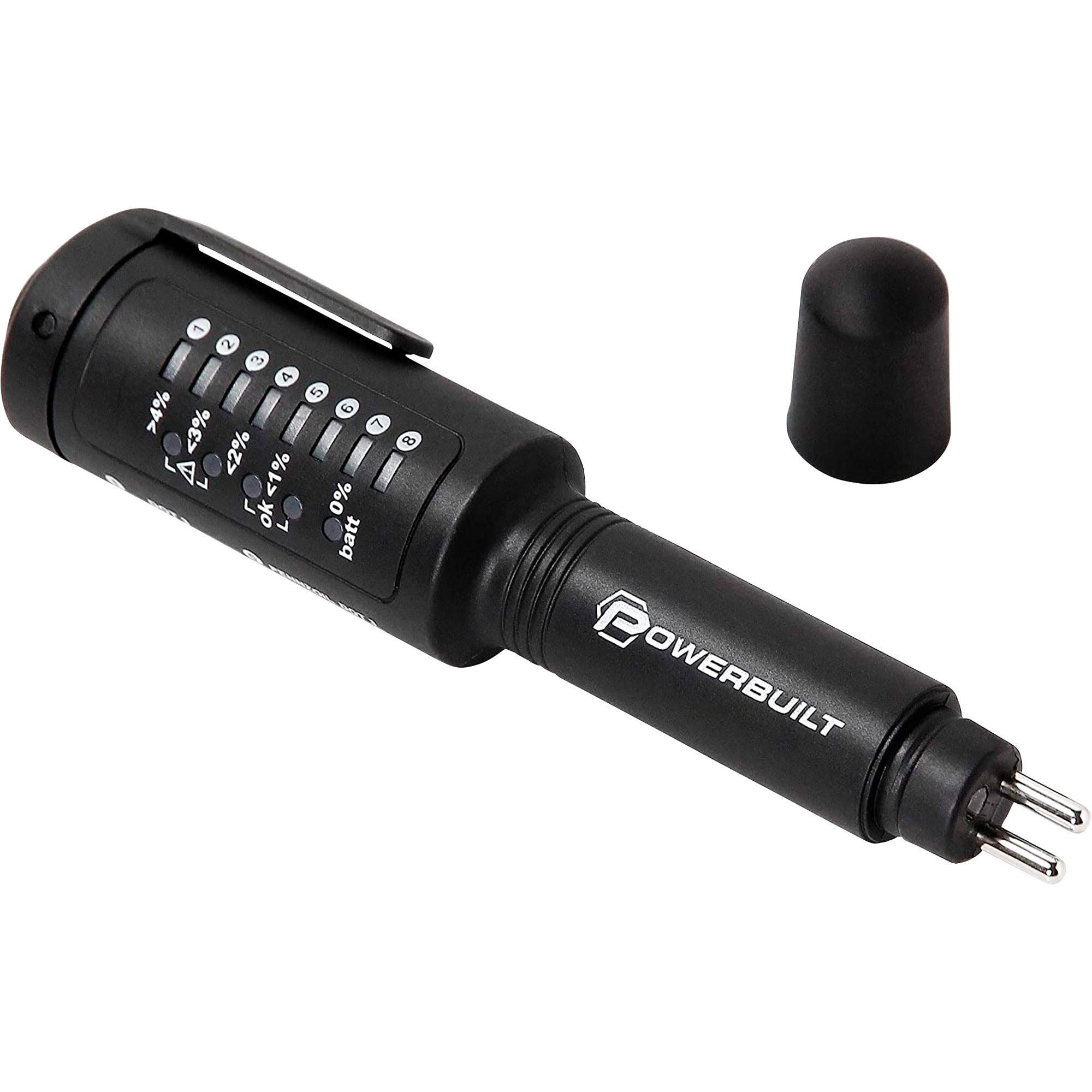
Powerbuilt Universal LED Brake Fluid Tester, Model# 647766
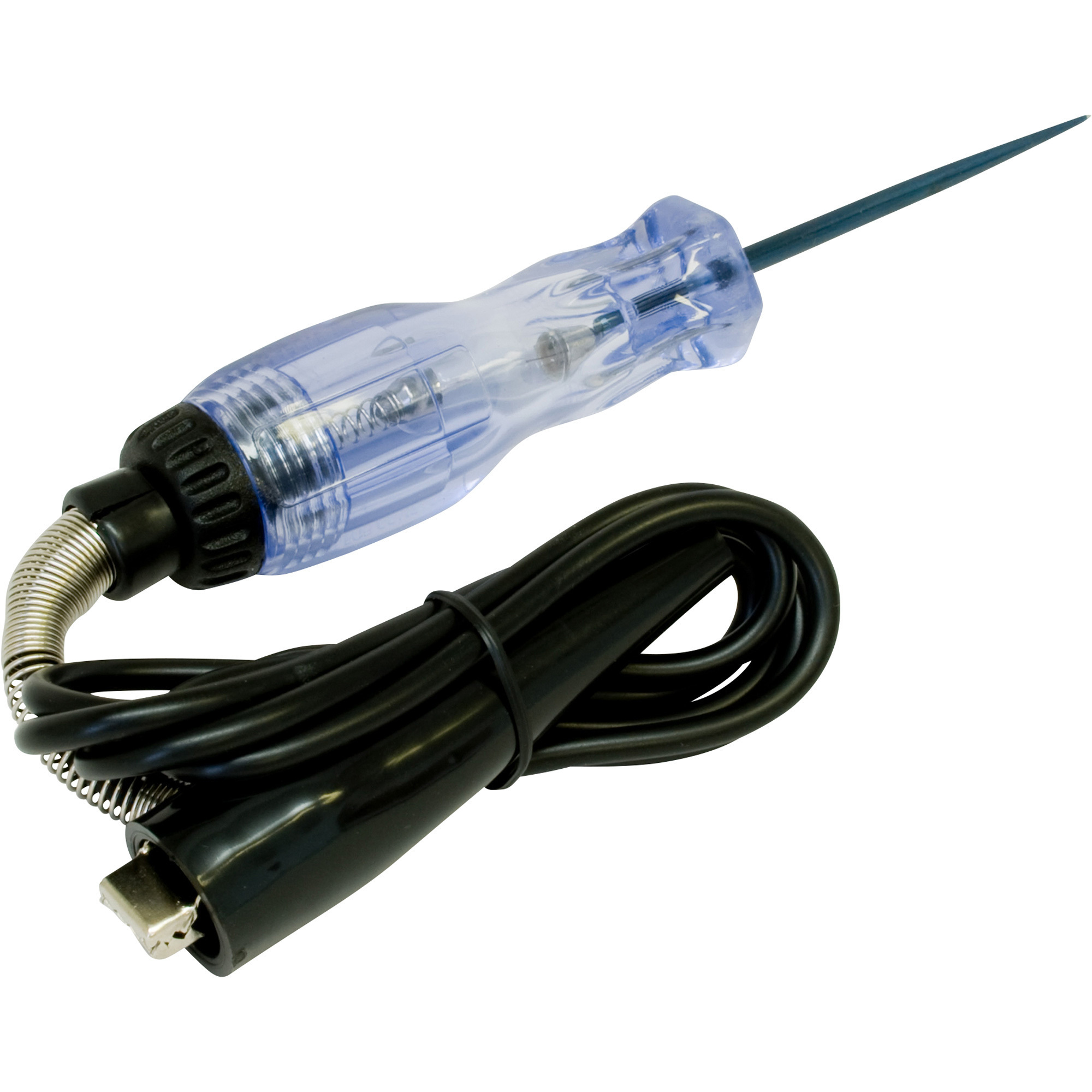
Lisle Heavy-Duty Test Light - 12V, Reinforced Probe, Handle, Cord, and Clamp, 49in. Cord, Model# 28400
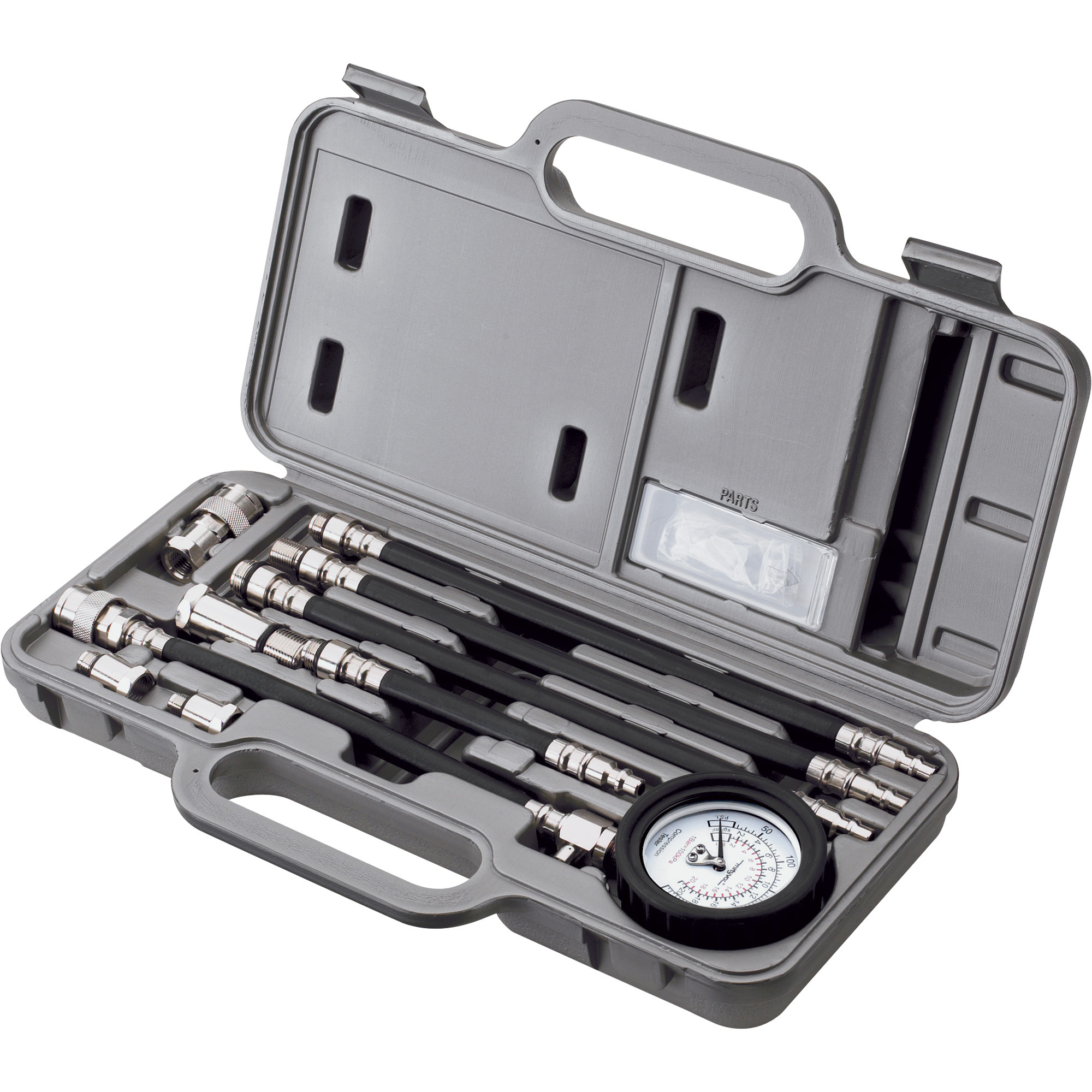
Mityvac Compression Test Kit — 300 PSI, 4 Hoses, 4 Adapters, Model# MV5530
Product Type
Same
Testers
Testers
Testers
Testers
Battery Included
Same
No
Yes
-
No
Battery Required
Same
No
Yes
-
No
Product Weight
Same
0.4000 lb
0.18 lb
-
-
Dimensions L x W x H (in.)
Same
6.0 x 1.5 x 0.75 in
1.375 x 2.75 x 8.625 in
-
-
Display
Same
-
LED
-
Analog
Battery Type
Same
-
AAA
-
Other
See All Automotive Diagnostics
See All TOPDON Automotive Diagnostics
Recently Viewed Items
This is a carousel with auto-rotating slides. Activate any of the buttons to disable rotation. Use Next and Previous buttons to navigate, or jump to a slide with the slide dots.