The unit would require 3-AA batteries. You would cycle through the control button for the settings for the fan and the light.
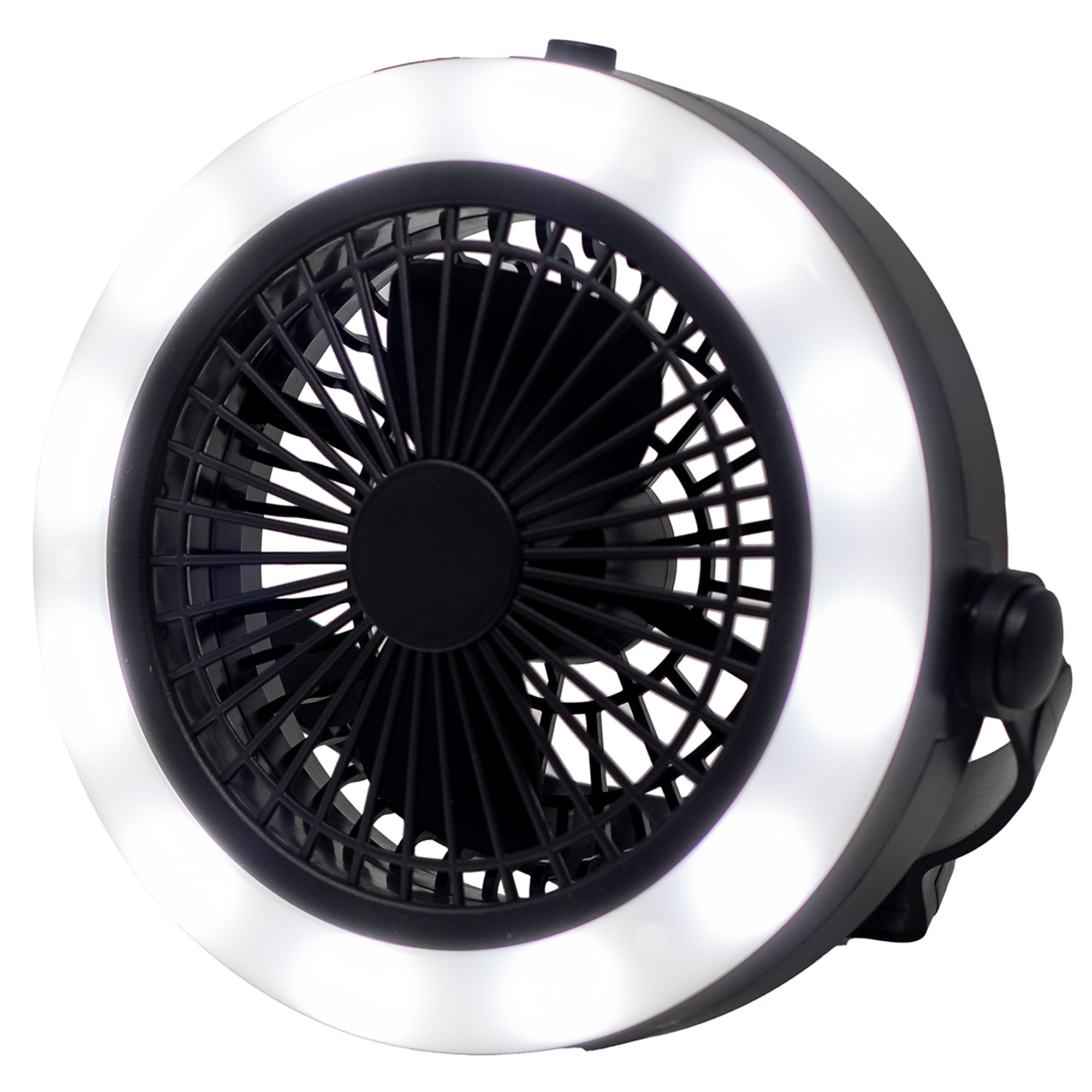
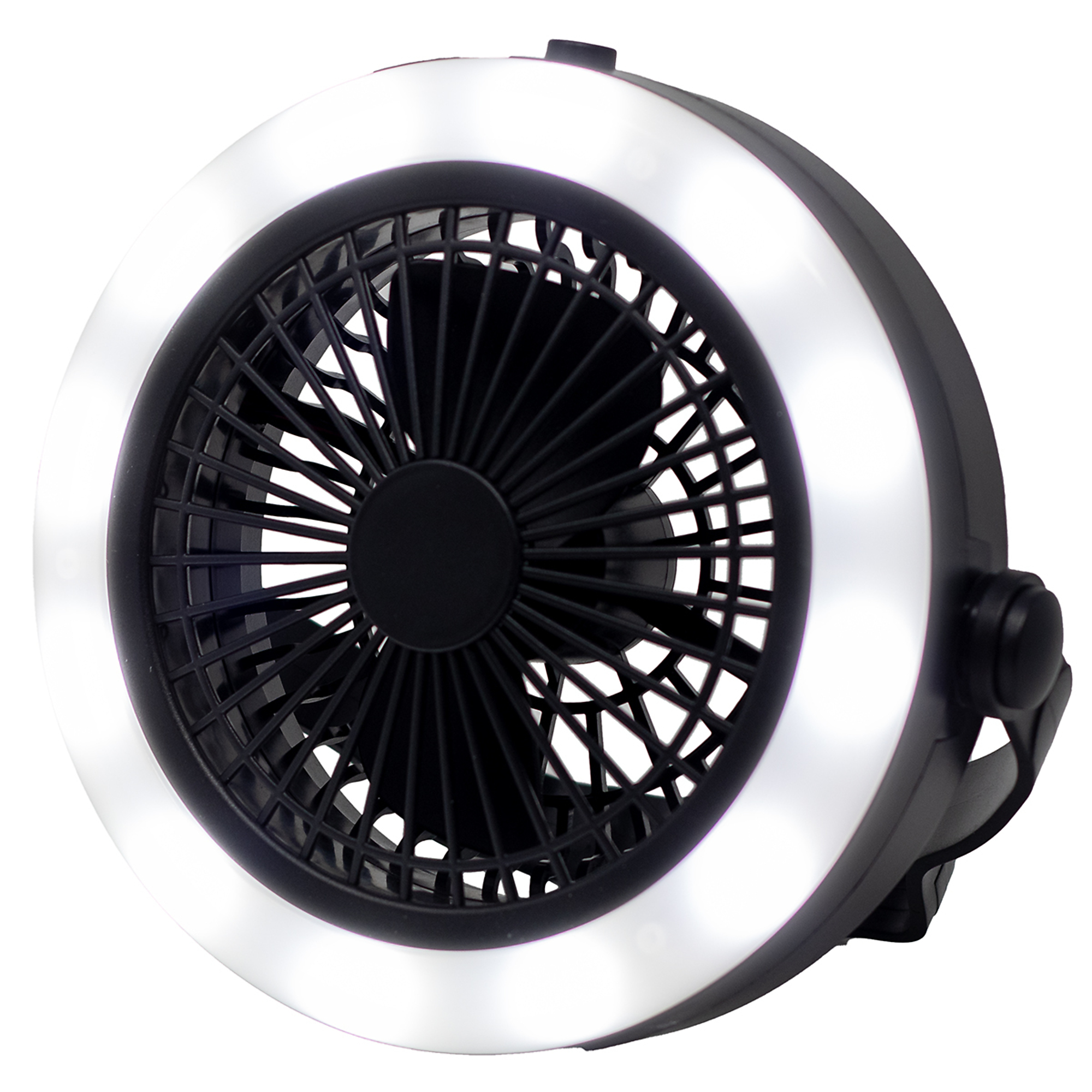
SonicIQ 360° Multipurpose LED Worklight Fan, Model# MPWF-12-4922
Clearance1 Included
This is a carousel with one large zoomable image and a track of thumbnails on the left. Select any of the thumbnail buttons to change the zoomable image on the right. If a thumbnail is a video or 360 degree image thumbnail, or the last thumbnail in the list, the button will open the product media modal.
Click or Tap image to Zoom
$7.99
Reg $29.99Save $22.00
Order today to get this price.
- 360° Adjustable Bright LED Illumination: Experience full coverage lighting with a powerful LED output of up to 300 lumens. The 360-degree adjustable design allows you to direct light exactly where it’s needed, providing a strong, consistent beam ideal for detailed tasks, night work, or emergency situations.
- Dual Function Light + Fan for Maximum Comfort: Stay cool while you work with the integrated fan built into the unit. Perfect for warm environments like garages, workshops, or outdoor settings, this dual-purpose tool keeps air circulating while maintaining bright, reliable lighting.
- Hands-Free Convenience with Built-In Hanging Hook: The sturdy hanging hook makes it easy to suspend the worklight fan for overhead illumination and optimal airflow. Hang it in tents, garages, patios, or job sites for effortless positioning and maximum usability.
- Versatile for Indoor & Outdoor Use: Designed for multiple applications including home projects, auto repair, camping, patios, and emergency preparedness. Its compact size and lightweight build (0.8 lb) make it easy to carry, pack, and store wherever you go.
- Portable, Battery-Powered Operation: Powered by 3 AA batteries (not included), this worklight fan offers cordless convenience so you can use it anywhere—no outlets required. Ideal for power outages, travel, or remote work locations where electricity may not be available.
Prop 65 Warning: See Details
See full description
See All Home Gifts
See All Sonic IQ Home Gifts
Currently Viewing This Product
 $7.99Reg $29.99Save $22.00
Order today to get this price.
Item # 100658
$14.99Reg $59.99Save $45.00Order today to get this price.
Item # 44438
$79.99Reg $179.99Save $100.00Order today to get this price.
- $6.60Reg $59.99Save $53.39
Order today to get this price.
Specifications
Specifications
SonicIQ 360° Multipurpose LED Worklight Fan, Model# MPWF-12-4922
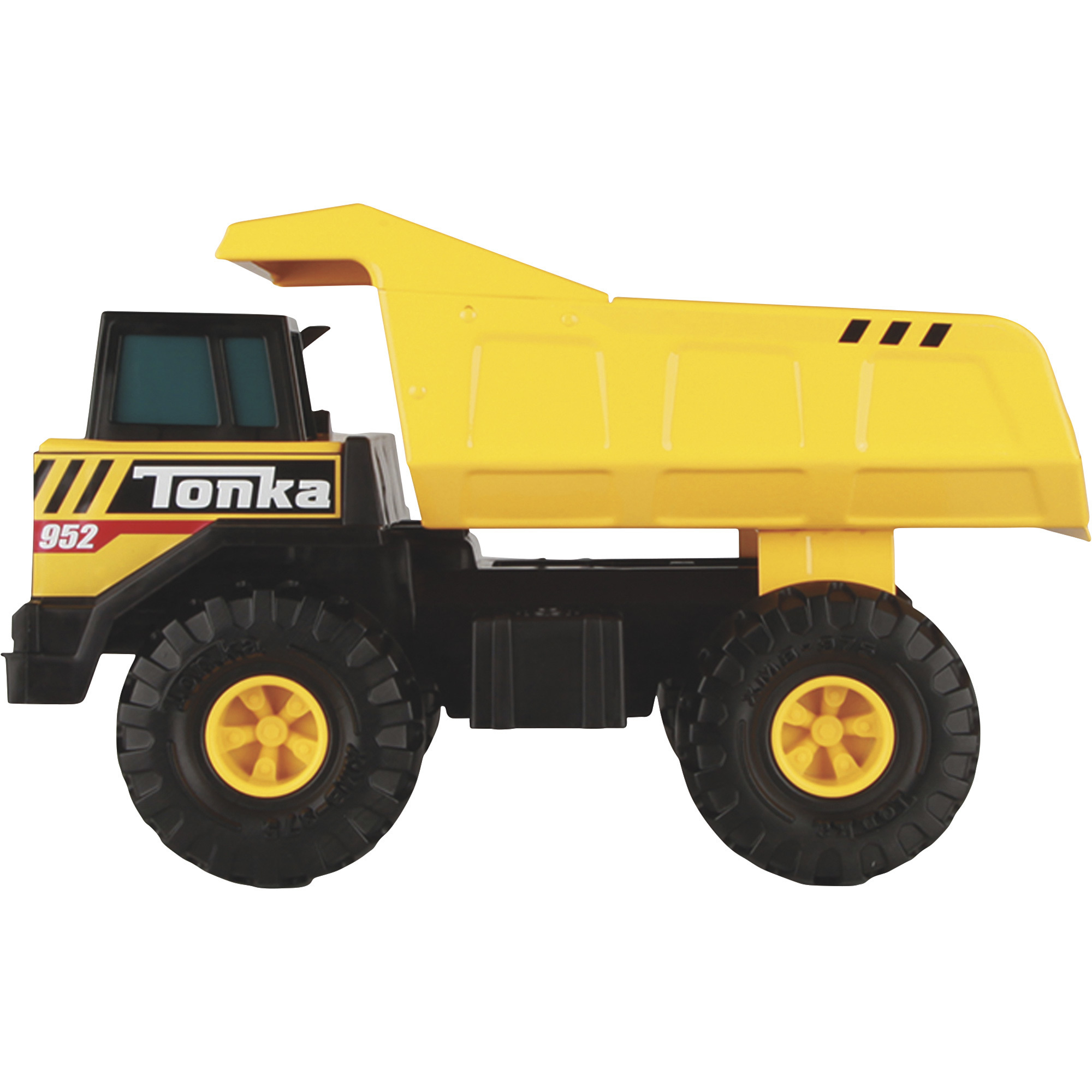
Tonka Classic Steel Mighty Dump Truck
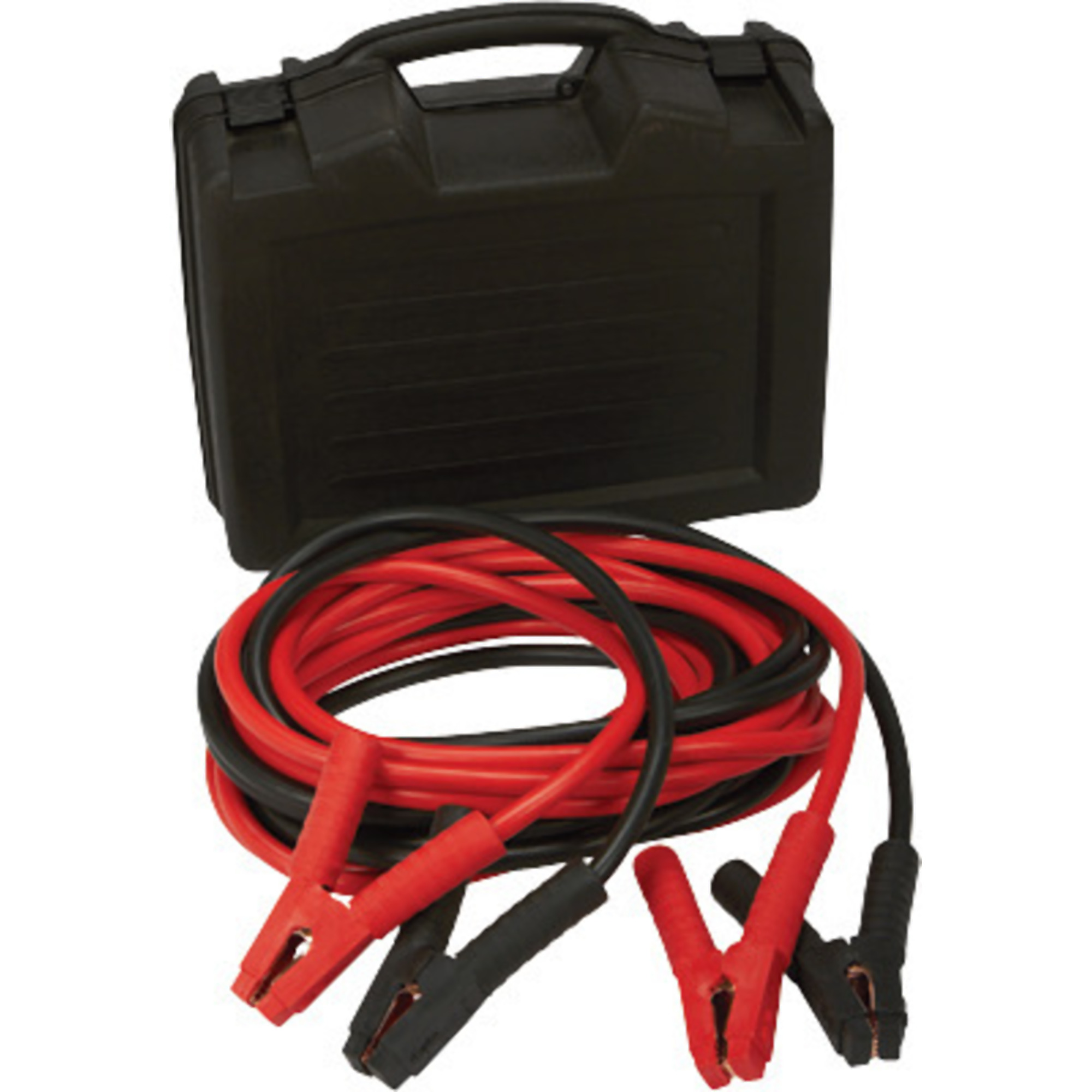
Pro-Start 25ft. Heavy-Duty Jumper Cables, 1 Ga., Copper-Clad Aluminum, Carrying Case, Model# PS1BC001
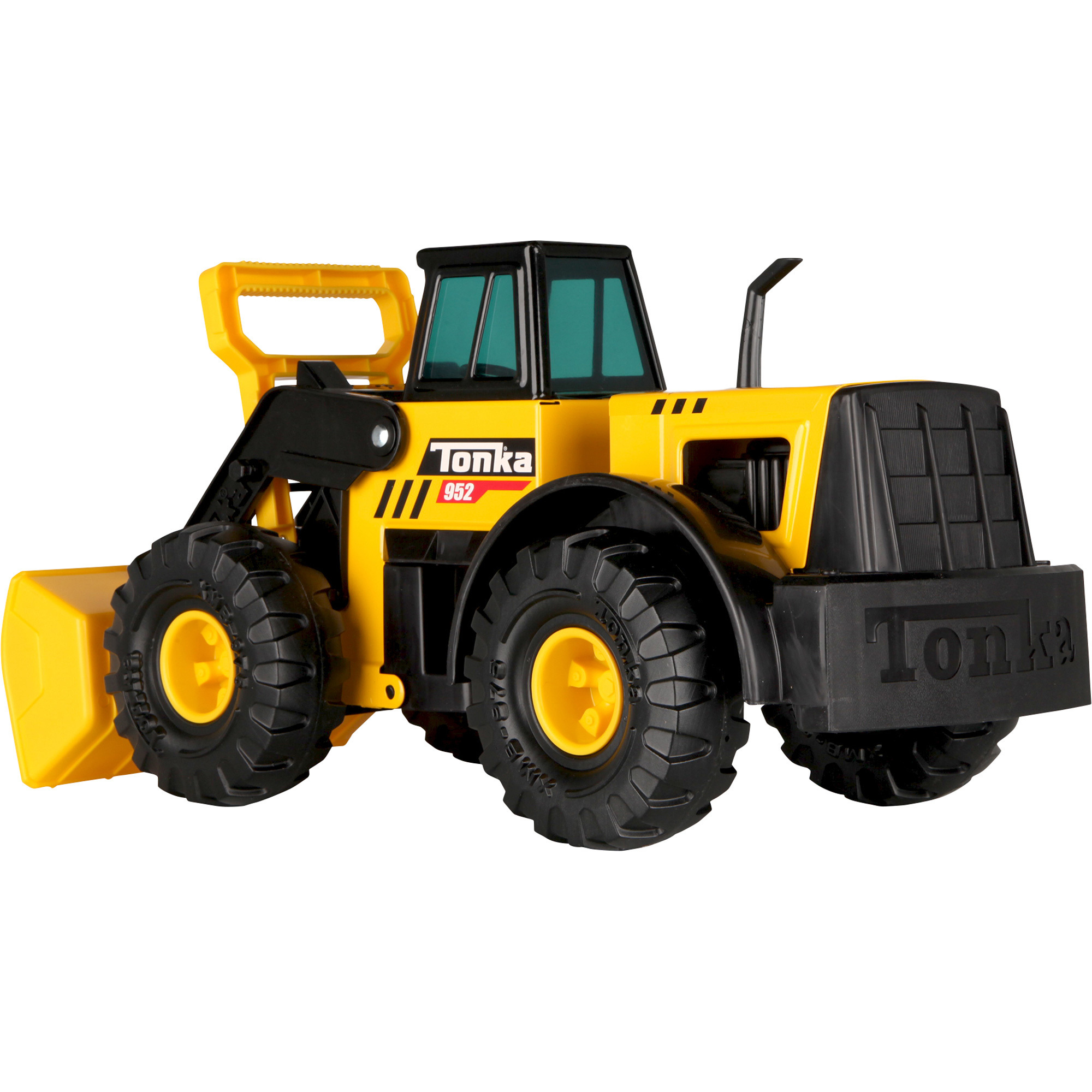
Tonka Steel Classics Front Loader. 21.5in., Articulated Bucket, Ages 3+
Included (qty.)
Same
1
-
1
-
Product Weight
Same
0.8000 lb
5.8200 lb
14.0000 lb
3.5100 lb
Dimensions L x W x H (in.)
Same
8.1 x 2.7 x 9.05 in
8.0 x 17.0 x 11.0 in
16.0 x 7.0 x 14.0 in
8.25 x 21.5 x 9.5 in
See All Home Gifts
See All Sonic IQ Home Gifts
Recently Viewed Items
This is a carousel with auto-rotating slides. Activate any of the buttons to disable rotation. Use Next and Previous buttons to navigate, or jump to a slide with the slide dots.
SonicIQ 360° Multipurpose LED Worklight Fan, Model# MPWF-12-4922
Item # 6698260
$7.99
Reg $29.99Save $22.00
Order today to get this price.