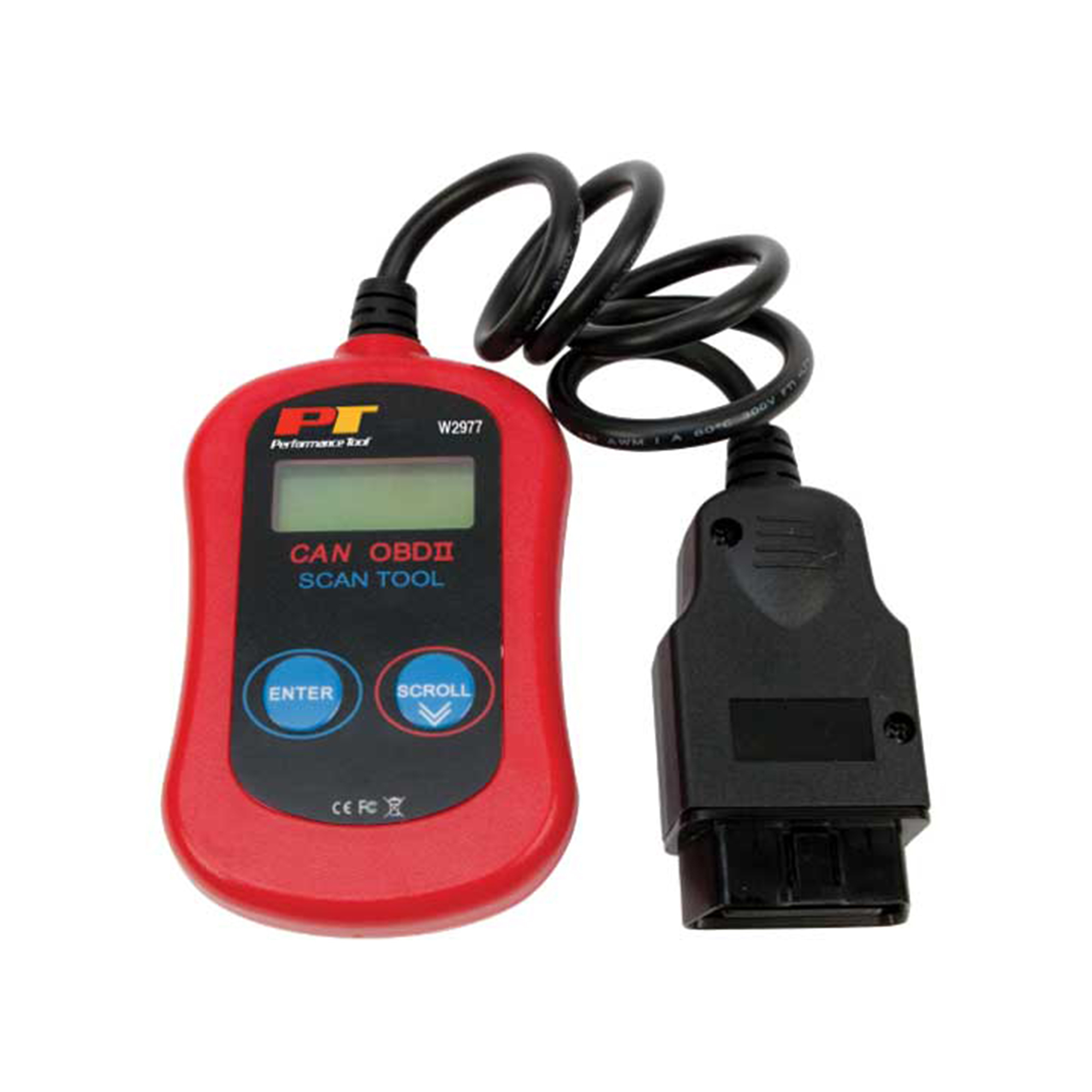
To use this scan tool, first locate the OBD-II diagnostic port beneath your vehicle’s dashboard and securely plug the cable into the port. Turn the vehicle’s ignition to the ON position, then press the ENTER button on the scanner to read any stored trouble codes. If needed, follow the scanner prompts to erase the codes and clear the Check Engine Light. When finished, safely disconnect the cable from the OBD-II port.
Performance Tool CAN OBDII Diagnostic Scan Tool — Read & Clear DTC Codes, Reset Check Engine Light, No Batteries Needed, Model# PRTW2977
This is a carousel with one large zoomable image and a track of thumbnails on the left. Select any of the thumbnail buttons to change the zoomable image on the right. If a thumbnail is a video or 360 degree image thumbnail, or the last thumbnail in the list, the button will open the product media modal.
Click or Tap image to Zoom
$31.99
- Broad Vehicle Compatibility: Works with most 1996+ American, European, and Asian vehicles.
- Supports All OBD2 Protocols: Including the latest CAN standard for comprehensive diagnostics.
- Reads & Clears DTC Trouble Codes: Quickly identify and resolve engine problems.
- Turns Off Check Engine Light (MIL): Resets your vehicle’s warning system.
- No Batteries Required: Powered directly from the vehicle’s OBDII port for ease of use.
Prop 65 Warning: See Details
See full description
See All Automotive Diagnostics
See All Performance Tool Automotive Diagnostics
Currently Viewing This Product
Specifications
Specifications
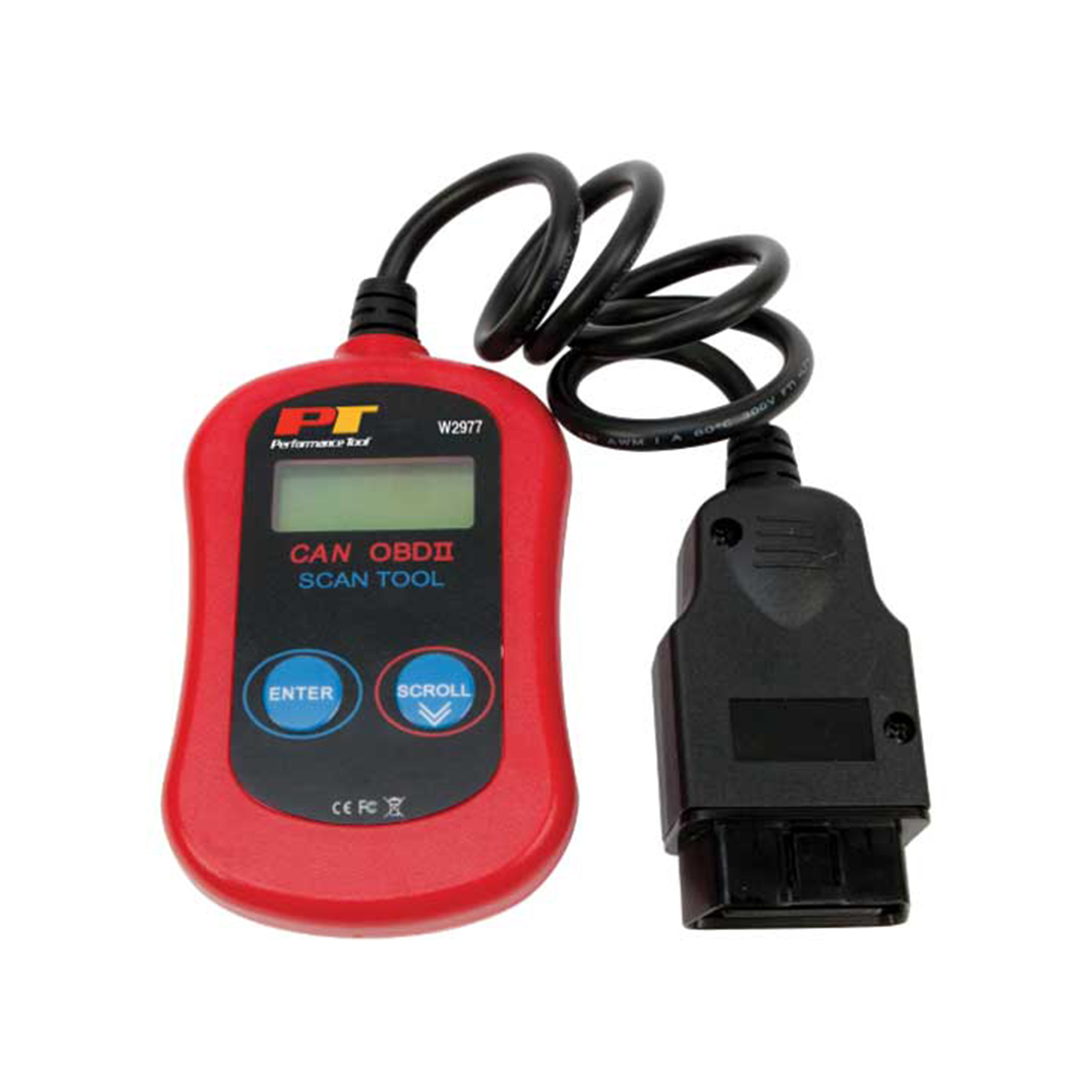
Performance Tool CAN OBDII Diagnostic Scan Tool — Read & Clear DTC Codes, Reset Check Engine Light, No Batteries Needed, Model# PRTW2977
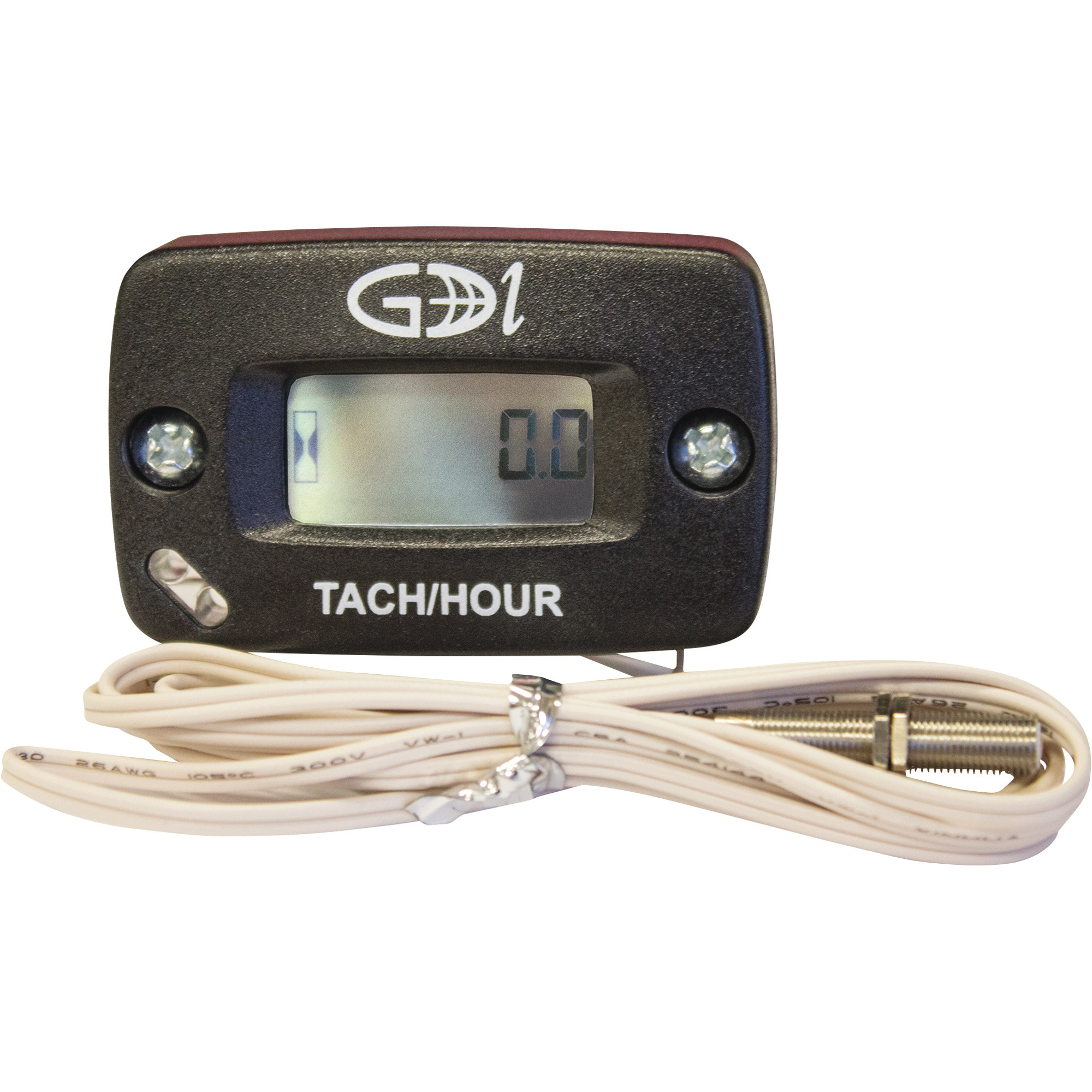
GDI, TACHOMETER-MAGNETIC SURFACE MT, Model# N160-0200-1018
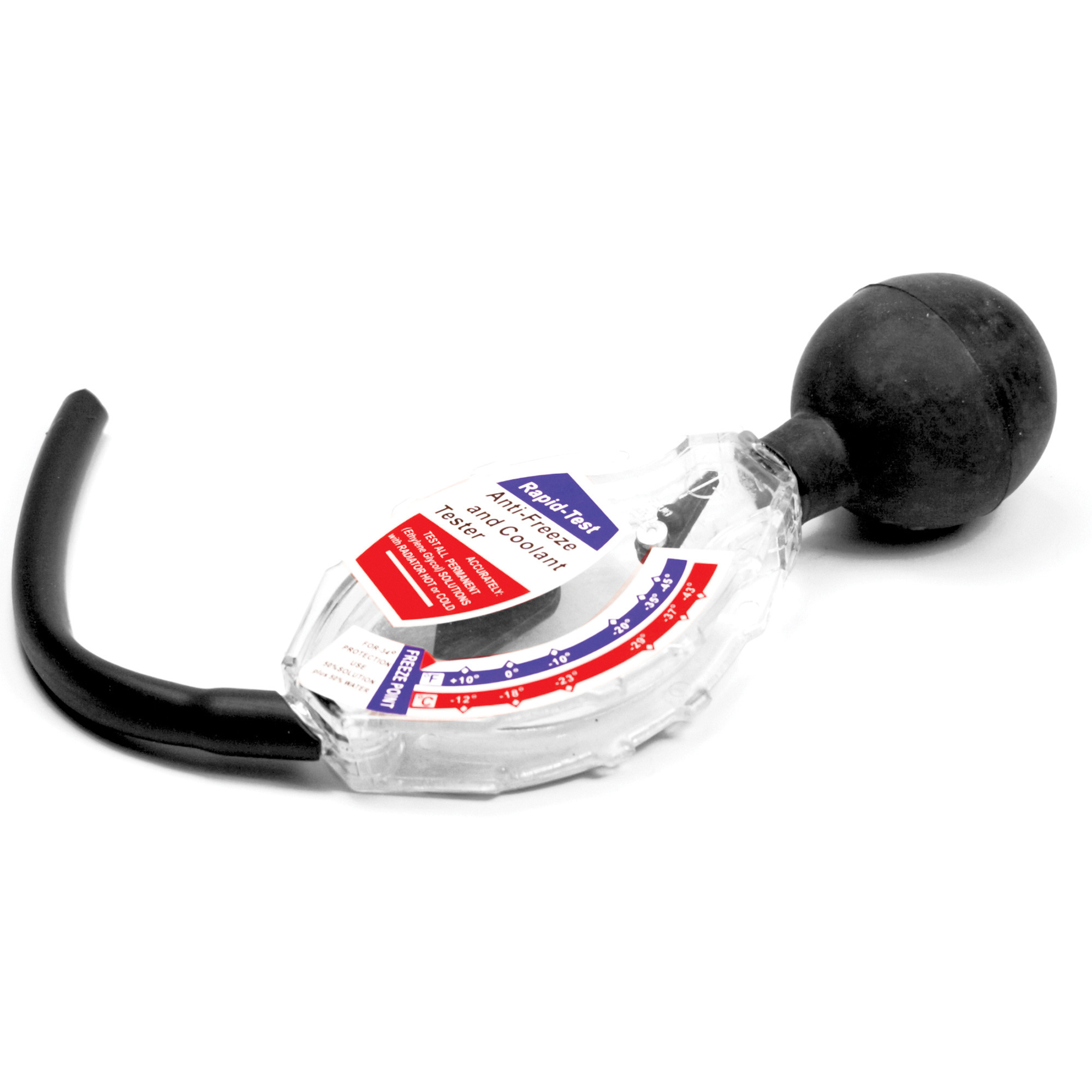
Performance Tools Deluxe Anti-Freeze Tester, 6V and 12V, Model# W1656C
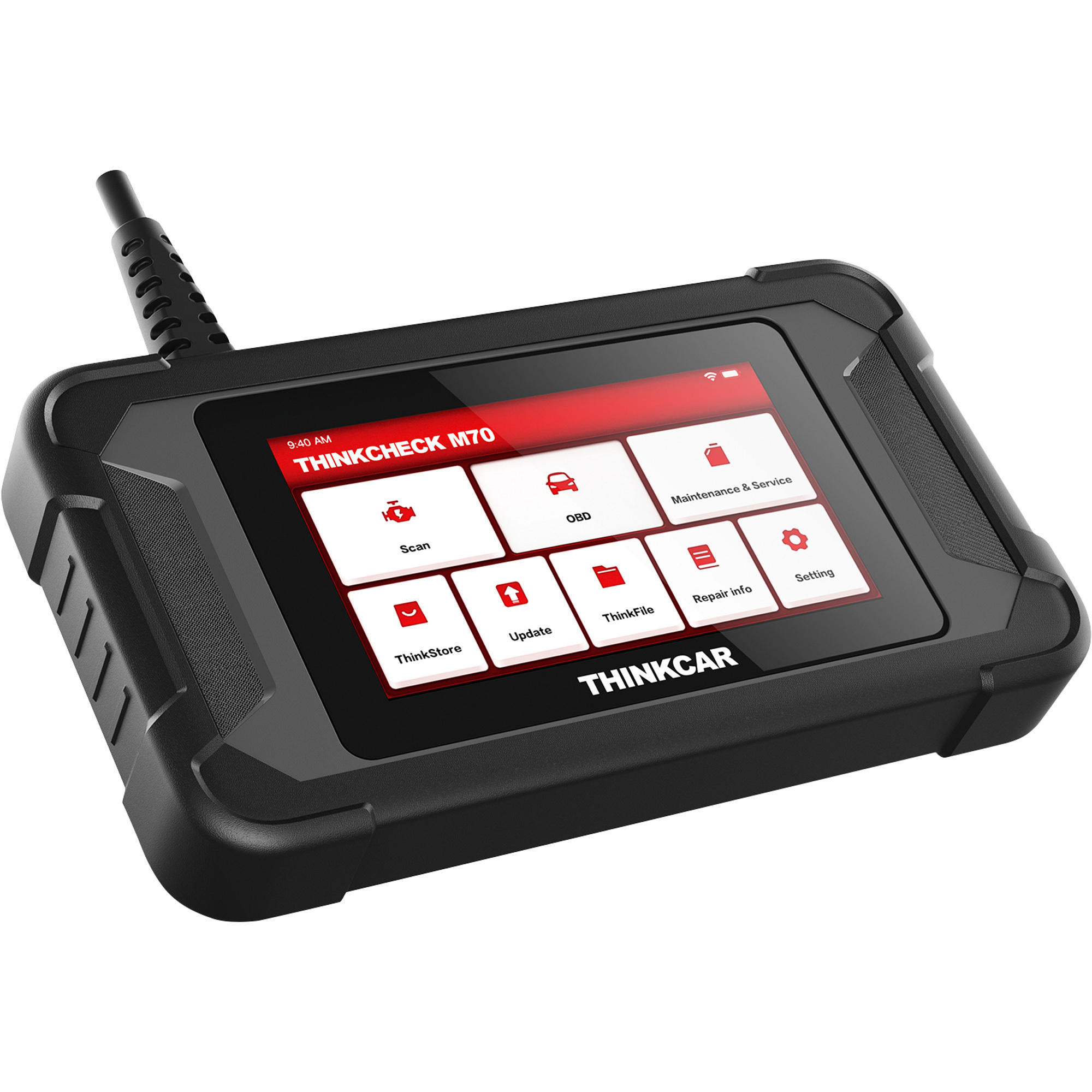
ThinkCar ThinkCheck Scan Tool, Model# M70
Product Type
Same
Diagnostic Tool
Measurement Tool
Testers
Diagnostic Tool
Display
Same
Digital
Digital
Float Indicator
LCD
Battery Type
Same
Other
Other
Other
Other
Battery Included
Same
No
No
No
No
Battery Required
Same
No
No
No
Yes
Product Weight
Same
0.6000 lb
-
-
2.3000 lb
Dimensions L x W x H (in.)
Same
9.7 x 6.25 x 1.9 in
-
-
10.0 x 9.0 x 3.0 in
See All Automotive Diagnostics
See All Performance Tool Automotive Diagnostics
Recently Viewed Items
This is a carousel with auto-rotating slides. Activate any of the buttons to disable rotation. Use Next and Previous buttons to navigate, or jump to a slide with the slide dots.