From the normal time display, press and release the ALARM button to activate or deactivate alarm.
The alarm time will show for 3 seconds (with or without the bell icon) in the Extra Sensor area. Everything else disappears on the screen. The alarm icon will show when it is active and disappear when it is deactivated. When the alarm sounds, press any button except for SNOOZE/LIGHT to stop it from ringing for one day.
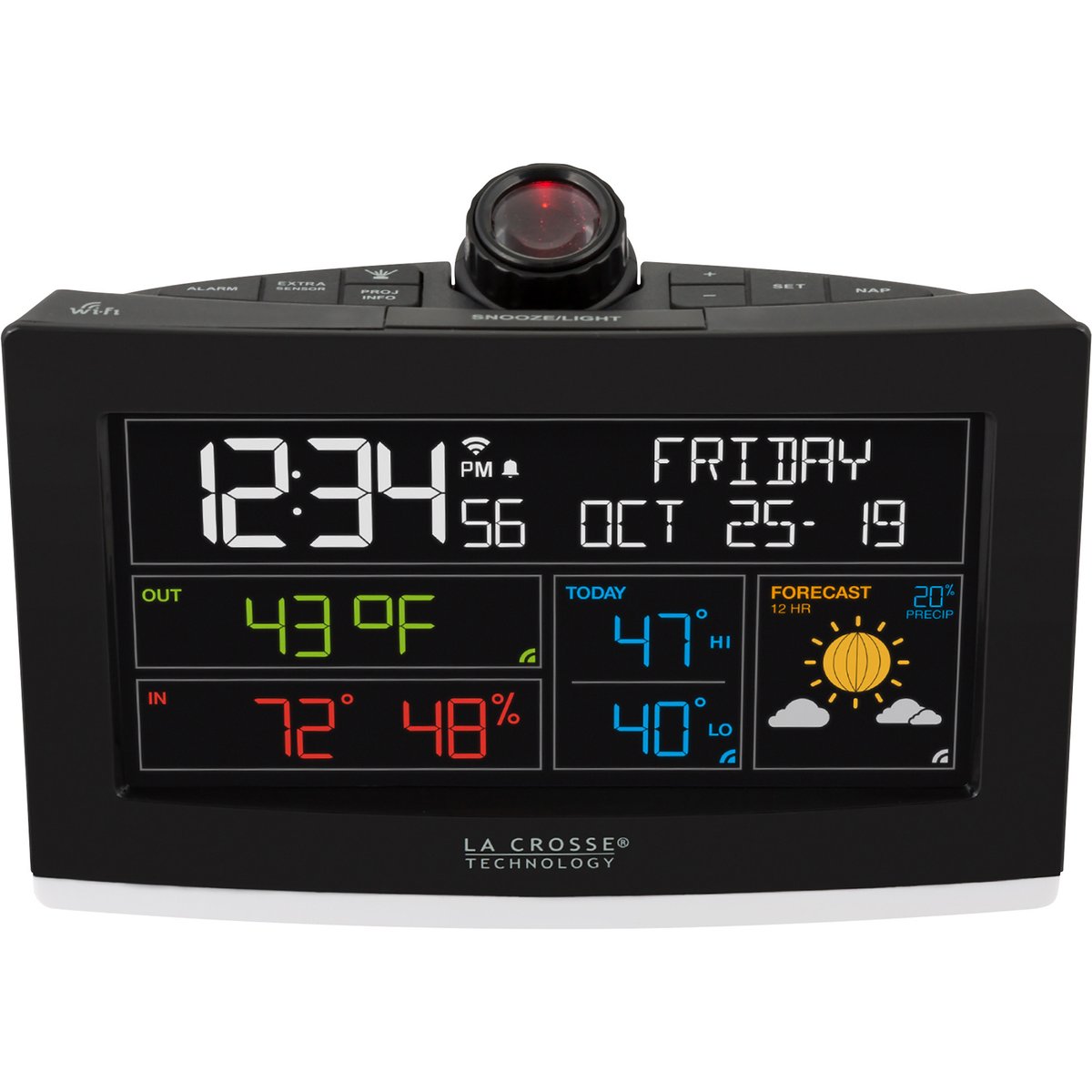
La Crosse Technology Wi-Fi Projection Alarm Clock, Model# C82929-INT

This is a carousel with one large zoomable image and a track of thumbnails on the left. Select any of the thumbnail buttons to change the zoomable image on the right. If a thumbnail is a video or 360 degree image thumbnail, or the last thumbnail in the list, the button will open the product media modal.
Click or Tap image to Zoom
- DAILY ESSENTIALS Time with Seconds (12/24-Hour Format) Calendar with Full Weekday and Date 1 Amp USB Charging Port Time Alarm (~69dB) Custom Snooze Duration (5-120 minutes) One-Touch Nap Timer (5-120 minutes) HOME CONDITIONS Indoor Temperature (°F or °C) Indoor Humidity (%RH) Indoor Comfort Statement* DYNAMIC PROJECTION Five Projection Options Time Indoor Temp + Humidity Internet Outdoor Temp Add-On Sensor Data Alternate between Time and an option above Adjustable Projection Brightness (4 Levels) 270° Manual Projection Rotation 45° Projection Tilt Fixed Focus DISPLAY FEATURES Adjustable LCD Brightness (5 Levels) Programmable Auto-Dim Settings Moon Phase* Wi-Fi, Sensor Connection, and Low Battery Indicators Compatible with Add-On Sensors Quick Setup with Easy-to-Use Controls Premium Case – Designed for durability and long-term use Button functions are conveniently printed on the back with a QR code for support ADDITIONAL BENEFITS Printed Setup Guide Included Access to U.S. Based Tech Support 1-Year Warranty 30-Day Money Back Guarantee *Feature unavailable when connected to Wi-Fi ENHANCED WI-FI CONNECTED FEATURES Internet Time & Date (Update Automatically) AccuWeather Forecast Information Forecast Icons Outdoor Temperature Daily High & Low Temperatures Chance of Precipitation Access to Custom Data Streams (Learn More) LA CROSSE VIEW APP Adjust Time Alarm from Your Mobile Device Activate/Deactivate Alarm Set and Adjust Alarm Time & Snooze Duration Remotely Monitor Display and Sensor Data Anywhere on the Go Set Free Custom Push Notification Alerts Track an Unlimited Number of Devices Easily Share Devices with Family and Friends Track Device History with Detailed Graphs & Data Exports Improve Your App Features with an Upgraded Subscription Plan ADD-ON SENSORS Monitor additional weather info and sensitive areas around your home for complete peace of mind. Up to four add-on sensors can be shown on the C82929v2 alarm clock display, and additional sensors can be passed through to your La Crosse View app. Everyday use cases include: Rain - Track another source of rainfall both on the station and in the app Wind - View current wind speed and direction from another location on your property Temperature & Humidity - Monitor your backyard, nursery, garage, attic, basement, humidor, and more Temperature Probe - Ideal for refrigerators, freezers, aquariums, terrariums, greenhouses, and more Water Leak - Put near the washing machine, sink, or water heater to know right when leaks happen
- Time alarm with snooze
- Nap feature
- Indoor temperature and humidity
- Moon phase
Prop 65 Warning: See Details
See full description
Accessories We Recommend
This is a carousel with auto-rotating slides. Activate any of the buttons to disable rotation. Use Next and Previous buttons to navigate, or jump to a slide with the slide dots.
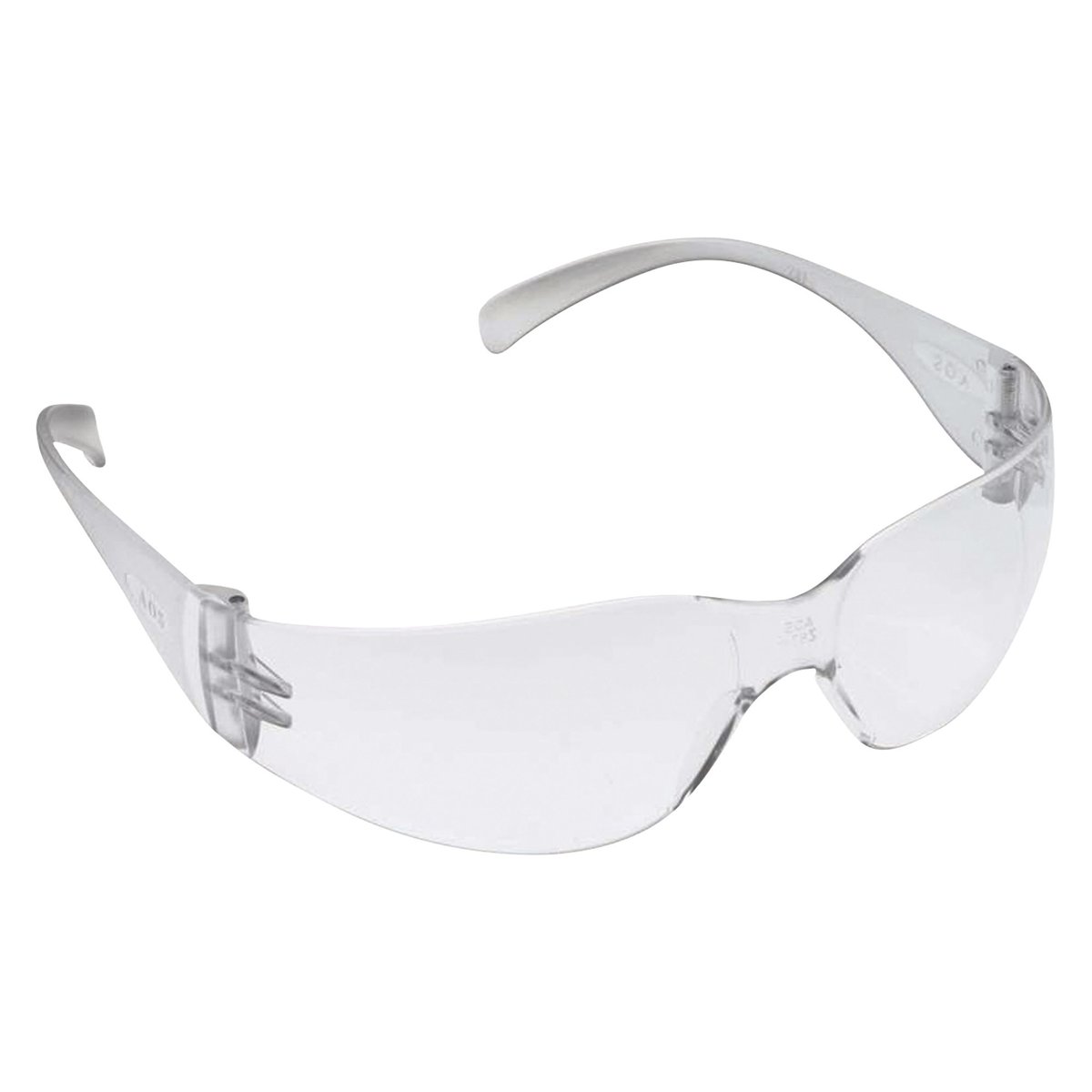
3M Virtua Protective Safety Glasses, Clear Lens, Model# 11228-00000-100
Item # 547021
$1.99
Reg $4.99Save 60%
Order today to get this price.
See All Weather Instruments
See All LaCrosse Technology Weather Instruments
Currently Viewing This Product
Specifications
Specifications
La Crosse Technology Wi-Fi Projection Alarm Clock, Model# C82929-INT
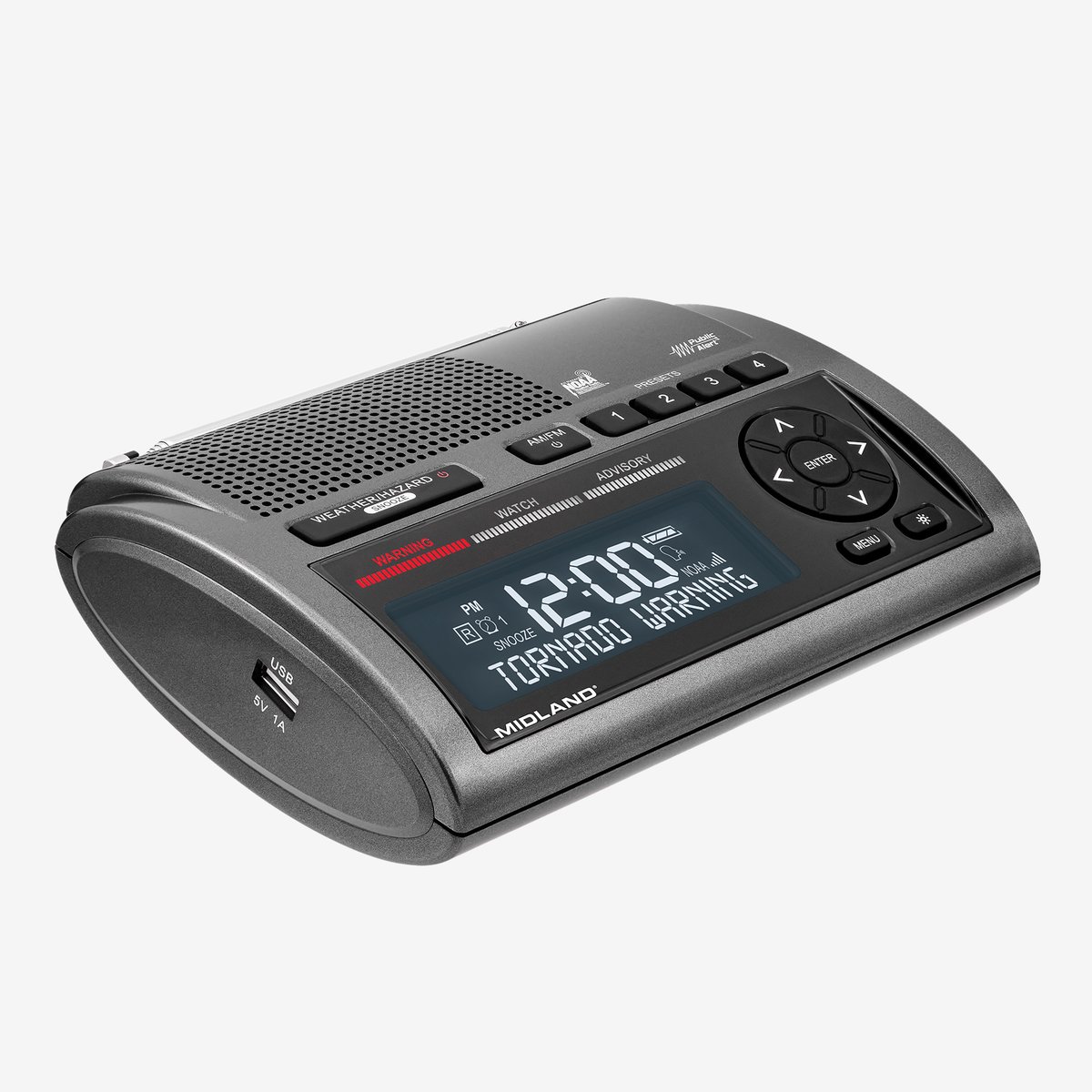
Midland AM/FM Clock Weather Radio, 25 Programmable Countries, Model# WR400
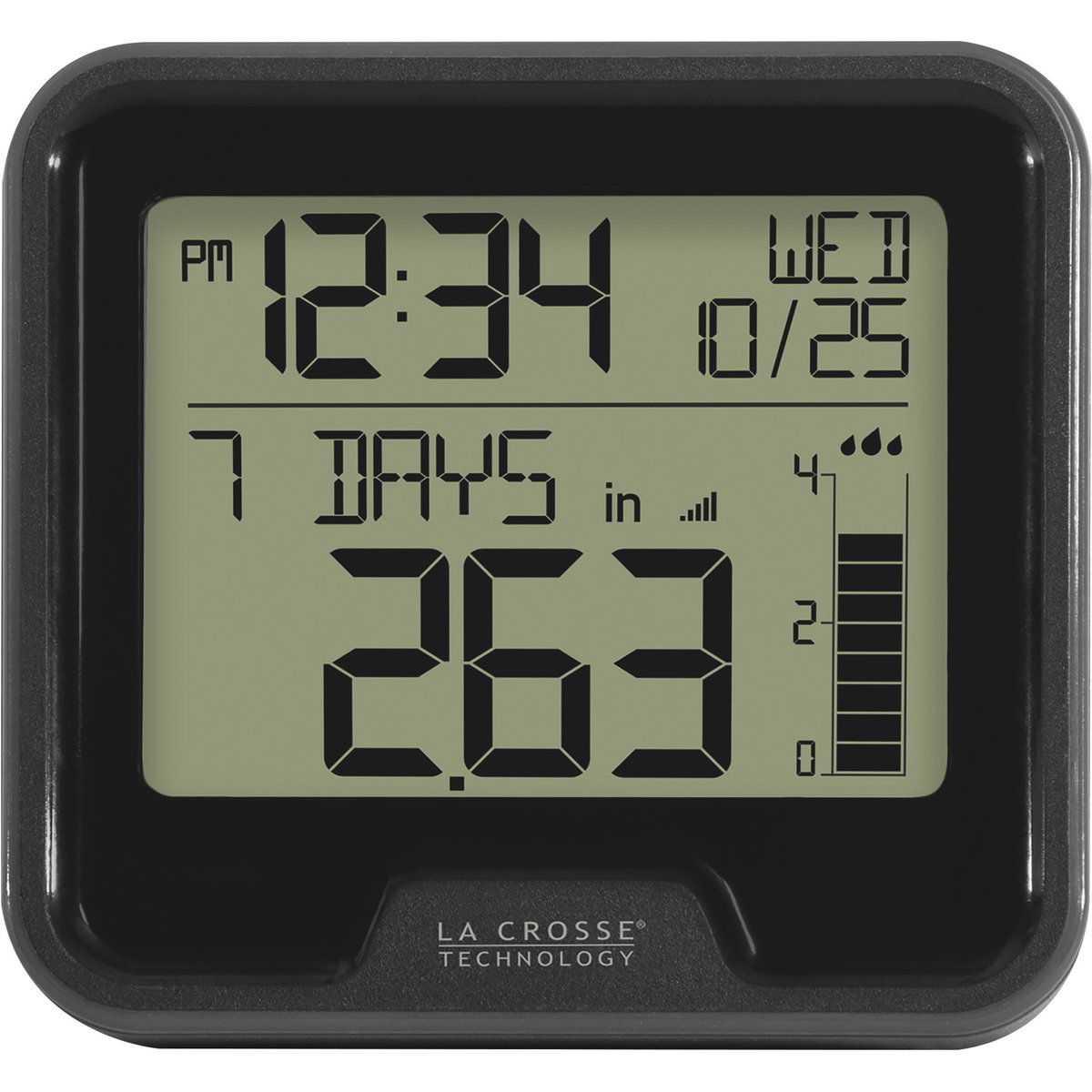
La Crosse Technology Wireless Rain Station, Model# 724-1409
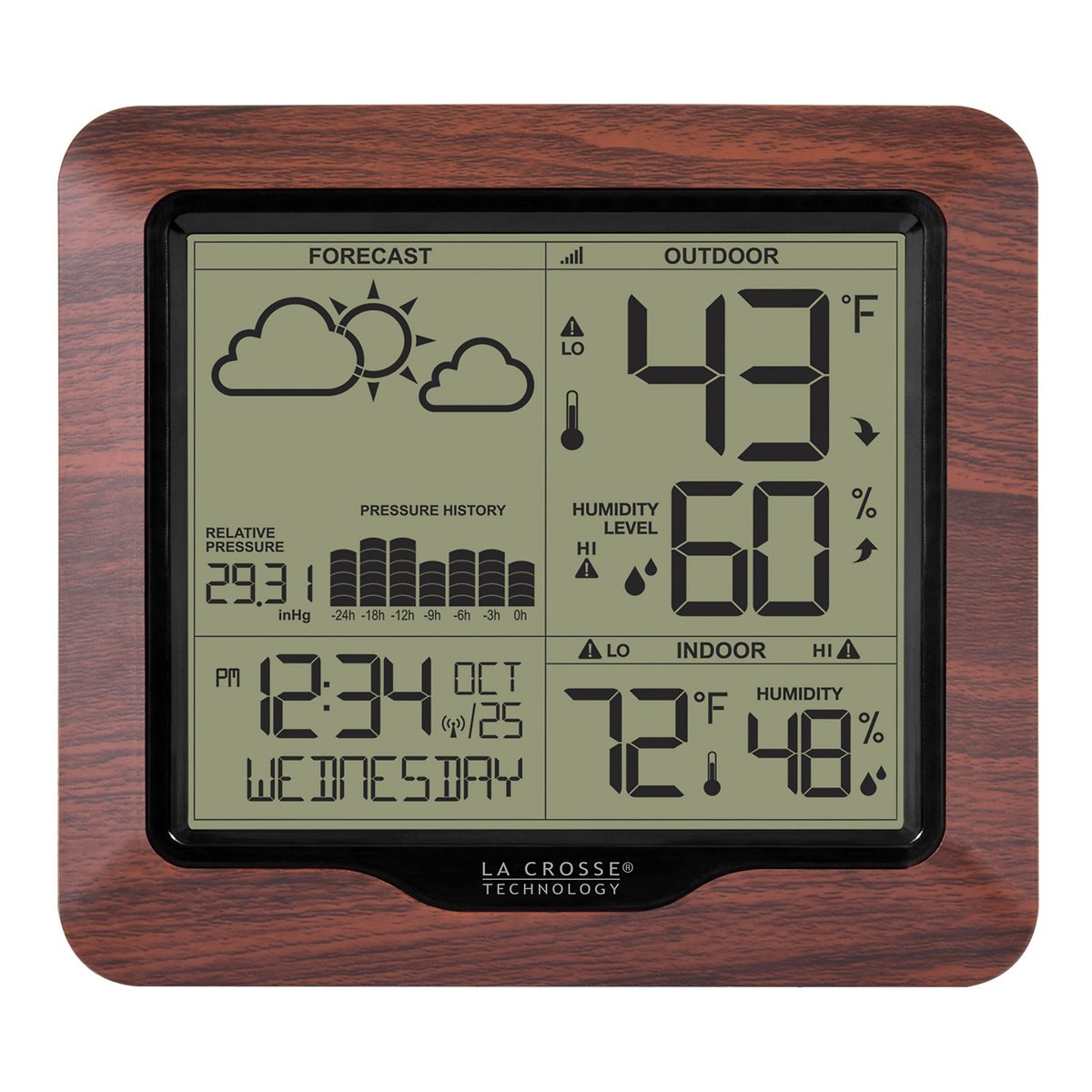
La Crosse Technology Weather Station with Atomic Time, Model# 308-1417BL
Product Type
Same
Weather Station
Weather Station
Rain Gauge
Weather Station
Max.Thermostat Temp
Same
99 °F
-
99 °F
99 °F
Min.Thermostat Temp
Same
32 °F
-
32 °F
32 °F
Color
Same
Black
Black
Black
Brown
Product Weight
Same
1.1000 lb
1.2000 lb
0.8000 lb
1.4000 lb
Dimensions L x W x H (in.)
Same
9.5 x 7.3 x 3.5 in
5.5 x 6.8 x 2.3 in
7.6 x 5.25 x 6.0 in
8.54 x 2.24 x 11.06 in
Mounting Type
Same
-
Freestanding
Other
Freestanding