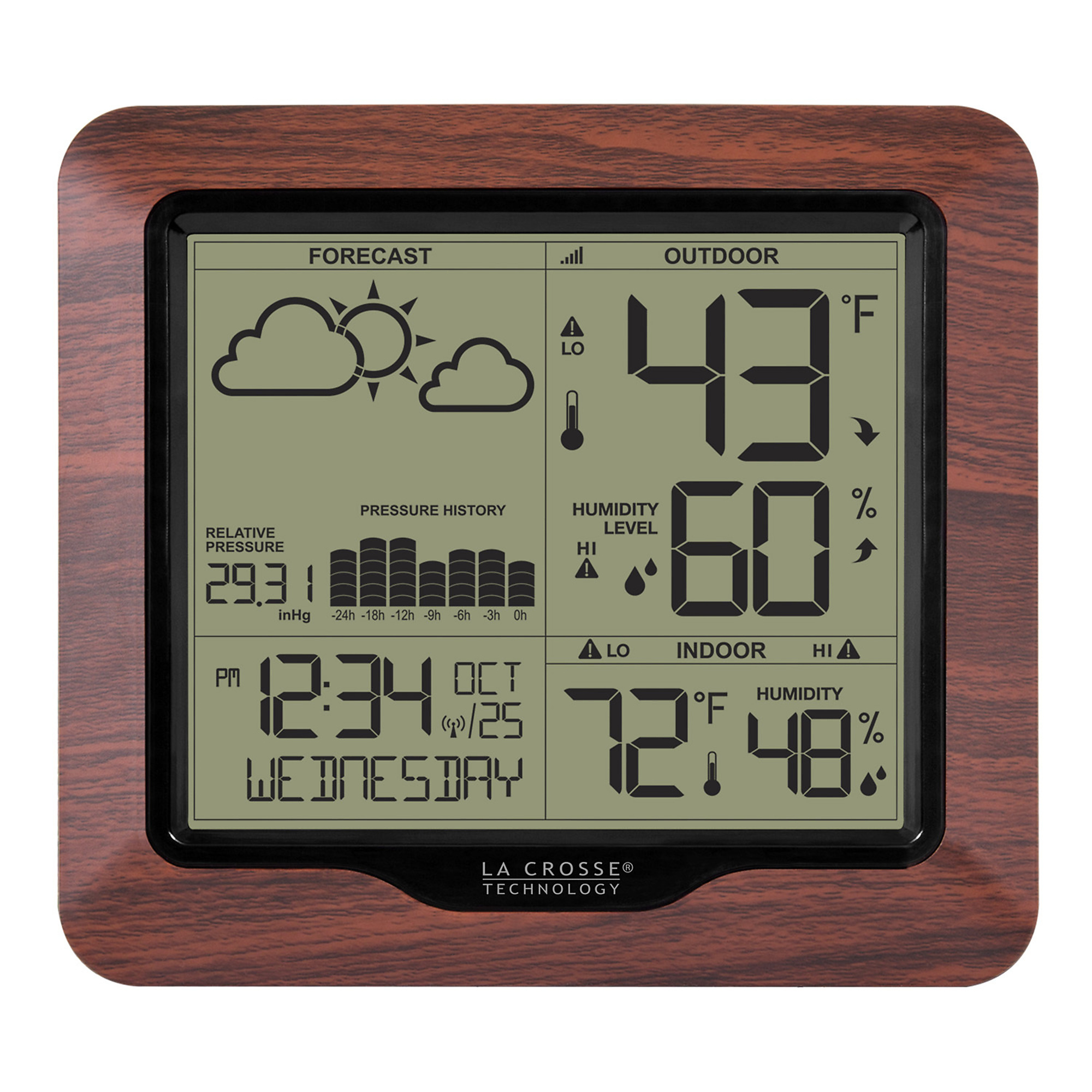
You will need to enter the settings menu and then navigate to the temperature format setting. Specifically, you'll press and hold the "SET" button to enter the settings menu, then use the "+" or "-" buttons to adjust the flashing values and the "SET" button to confirm and move to the next item. The settings menu order includes options like language, beep, atomic time, DST, time zone, format (12hr/24hr), hour, minutes, year, month, date, and finally, Fahrenheit or Celsius for temperature.
La Crosse Technology Weather Station with Atomic Time, Model# 308-1417BL
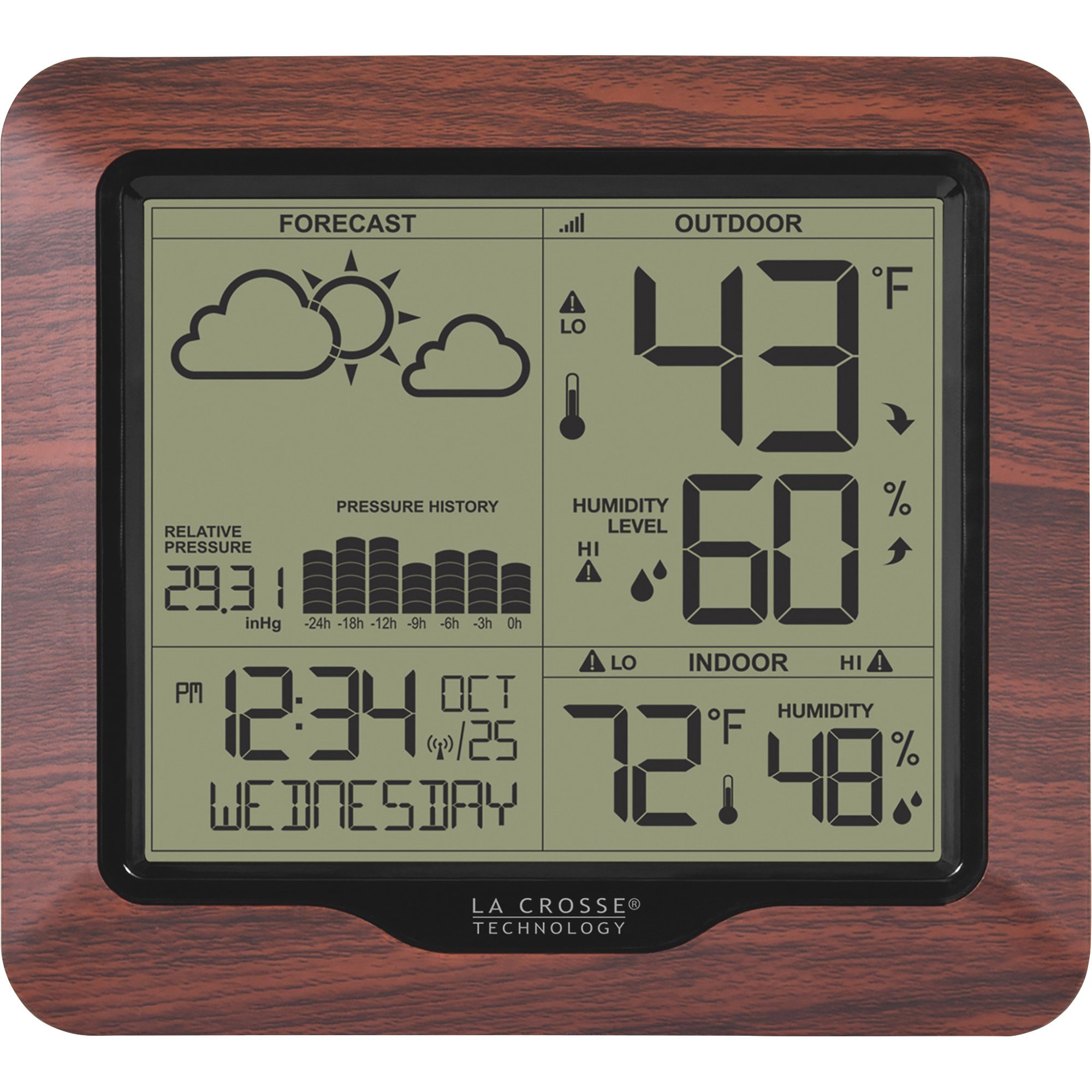
This is a carousel with one large zoomable image and a track of thumbnails on the left. Select any of the thumbnail buttons to change the zoomable image on the right. If a thumbnail is a video or 360 degree image thumbnail, or the last thumbnail in the list, the button will open the product media modal.
Click or Tap image to Zoom
$57.99
- 3 Languages: (English, French, Spanish) Calendar (Month/date) Atomic Time/Date with Manual settings Indoor Temperature/Humidity Independent alerts for indoor temperature & humidity Low Battery icon for station Relative Barometric Pressure in numbers White Backlight has 3 levels when connected to AC power 24 hour Pressure History Graph Wireless Outdoor Temperature/Humidity C/F selectable Independent alerts for outdoor temperature & humidity Heat Index and Dew point for outdoor Daily HI | LO temp/humidity (midnight to midnight) indoor/outdoor Outdoor Temp and Humidity trend arrows. Low battery icon for the sensor only Weather forecast: Sunny, Partly Sunny, Clouds, Rain, T-Storm and Snow
- Atomic time automatically sets to the exact time and updates for daylight savings
- Independent alerts to notify you when conditions are outside of your set parameters
- Indoor/outdoor temperature and humidity, including daily HI/LO readings
- Relative barometric pressure
Prop 65 Warning: See Details
See full description
Price for all two:
$59.98
Accessories We Recommend
This is a carousel with auto-rotating slides. Activate any of the buttons to disable rotation. Use Next and Previous buttons to navigate, or jump to a slide with the slide dots.
See All Weather Instruments
See All LaCrosse Technology Weather Instruments
Currently Viewing This Product
Specifications
Specifications
La Crosse Technology Weather Station with Atomic Time, Model# 308-1417BL
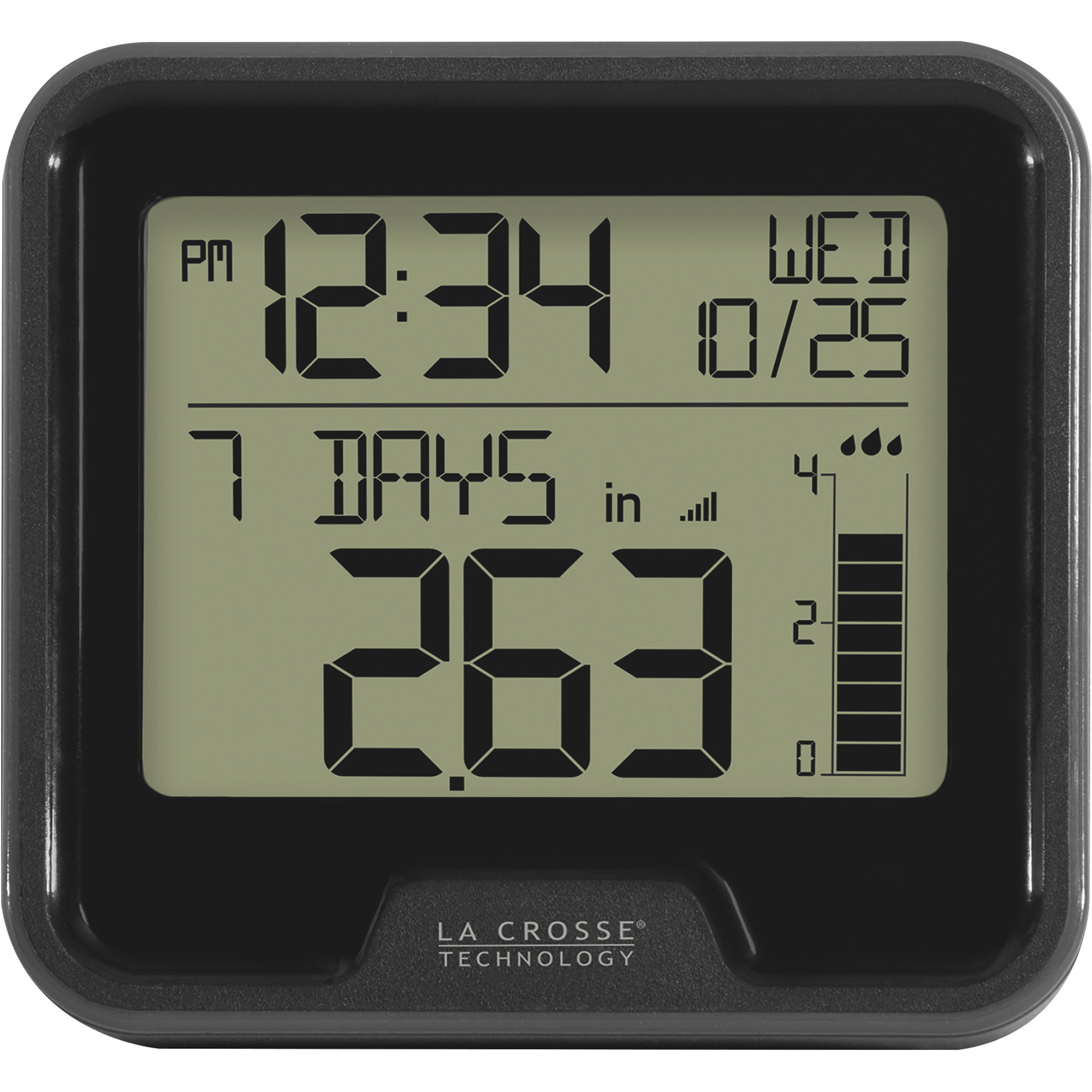
La Crosse Technology Wireless Rain Station, Model# 724-1409
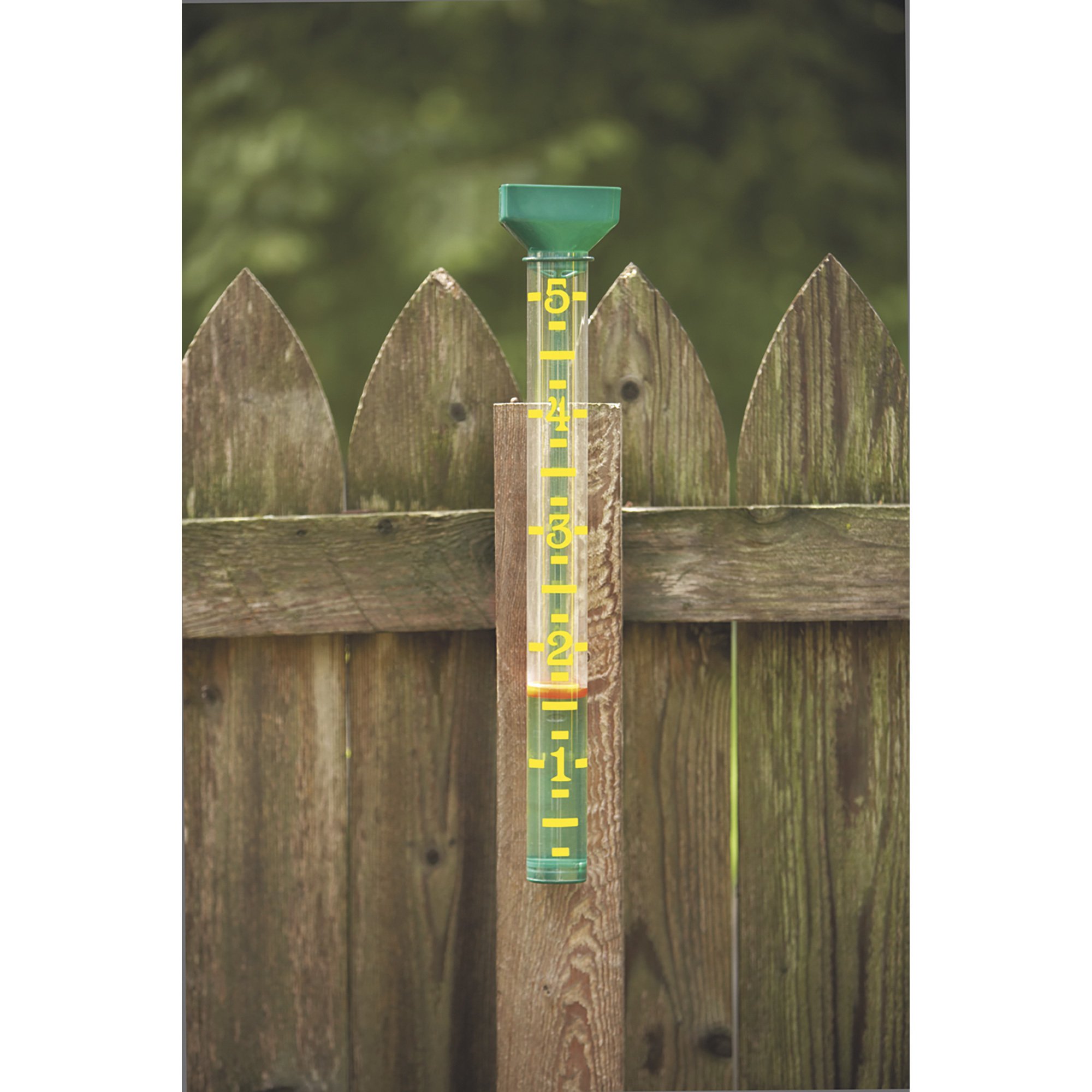
EZ Read Rain Gauge, Model# 820-1002
Product Type
Same
Weather Station
Rain Gauge
Rain Gauge
Max.Thermostat Temp
Same
99 °F
99 °F
-
Min.Thermostat Temp
Same
32 °F
32 °F
-
Color
Same
Brown
Black
Multi
Mounting Type
Same
Freestanding
Other
Other
Product Weight
Same
1.4000 lb
0.8000 lb
0.6 lb
Dimensions L x W x H (in.)
Same
8.54 x 2.24 x 11.06 in
7.6 x 5.25 x 6.0 in
3.5 x 2.5 x 20 in
See All Weather Instruments
See All LaCrosse Technology Weather Instruments
Recently Viewed Items
This is a carousel with auto-rotating slides. Activate any of the buttons to disable rotation. Use Next and Previous buttons to navigate, or jump to a slide with the slide dots.