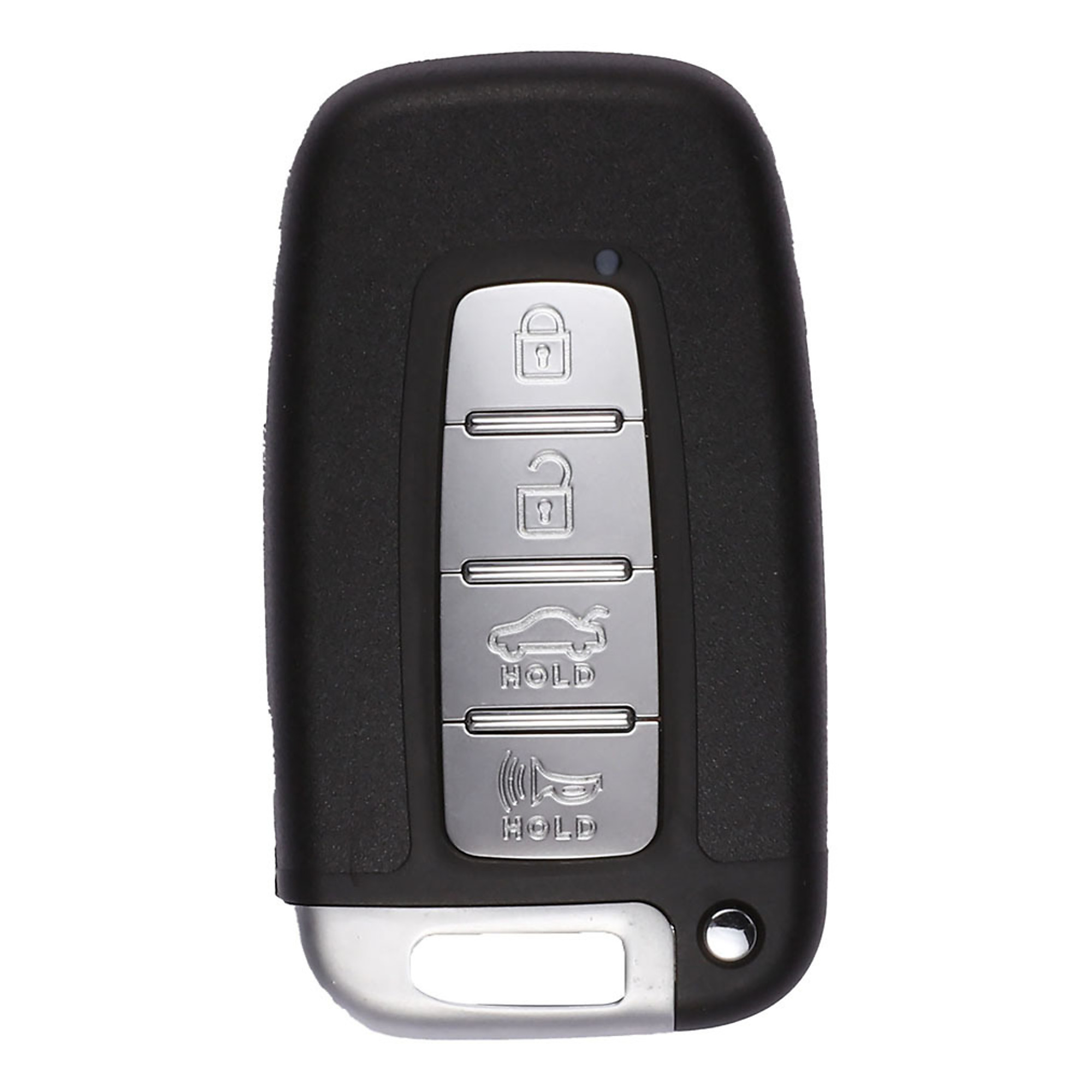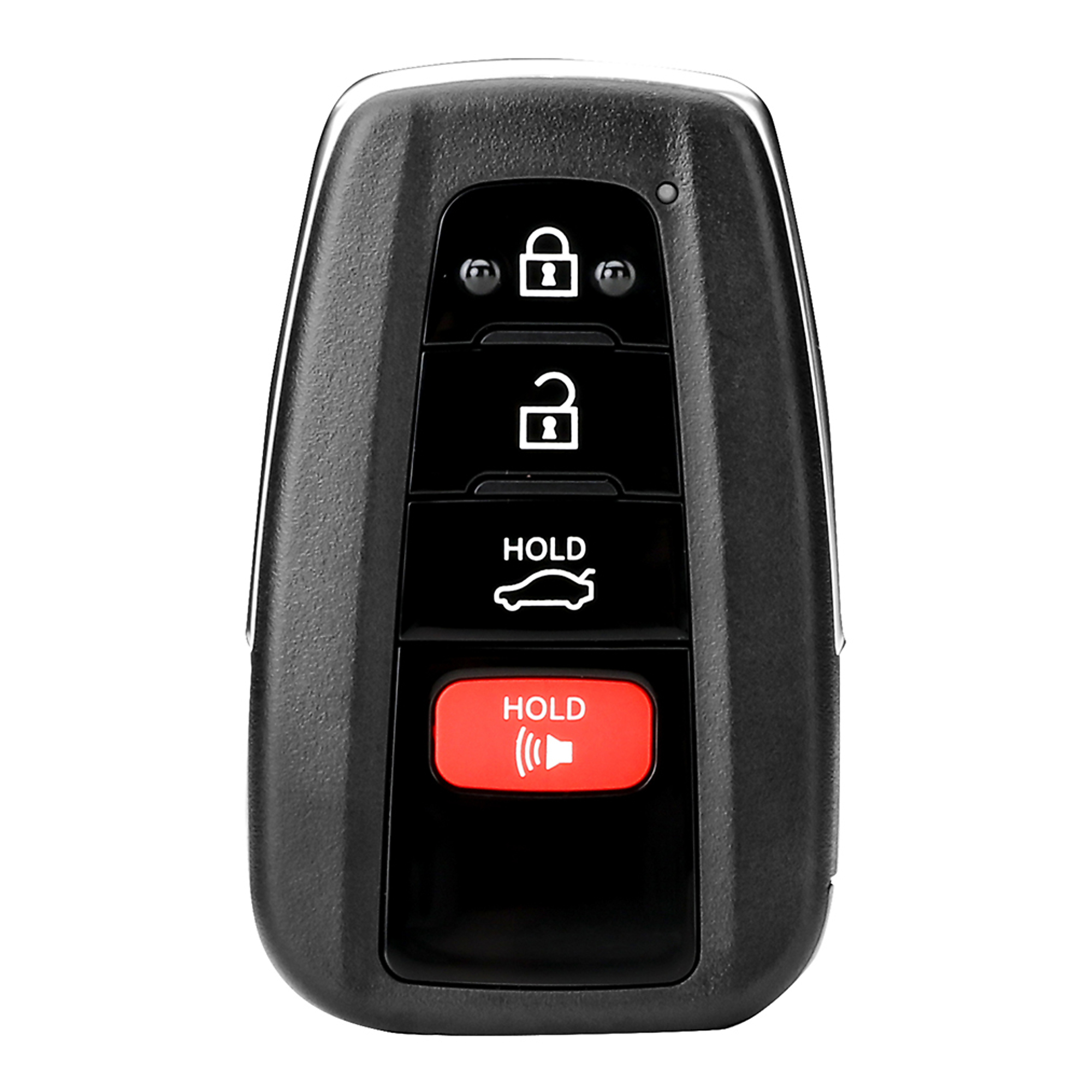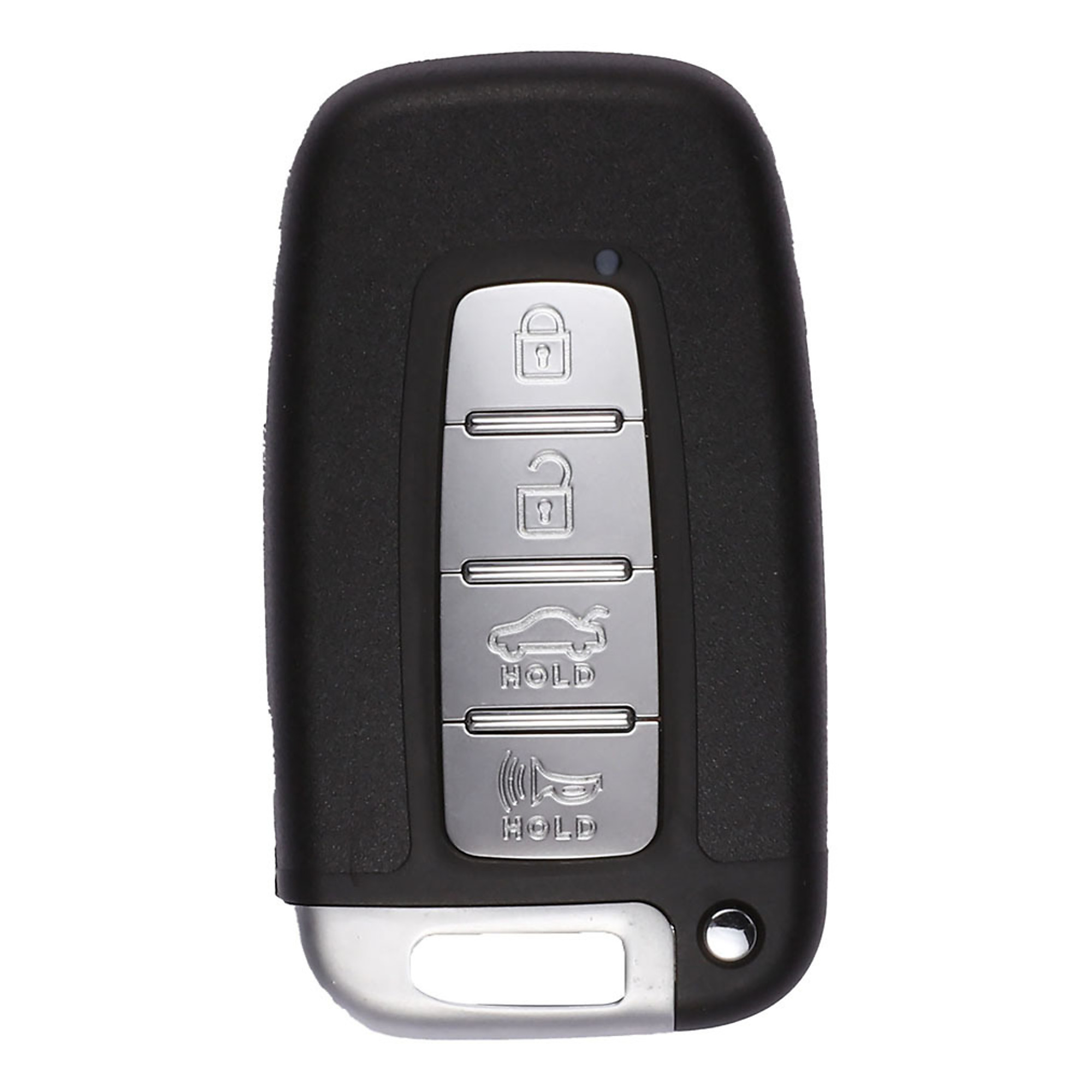
To program the Autel IKEY for your vehicle, follow these steps:
1. Prepare the KM100 Tablet: Use the Autel MaxiIM KM100 tablet for programming. Ensure its charged and ready.
2. Identify Your Vehicle: Determine the make, model, and year of your vehicle. The IKEY supports various brands, including Hyundai, Nissan, Chrysler, Honda, General Motors, and select BMW, Audi, Volkswagen, and Volvo vehicles.
3. Access the Programming Menu: Connect the KM100 tablet to the IKEY and navigate to the programming menu for smart keys.
4. Select Your Vehicle Make and Model: Choose the appropriate vehicle manufacturer (e.g., Hyundai), and select your specific vehicle model.
5. Follow On-Screen Prompts: The tablet will guide you through the programming process and you may need to input security codes or follow specific instructions.
6. Program the IKEY: Place the IKEY near the vehicle, follow the prompts to program it. The process typically takes just a minute.
7. Test the IKEY: Insert the programmed IKEY into your vehicle’s ignition or use it to unlock/lock the doors and confirm that it functions correctly.
Remember, always refer to the specific instructions provided by Autel for your IKEY model. If you encounter any issues, consult the user manual or seek professional assistance.