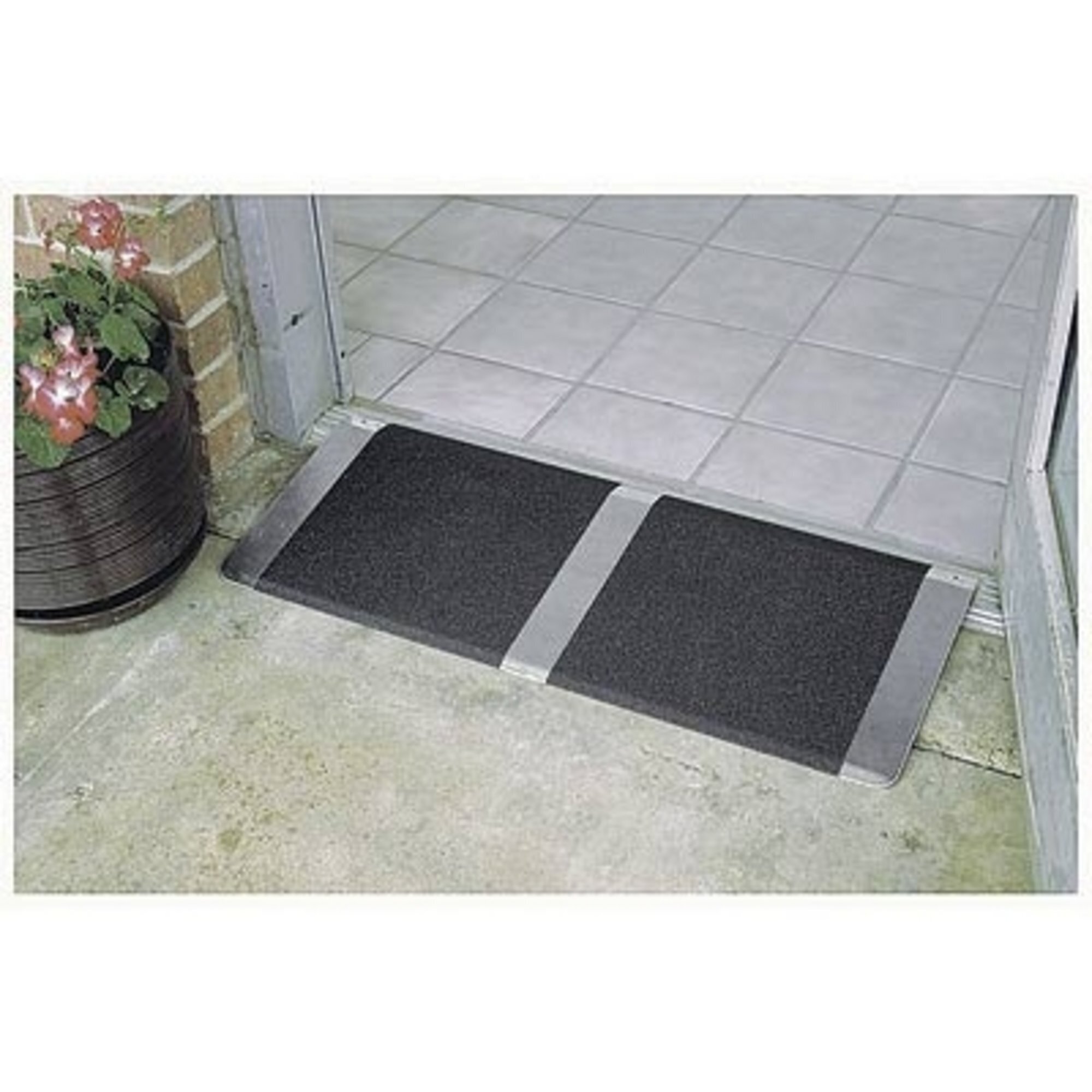
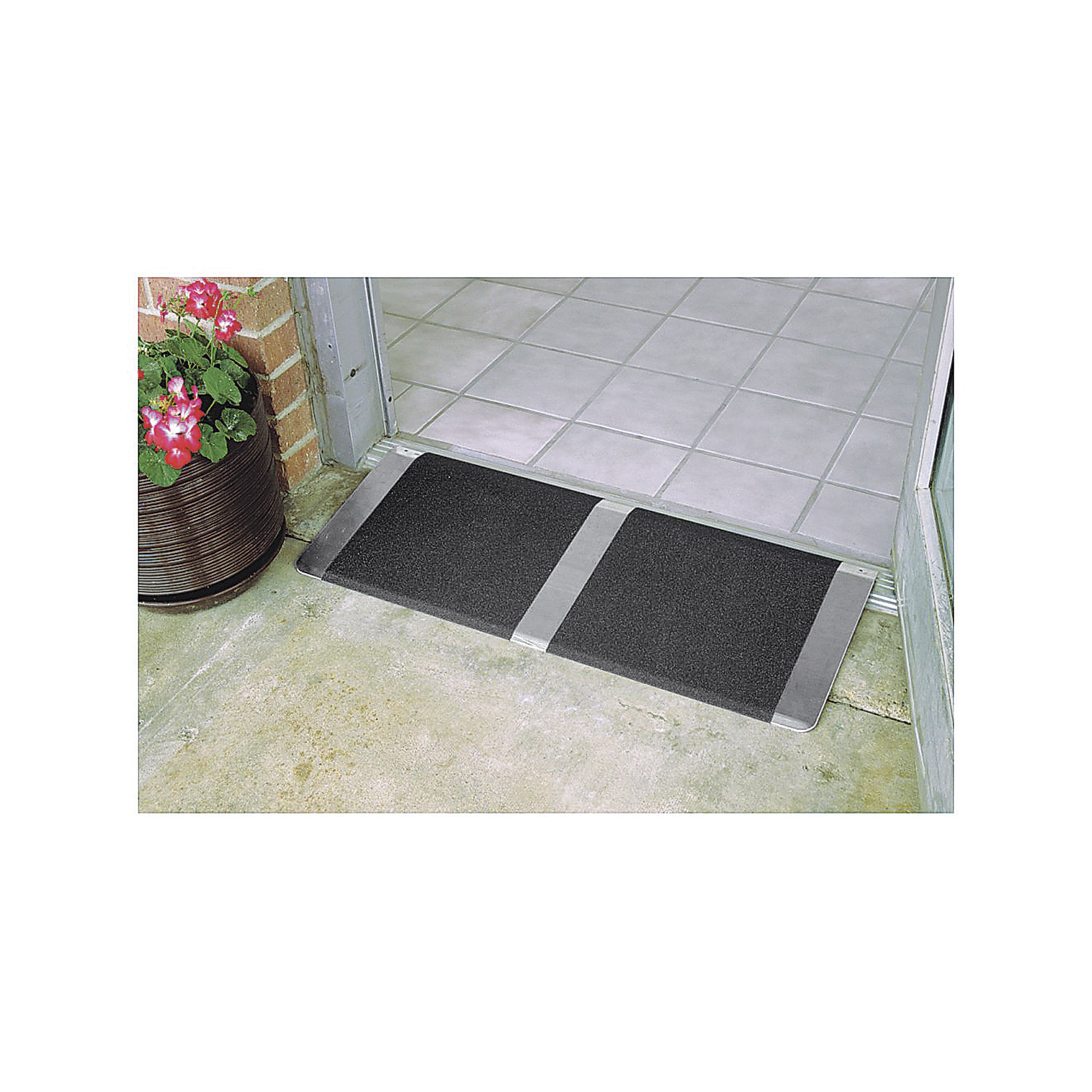
The maximum step height the ramp can be installed on is a 2 inches.
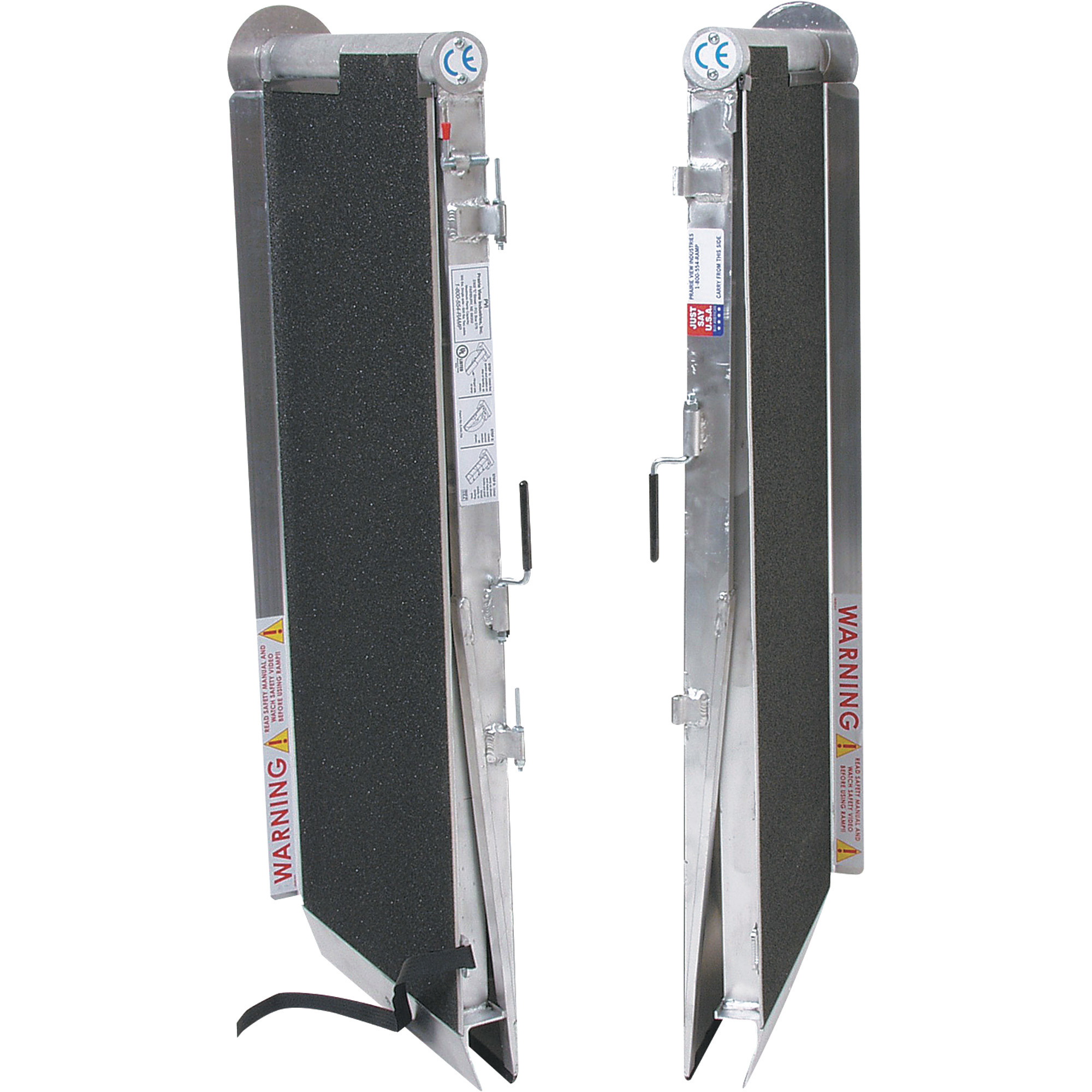
PVI Threshold Ramp — 16in. x 32in., Aluminum, 600-Lb. Capacity, Anti-Slip Surface, Model# TH1632

This is a carousel with one large zoomable image and a track of thumbnails on the left. Select any of the thumbnail buttons to change the zoomable image on the right. If a thumbnail is a video or 360 degree image thumbnail, or the last thumbnail in the list, the button will open the product media modal.

Click or Tap image to Zoom
Shipping:
Factory shippedStore Pickup:
Not available - online only
- High-traction antislip surface
- Includes hardware to secure ramp to threshold with 2 holes punched in top corners
See full description
Description
Key Specs
Reviews
Q & A
Warranty
Compare
Product Summary
What's Included
- (1) Threshold ramp (2) Phillips sheet metal screws (2) Clevis pins
Features + Benefits
- High-traction antislip surface
- Includes hardware to secure ramp to threshold with 2 holes punched in top corners
Key Specs
| Attribute | Specification |
|---|---|
item# | 3303088 |
Brand | PVI |
Manufacturer's Warranty | Lifetime Limited Warranty |
Ship Weight | 8.0 LB |
| Attribute | Specification |
|---|---|
Material | Aluminum |
Total Capacity | 600 lb |
Included (qty.) | 1 |
Reviews
Questions & Answers
Questions
-
· 3 years ago
What is the maximum height at which this can be installed?
1 answerOriginally posted on "PVI Aluminum Threshold Ramp, 600-Lb. Capacity, 12in.L x 32in.W"-
ProductExpert6· 3 years ago
Helpful?
-
-
· 3 years ago
How tall is this ramp?
1 answerOriginally posted on "PVI Aluminum Threshold Ramp, 600-Lb. Capacity, 12in.L x 32in.W"-
ProductExpert6· 3 years ago
The ramp would fit a step height of 1/2"-2". It is 32" long, side to side and 12" wide, front to back.
Helpful?
-
-
· 3 years ago
Would this work for 6 inch step from inside garage to house? Looking for wheelchair access also. Thanks.
1 answerOriginally posted on "PVI Aluminum Threshold Ramp, 600-Lb. Capacity, 12in.L x 32in.W"-
ProductExpert37· 3 years ago
This ramp fits threshold size of (in.) 1/2–2", it would not work with a 6 inch step.
Helpful?
-
-
· 4 years ago
How does one remove dried stains/debris from these ramps?
1 answerOriginally posted on "PVI Aluminum Threshold Ramp, 600-Lb. Capacity, 12in.L x 32in.W"-
ProductExpert12· 4 years ago
This ramp can be cleaned with soap and water. If a brush is needed, a soft brush is recommended.
Helpful?
-
-
· 5 years ago
What is the height, at the rear edge?
1 answerOriginally posted on "PVI Aluminum Threshold Ramp, 600-Lb. Capacity, 12in.L x 32in.W"-
ProductExpert30· 5 years ago
The edge will cover 3/4-1 1/2" in height.
Helpful?
-
-
· 6 years ago
This is for a hotel in Augusta (outdoor property). Looking to install in a wheel chair accessible handicap room. Is it suitable for wheel chair ?
1 answer-
ProductExpert10· 6 years ago
The ramp would work well with wheel chairs.
Helpful?
-
-
· 6 years ago
What does this mean ? "Fits Threshold Size (in.) 1/2–2"
Is it talked about the HEIGHT of the threshold ?1 answer-
ProductExpert6· 6 years ago
That would be the threshold heights that the ramp would work with.
Helpful?
-
Warranty
Manufacturer's Warranty
Lifetime Limited Warranty
Compare with Most Popular in Curb + Threshold Ramps
See All Curb + Threshold Ramps
See All PVI Curb + Threshold Ramps
Currently Viewing This Product
Item # 3303088
$59.99Shipping:
Factory shippedStore Pickup:
Not available - online only
Item # 4803839
$454.99Shipping:
Factory shippedStore Pickup:
Not available - online only
- $144.99
Shipping:
Factory shippedStore Pickup:
Not available - online only
- $42.99
Shipping:
Factory shippedStore Pickup:
Not available - online only
Specifications
Aluminum
Aluminum
Aluminum
Aluminum
600 lb
600 lb
600 lb
600 lb
1
1
1
1
-
Yes
-
-
-
600 lb
-
-
-
30 in
-
-
-
96 in
-
-
-
96 in
-
-
-
No
-
-
-
No
-
Yes
-
44.0000 lb
-
6.0 lb
-
96.0 x 30.0 x 9.0 in
-
-
See All Curb + Threshold Ramps
See All PVI Curb + Threshold Ramps
Recently Viewed Items
This is a carousel with auto-rotating slides. Activate any of the buttons to disable rotation. Use Next and Previous buttons to navigate, or jump to a slide with the slide dots.