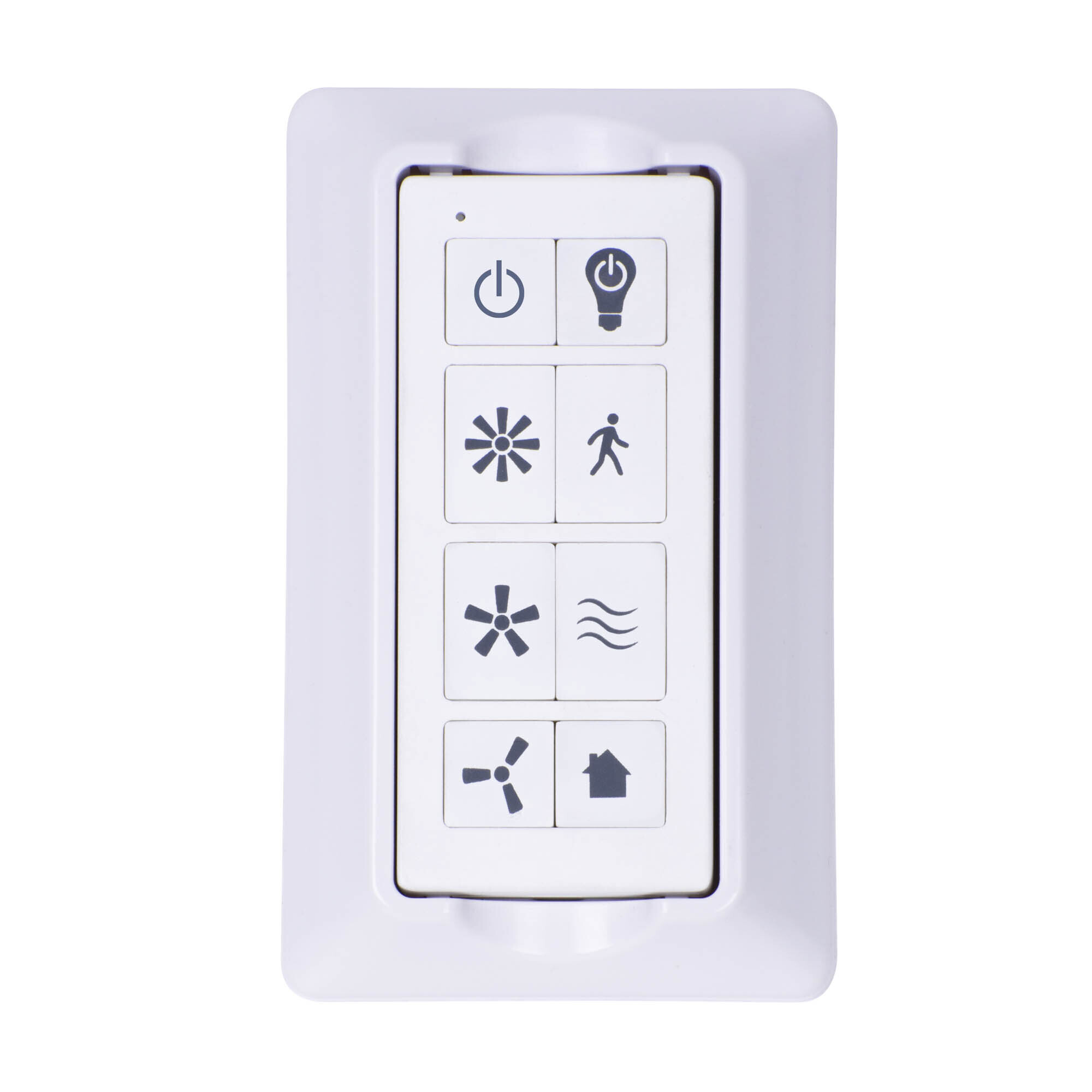
The remote will need to be resynced. Please follow the following directions:
1. Turn off power at the wall switch (you do not have to turn off the power at the junction box).
Wait until the fan completely stops! (if there are multiple fans in the room be sure to turn off all power to those as well)
2. Turn the power back on at the wall switch (once the fan has completely stopped).
3. Within 30 seconds hold the learn button (this can be found on the back of the remote inside the battery compartment).The fan light will blink to confirm the remote has paired.
4. Check all buttons on the fan to confirm they are working.
Prominence Home Universal White Remote — Model# 51433-49
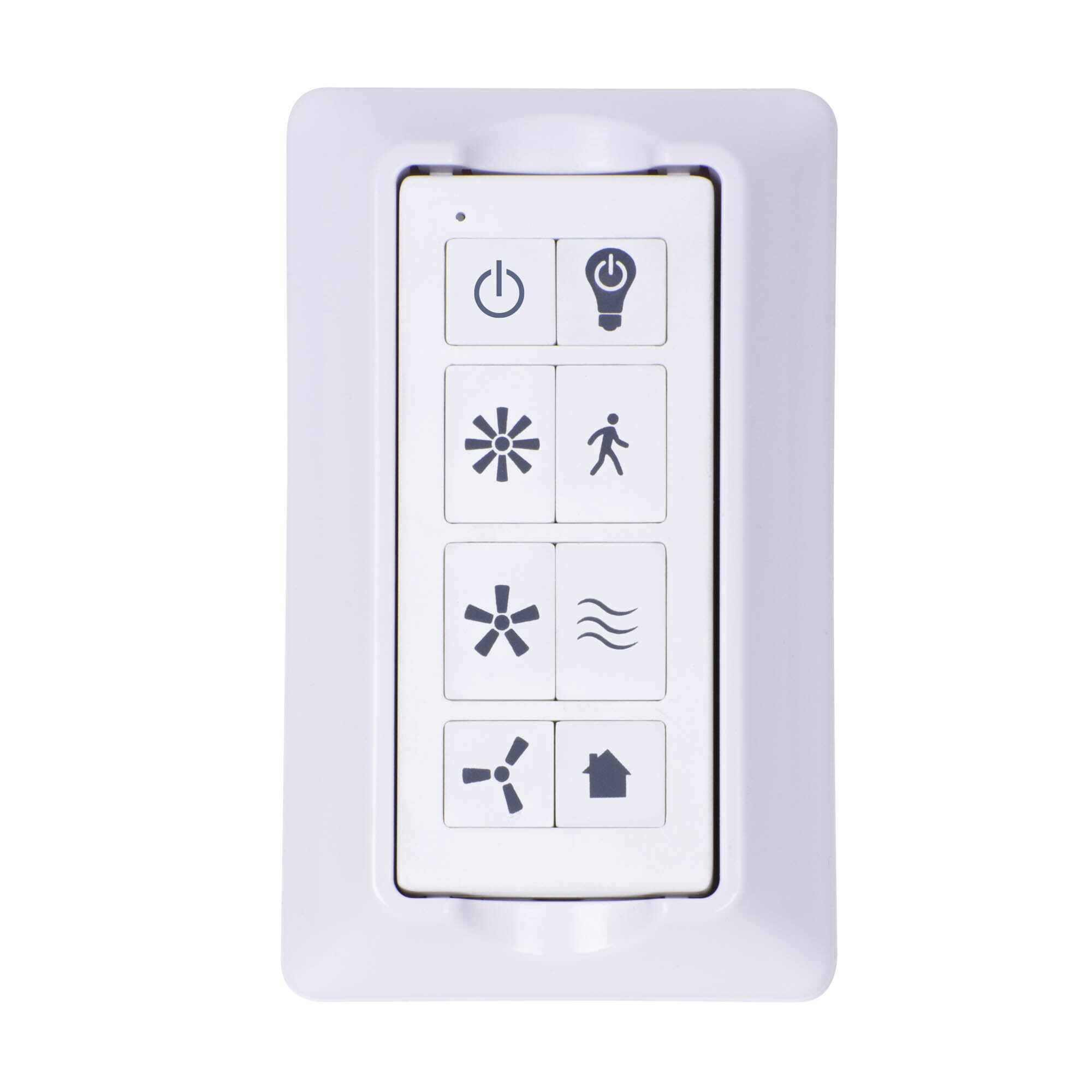
This is a carousel with one large zoomable image and a track of thumbnails on the left. Select any of the thumbnail buttons to change the zoomable image on the right. If a thumbnail is a video or 360 degree image thumbnail, or the last thumbnail in the list, the button will open the product media modal.
Click or Tap image to Zoom
$51.99
- STANDARD, DOWNROD CEILING FAN REMOTE C: Not compatible with flush mount/hugger ceiling fans or fans with integrated receivers; Must install the included receiver to operate standard ceiling fan with remote; For indoor our covered outdoor use only
- 3 SPEED REMOTE: Easily change from low, medium or high fan speeds to maintain your ideal airflow, allowing for the perfect air circulation at all times.
- INDEPENDENT LIGHT ADJUSTMENT: Turn the light on and off without affecting the fan speed setting. On dimmable fans with dimmable bulbs, press and hold the light button to dim and adapt your lighting to fit your mood.
- NATURE BREEZE AIRFLOW OPTION: The fan will transition through the different fan speeds at random to imitate a natural gentle ocean breeze.
See full description
See All Ceiling Fan Accessories
See All Prominence Home Ceiling Fan Accessories
Currently Viewing This Product
Specifications
Specifications
Prominence Home Universal White Remote — Model# 51433-49
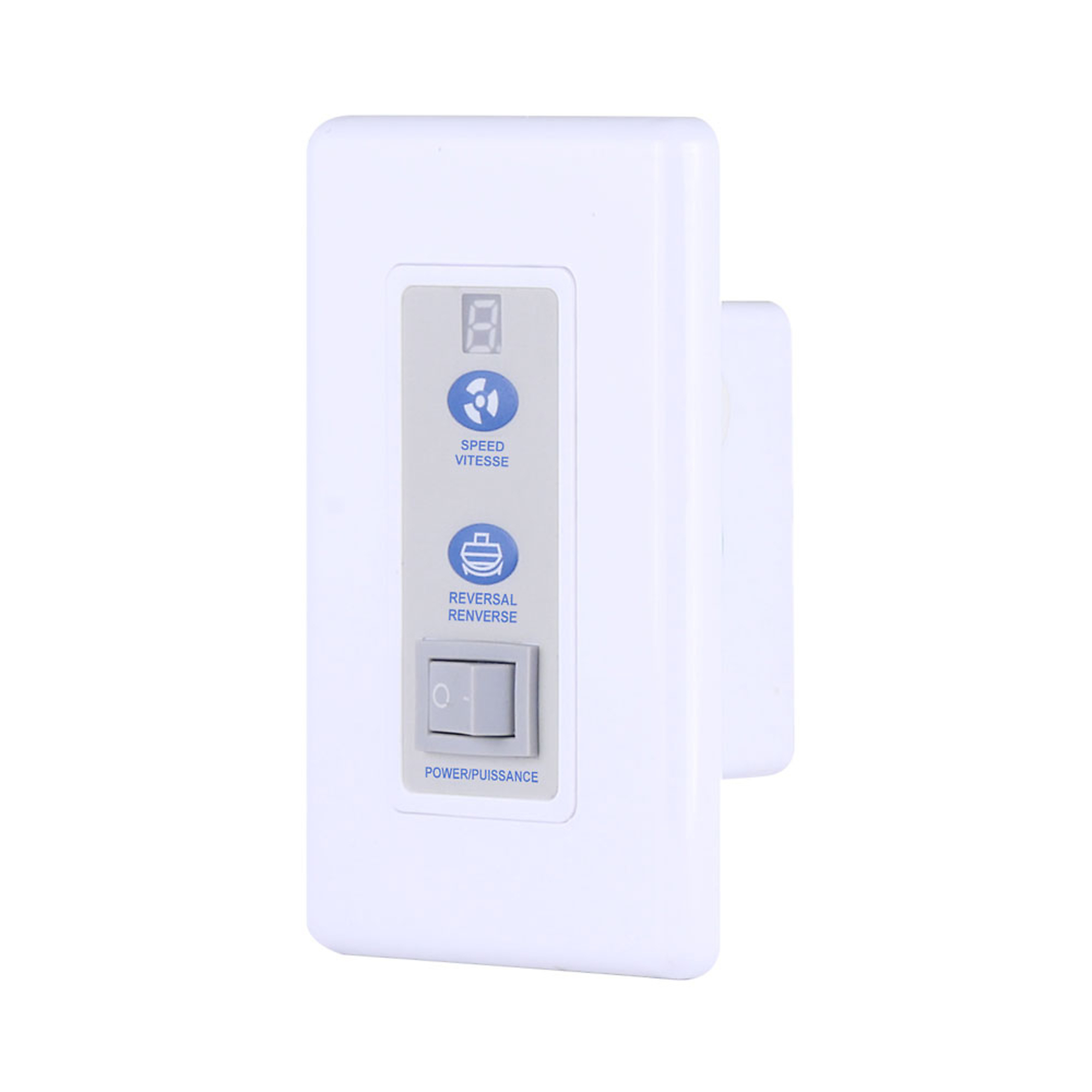
Canarm Wall Mount Ceiling Fan Control, Model# RREM-DCQ014-W
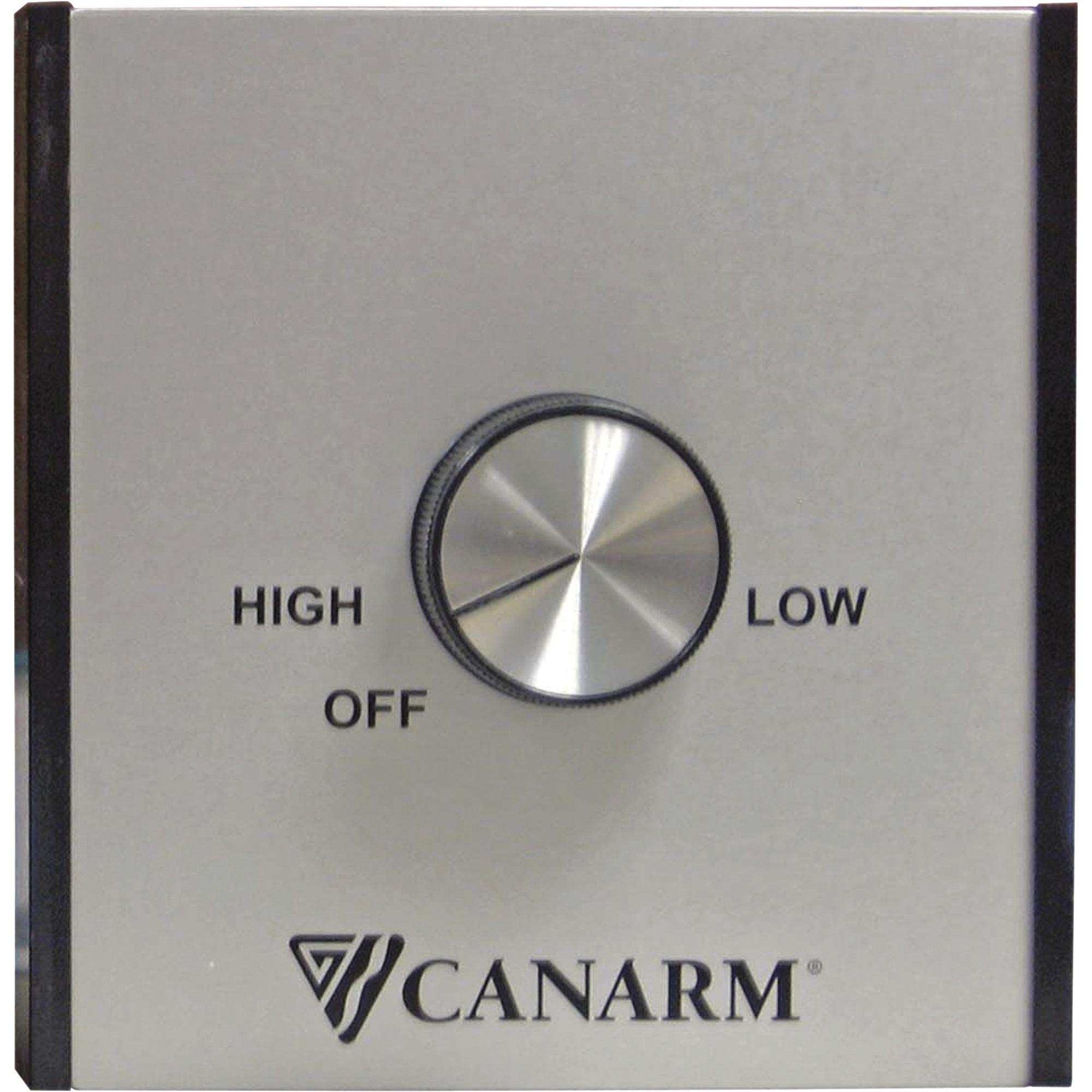
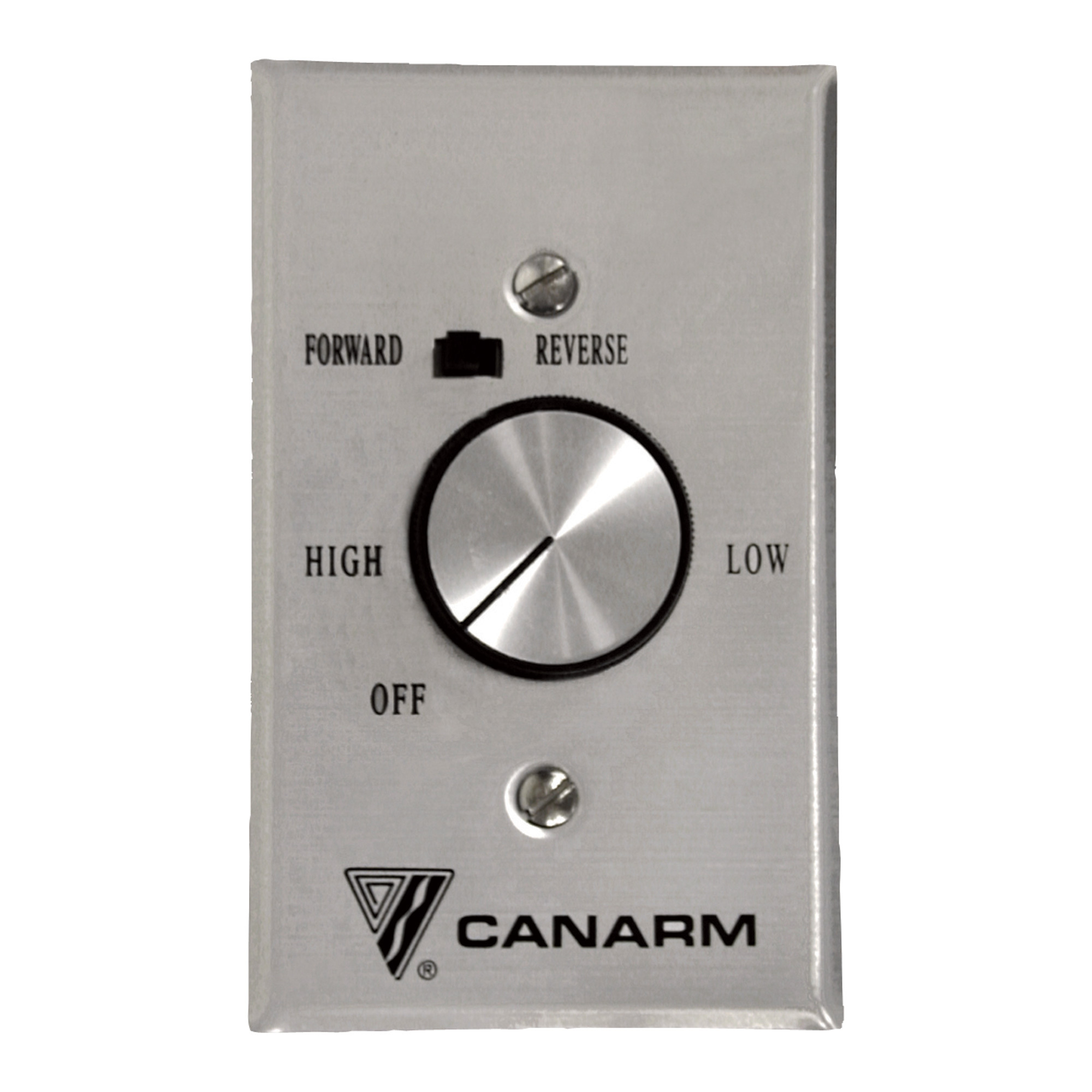
Canarm Speed Control, For 10 Fans, Model# CN5151
Canarm Speed Control for 4 Ceiling Fans, Model# CNFRMC5
Product Weight
Same
0.6000 lb
10.0000 lb
-
lb
Dimensions L x W x H (in.)
Same
8.75 x 6.5 x 3.0 in
10.4 x 15.0 x 12.2 in
-
4.5 x 2.75 x 2.5 in
Product Type
Same
-
-
Speed Control
Speed Control
Material
Same
-
-
Metal
Aluminum
Volts
Same
-
-
120
120
See All Ceiling Fan Accessories
See All Prominence Home Ceiling Fan Accessories
Recently Viewed Items
This is a carousel with auto-rotating slides. Activate any of the buttons to disable rotation. Use Next and Previous buttons to navigate, or jump to a slide with the slide dots.