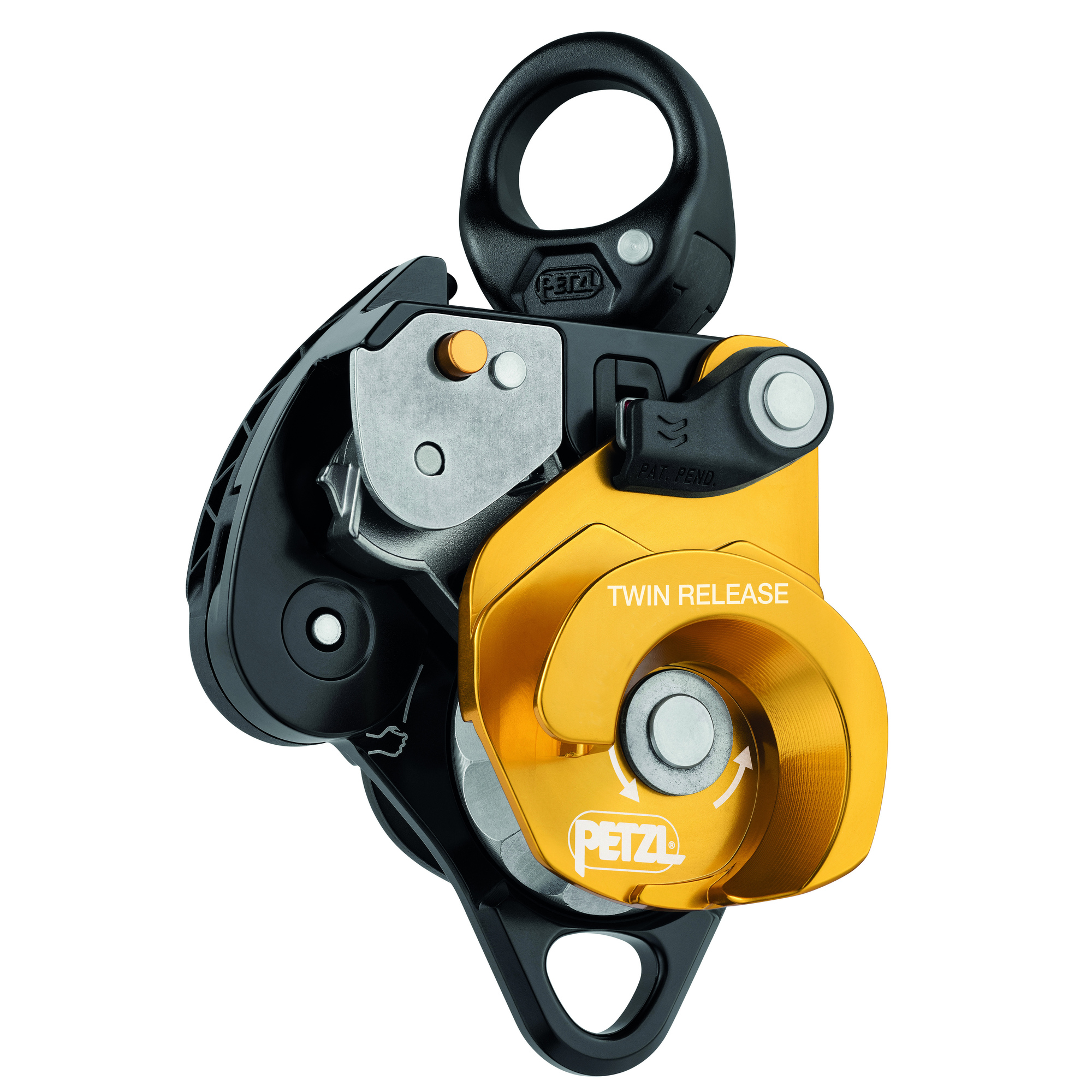
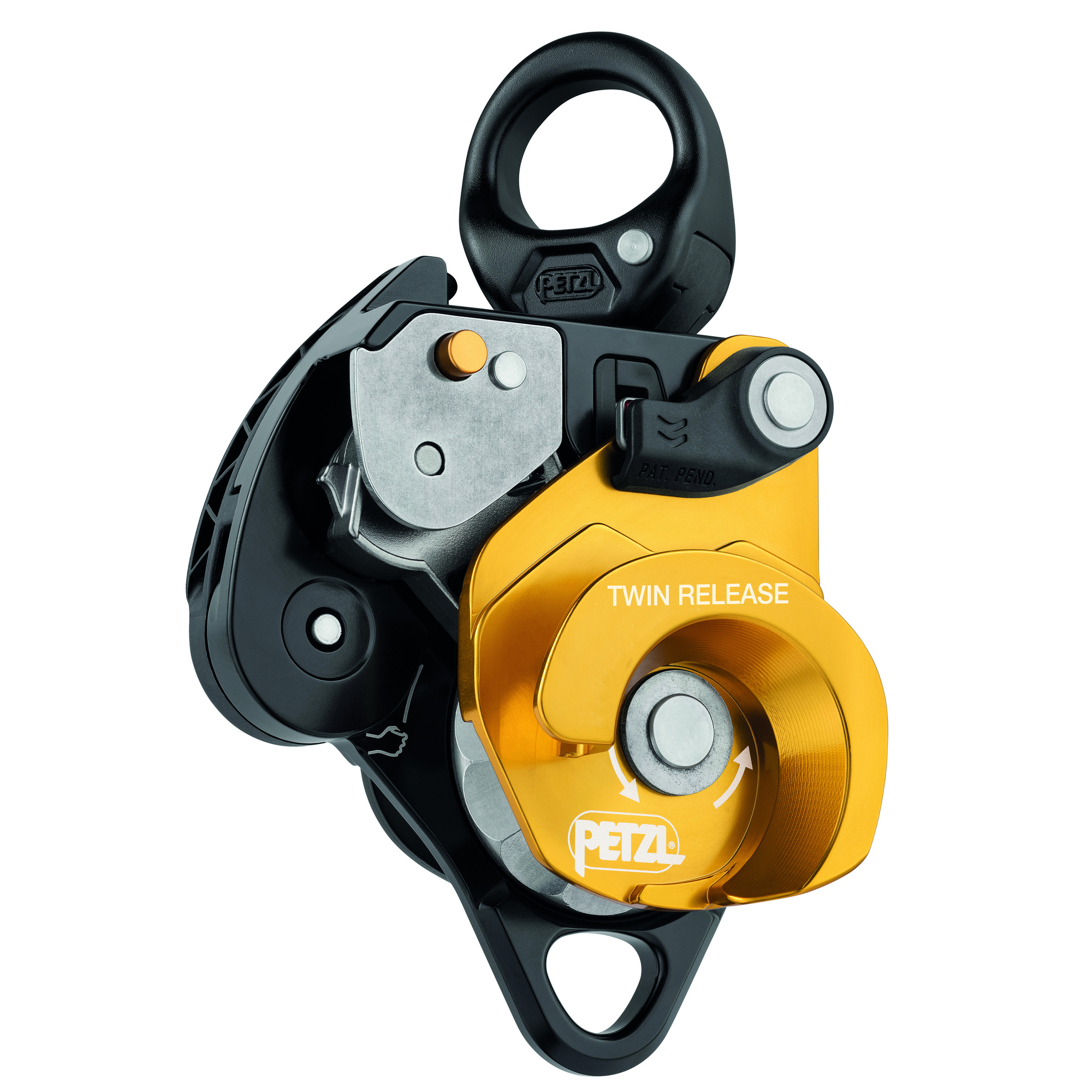
Petzl, TWIN RELEASE releasable double prog capture pulley, Model# P001DA00
This is a carousel with one large zoomable image and a track of thumbnails on the left. Select any of the thumbnail buttons to change the zoomable image on the right. If a thumbnail is a video or 360 degree image thumbnail, or the last thumbnail in the list, the button will open the product media modal.
Click or Tap image to Zoom
$499.95
- Double progress capture pulley with handle to release cam: - Ergonomic handle for easy release of the cam - Brake integrated into main moving side plate allowing comfortable and precise control when lowering heavy loads - Cam can be locked in the open position to easily feed slack - Toothless cam helps preserve the rope and allows for easy transition from lowering to hauling and vice-versa
- Efficiency is optimized for 4:1 haul systems: - Large-diameter sheave mounted on sealed ball bearings for excellent hauling efficiency - Main faceted sheave with single-direction rotation provides excellent efficiency when hauling and adds friction zones with the rope for additional braking when lowering heavy loads (more information in the Instructions for Use and in the technical tips at www.petzl.com). - Parallel-mounted sheaves and auxiliary attachment point for setting up various types of complex haul systems
- Easy to use: - Triple-action opening of the moving side plates is quick and easy, even with gloves - Red indicators provide a visual warning when the side plates are unlocked - The rope can be installed with the device connected to the anchor - Hole in the handle for installation of a remote control cord
- Easy to use: - Triple-action opening of the moving side plates is quick and easy, even with gloves - Red indicators provide a visual warning when the side plates are unlocked - The rope can be installed with the device connected to the anchor - Hole in the handle for installation of a remote control cord
See full description
What's Included
- (1) TWIN RELEASE
Downloads
Features + Benefits
- Double progress capture pulley with handle to release cam: - Ergonomic handle for easy release of the cam - Brake integrated into main moving side plate allowing comfortable and precise control when lowering heavy loads - Cam can be locked in the open position to easily feed slack - Toothless cam helps preserve the rope and allows for easy transition from lowering to hauling and vice-versa
- Efficiency is optimized for 4:1 haul systems: - Large-diameter sheave mounted on sealed ball bearings for excellent hauling efficiency - Main faceted sheave with single-direction rotation provides excellent efficiency when hauling and adds friction zones with the rope for additional braking when lowering heavy loads (more information in the Instructions for Use and in the technical tips at www.petzl.com). - Parallel-mounted sheaves and auxiliary attachment point for setting up various types of complex haul systems
- Easy to use: - Triple-action opening of the moving side plates is quick and easy, even with gloves - Red indicators provide a visual warning when the side plates are unlocked - The rope can be installed with the device connected to the anchor - Hole in the handle for installation of a remote control cord
- Easy to use: - Triple-action opening of the moving side plates is quick and easy, even with gloves - Red indicators provide a visual warning when the side plates are unlocked - The rope can be installed with the device connected to the anchor - Hole in the handle for installation of a remote control cord
See All Fall Protection Rope Grabs + Clamps
See All Petzl Fall Protection Rope Grabs + Clamps
Currently Viewing This Product
Specifications
Specifications
Petzl, TWIN RELEASE releasable double prog capture pulley, Model# P001DA00
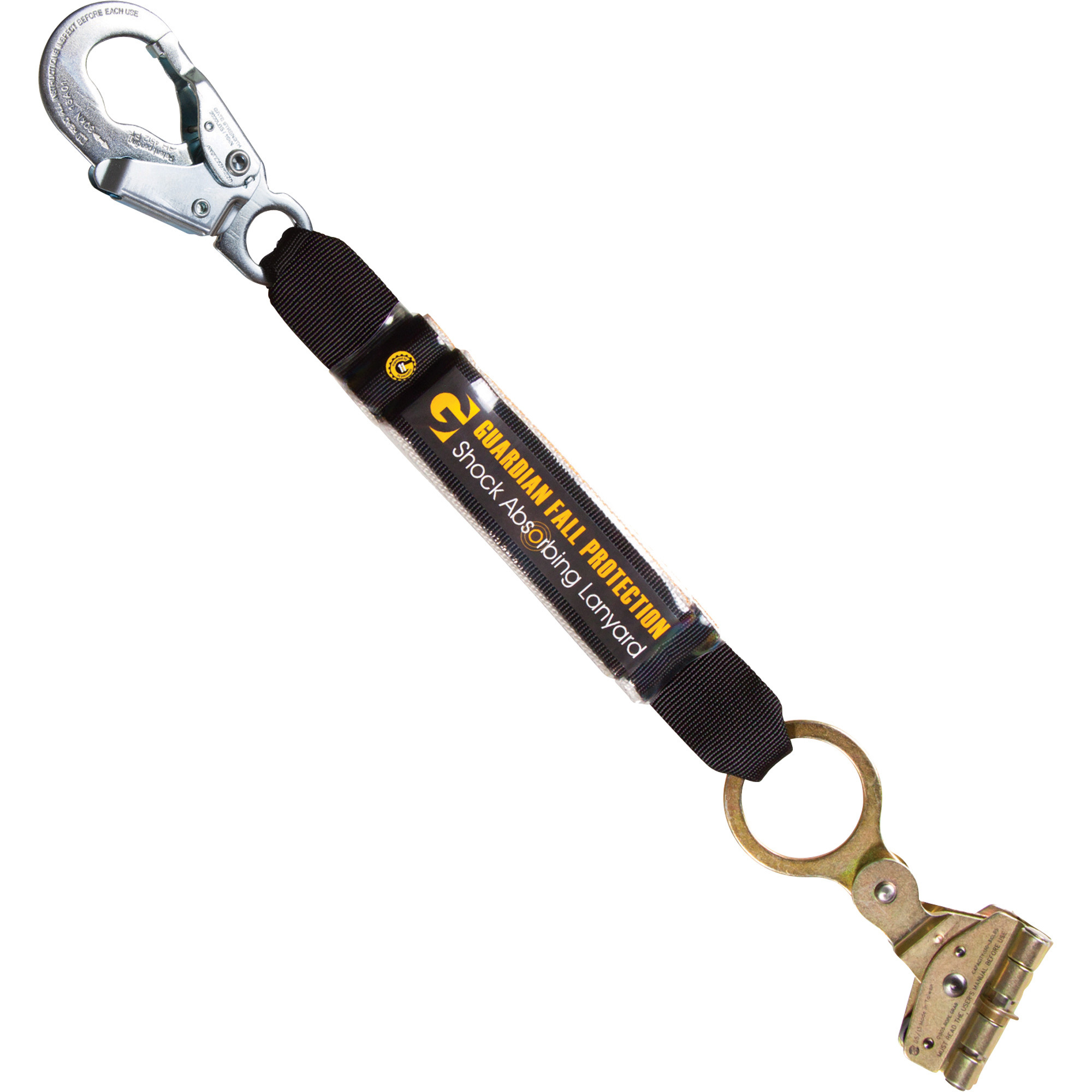
Guardian Fall Protection Rope Grab with Shock Pack — Fits 1/2in. to 5/8in. Vertical Lifelines, Model# 01507
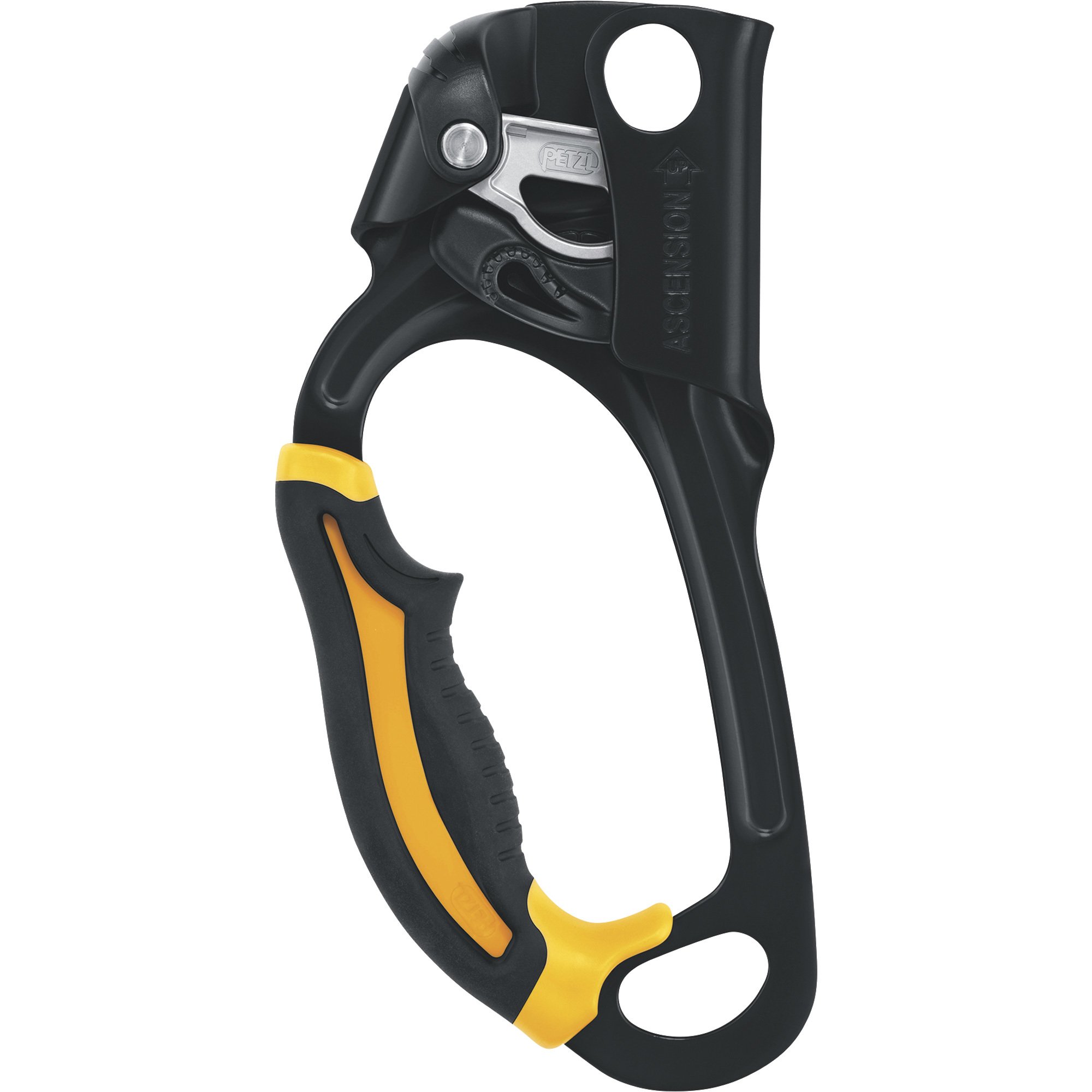
Petzl ASCENSION Handled Rope Clamp
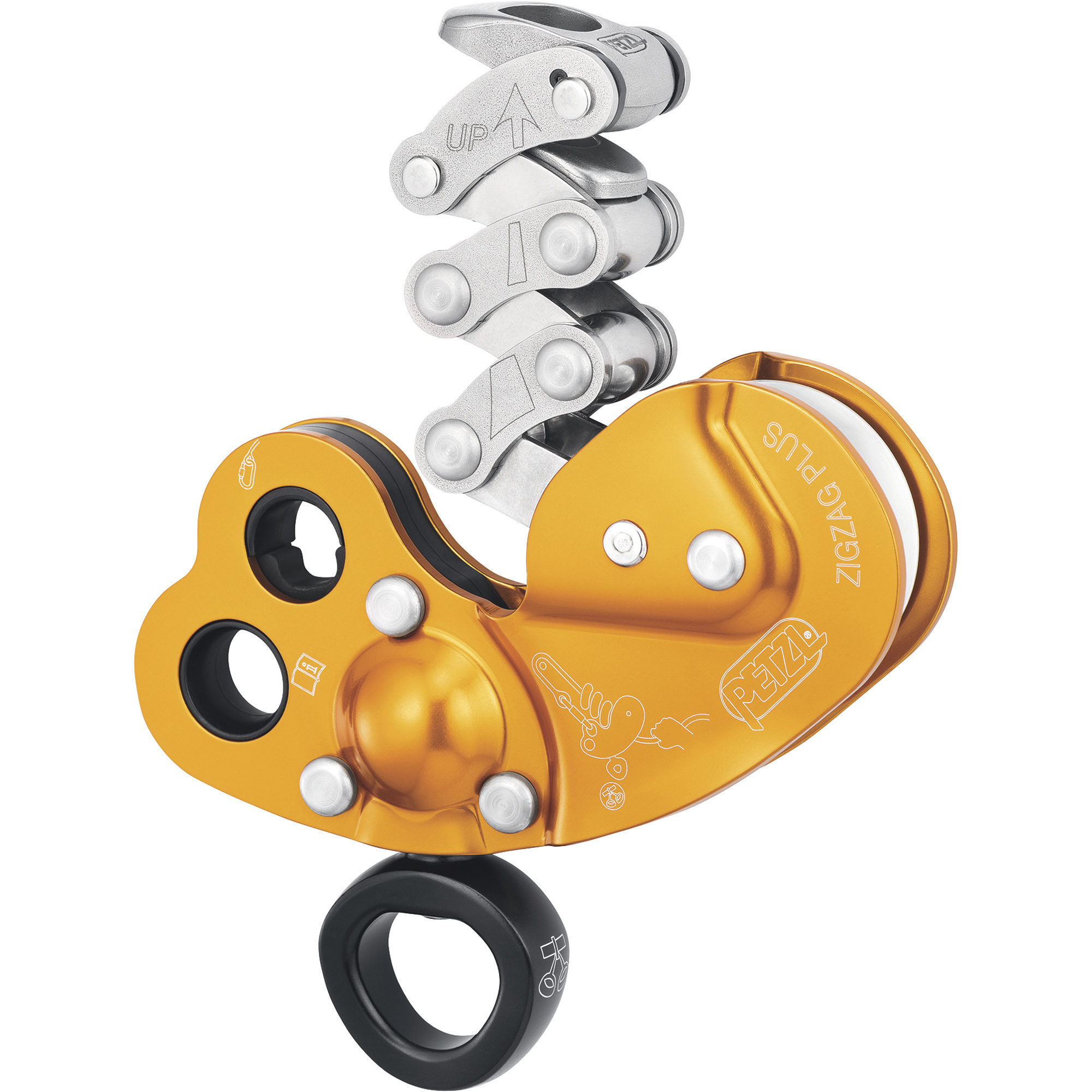
Petzl ZIGZAG Plus Mechanical Prusik with Swivel, Model# D022BA00
Material
Same
Multiple
Galvanized Steel
-
Multiple
Product Type
Same
Rope Adjuster
Rope Grab
-
Ascender
Product Weight
Same
2.0400 lb
-
-
0.94 lb
Dimensions L x W x H (in.)
Same
7.48 x 4.33 x 3.15 in
-
-
-
For Use With
Same
-
-
-
EN 1891 Type A Low Stretch Kermantle
See All Fall Protection Rope Grabs + Clamps
See All Petzl Fall Protection Rope Grabs + Clamps
Recently Viewed Items
This is a carousel with auto-rotating slides. Activate any of the buttons to disable rotation. Use Next and Previous buttons to navigate, or jump to a slide with the slide dots.