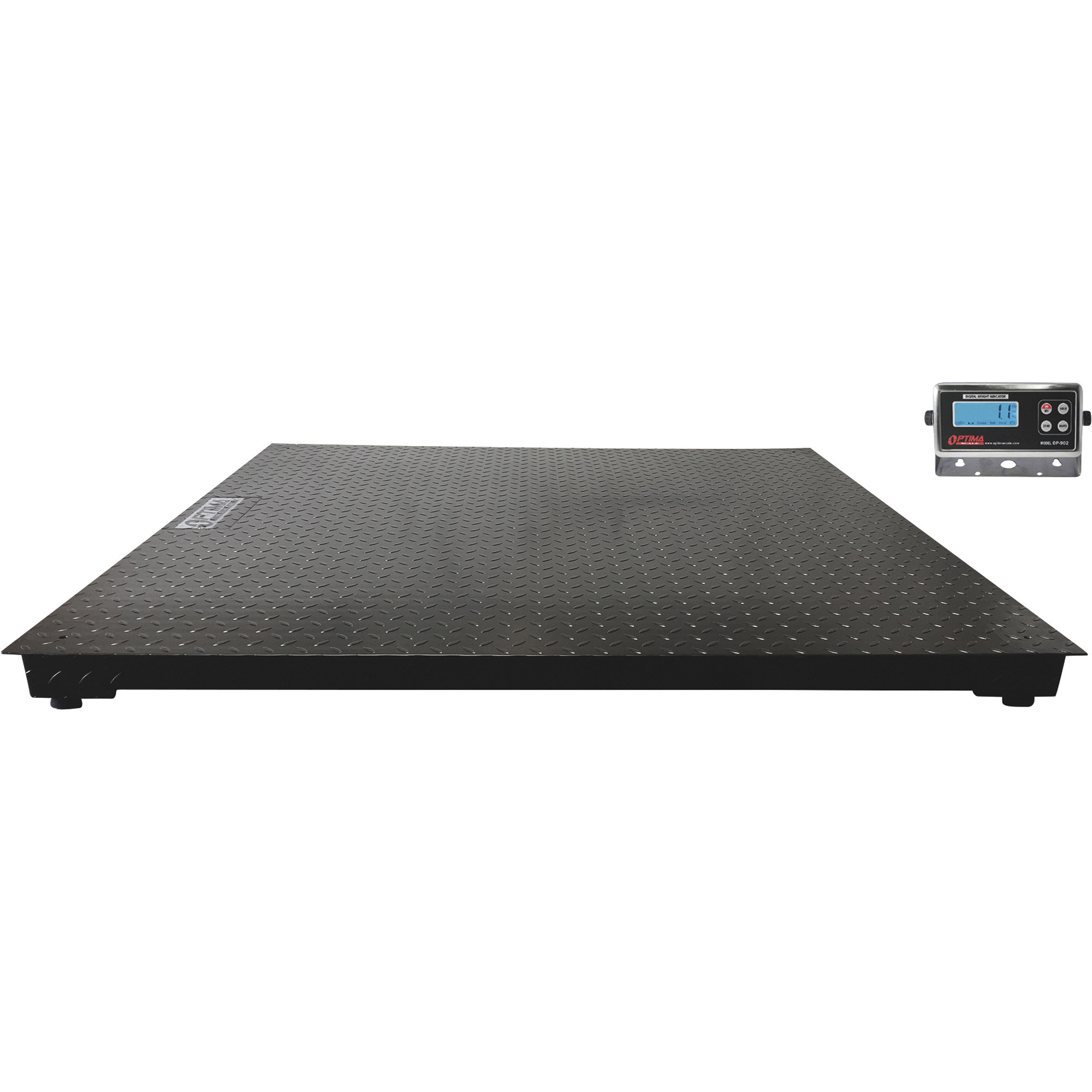
Turn indicator off. Then press and hold the hold button and unit key simultaneously while the indicator is turning on (do this while the indicator is counting down). The display will show CAL kg meaning it is in kilograms. Press unit if want to change the unit to lb. (pounds). The display will change to CAL lb. Press hold to confirm the unit choice. The display will most likely show F5 5 meaning the maximum capacity is 200 kg. Press unit to change capacity range to the scales capacity. Additional instructions and calibration tables are listed in the manual.
Optima Scale 48in. x 48in. Floor Scale, 5000-Lb. Capacity, 1-Lb. Display Increments, Model# OP-916NN-4X4-5K
Top SellerOn Sale
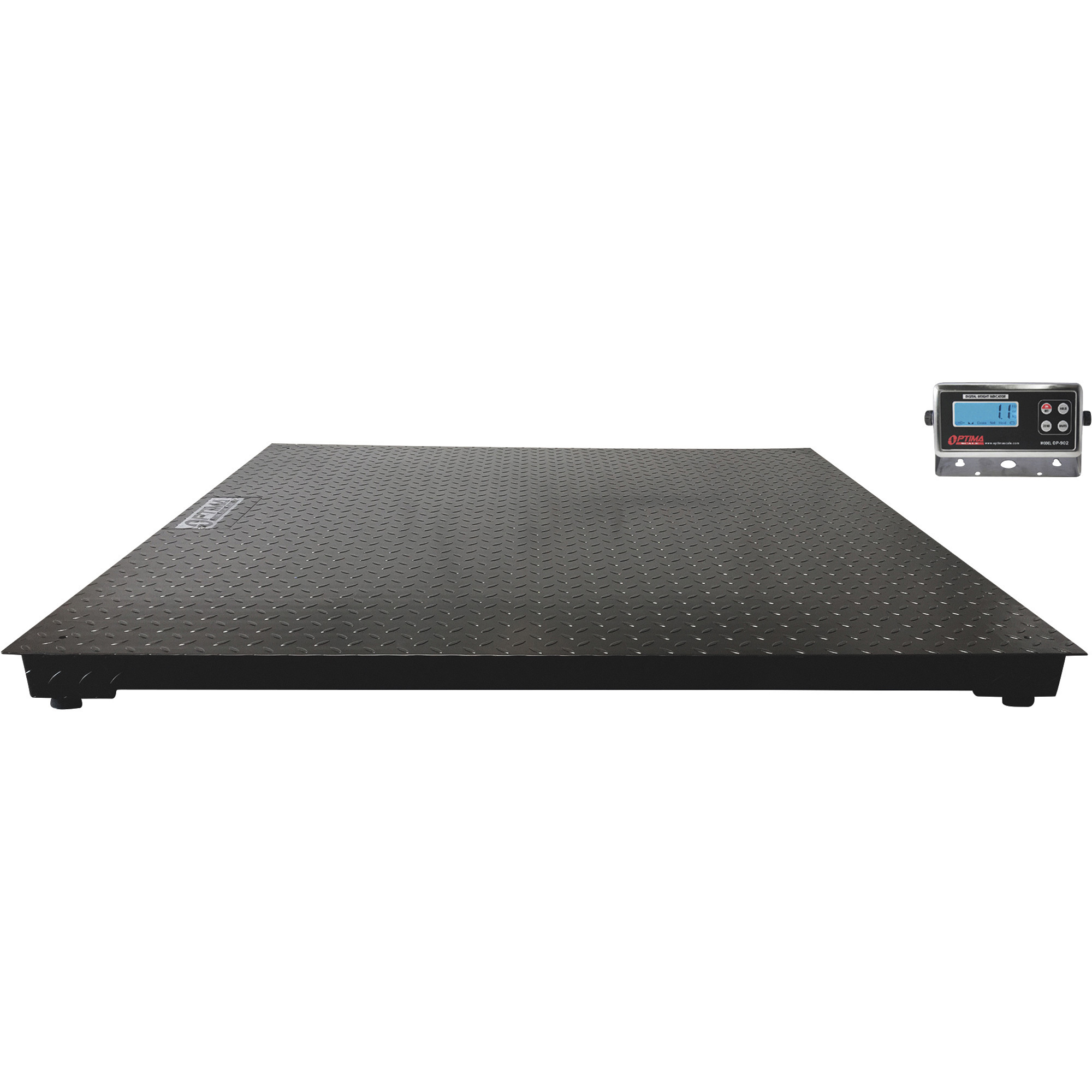
This is a carousel with one large zoomable image and a track of thumbnails on the left. Select any of the thumbnail buttons to change the zoomable image on the right. If a thumbnail is a video or 360 degree image thumbnail, or the last thumbnail in the list, the button will open the product media modal.
Click or Tap image to Zoom
$658.67
Choose Options for complete product description, reviews and purchasing.
Capacity
Size
- For applications in warehouses, logistics operations, processing plants and shipping/receiving departments
- Powder-coated mild steel construction for durability
- Diamond-plate tread top for an anti-skid surface
- Weighs in both pounds and kilograms
- Calculates gross, tare and net conversion units
See full description
Recently Viewed Items
This is a carousel with auto-rotating slides. Activate any of the buttons to disable rotation. Use Next and Previous buttons to navigate, or jump to a slide with the slide dots.