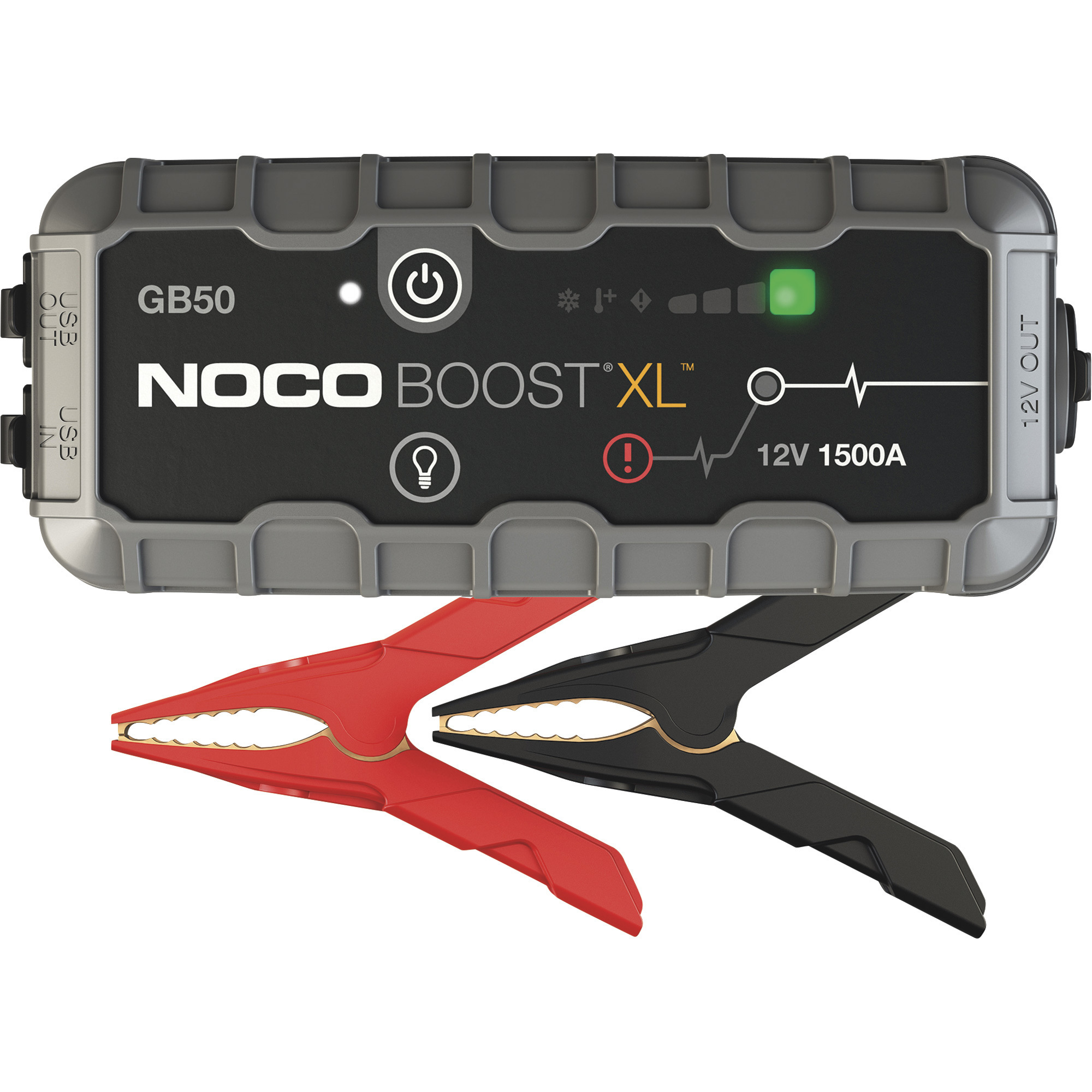

1. Mode Button (Circular button labeled “MODE”)
Icon: A round button with “MODE” text.
Meaning: Press to cycle through available charging modes (12V, AGM, Lithium, 6V).
2. Overvoltage Error LED (Triangle with exclamation mark)
Icon: A triangle with an exclamation point inside.
Meaning: Illuminates solid red when battery voltage exceeds the protection limit.
3. Bad Battery Error LED (Battery with slash)
Icon: A battery symbol with a diagonal slash.
Meaning: Solid red indicates the connected battery cannot hold a charge.
4. Reverse Polarity Error LED (X symbol)
Icon: An “X” mark.
Meaning: Solid red when reverse polarity is detected (cables connected incorrectly).
5. Standby LED (Power symbol)
Icon: A circle with a vertical line (standard power icon).
Meaning: Illuminates when the charger is in standby mode (not charging or supplying power).
6. Charge LED (Three stacked bars)
Icon: Three horizontal bars increasing in size.
Meaning: Indicates the battery’s state of charge (progress indicator).
7. Mode LED (Voltage and type labels)
Icon: Text labels: 12V, AGM, Lithium, 6V.
Meaning: Shows the selected charging mode. Press the Mode button to switch between modes.
8. [Press and Hold] Mode Button
Icon: Same circular “MODE” button.
Meaning: Hold for 3 seconds to enter or confirm a specific mode.