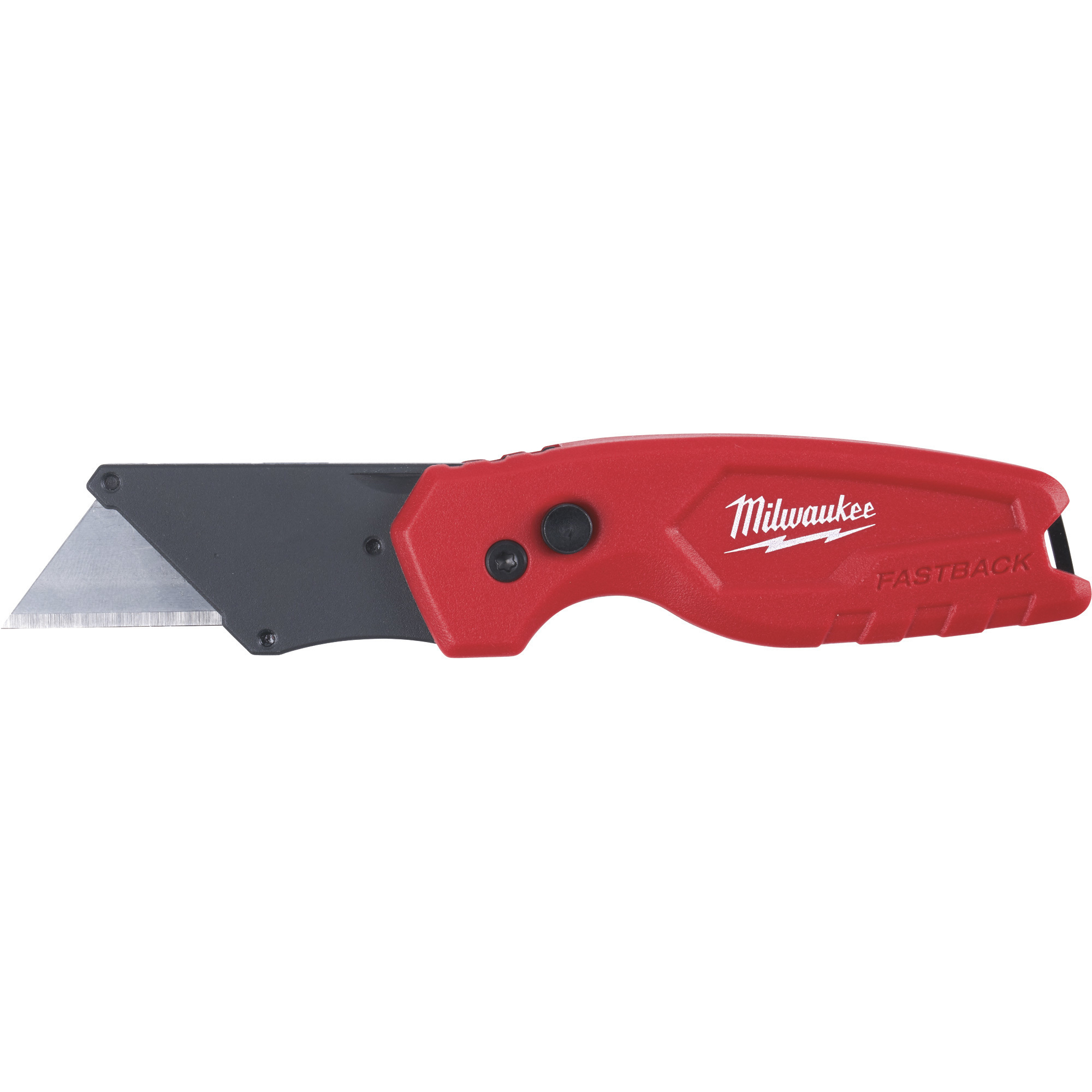
With the clip facing the user and the blade up, the quick change button is located on the left (back) side of the blade holder. Press that to release the blade and pull it out, then press it again and slide the new blade in. Once the new blade is in place, release the button to lock the blade.
Milwaukee FASTBACK Compact Folding Utility Knife, Model# 48-22-1500
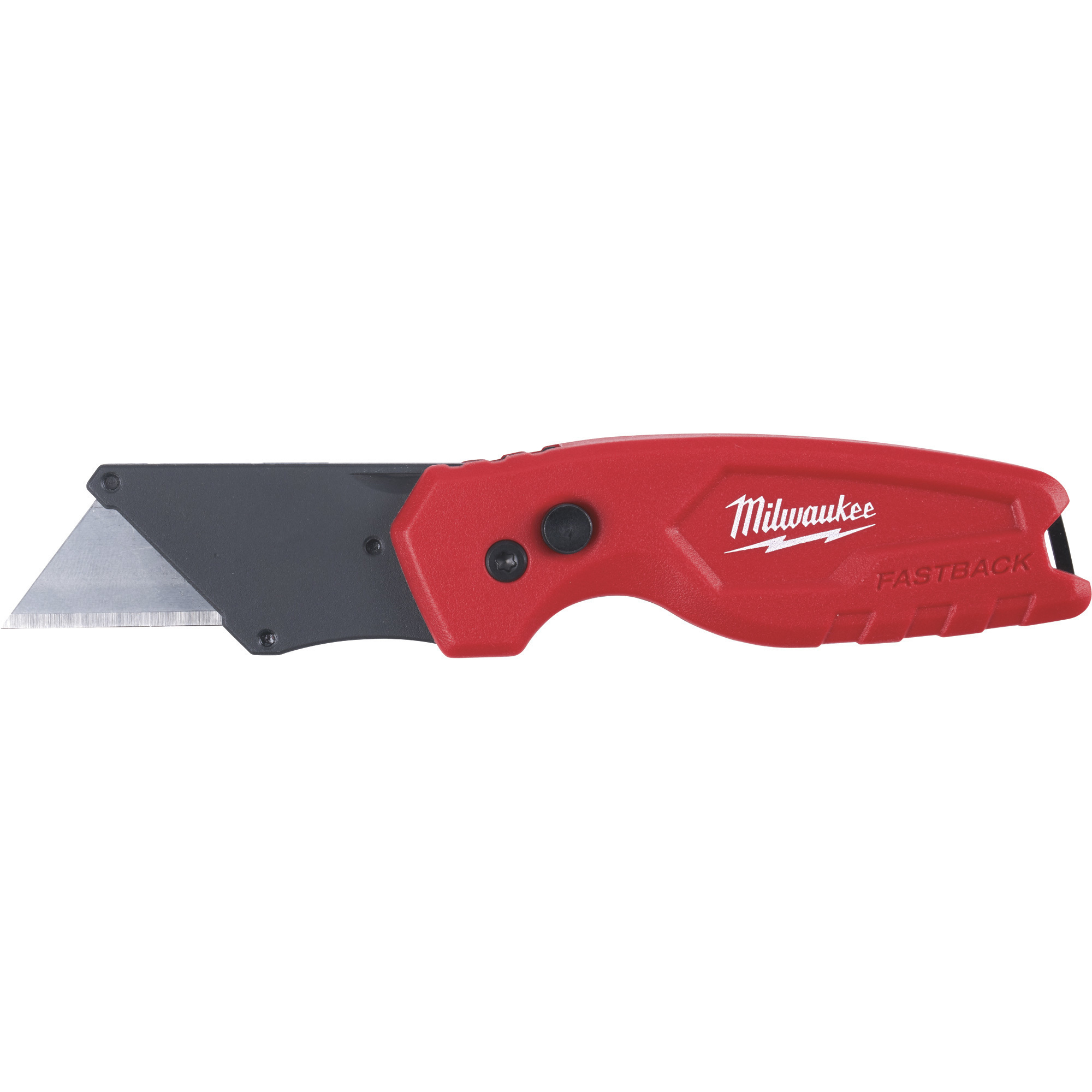
This is a carousel with one large zoomable image and a track of thumbnails on the left. Select any of the thumbnail buttons to change the zoomable image on the right. If a thumbnail is a video or 360 degree image thumbnail, or the last thumbnail in the list, the button will open the product media modal.
Click or Tap image to Zoom
$9.97
- Press and flip mechanism for easy, one-handed opening
- Quick tool-free blade changes
- Compact size for easy storage
- Durable wire belt clip reduces pocket tearing
- Blade holder designed for scoring
See full description
Price for all three:
$29.95
Accessories We Recommend
This is a carousel with auto-rotating slides. Activate any of the buttons to disable rotation. Use Next and Previous buttons to navigate, or jump to a slide with the slide dots.
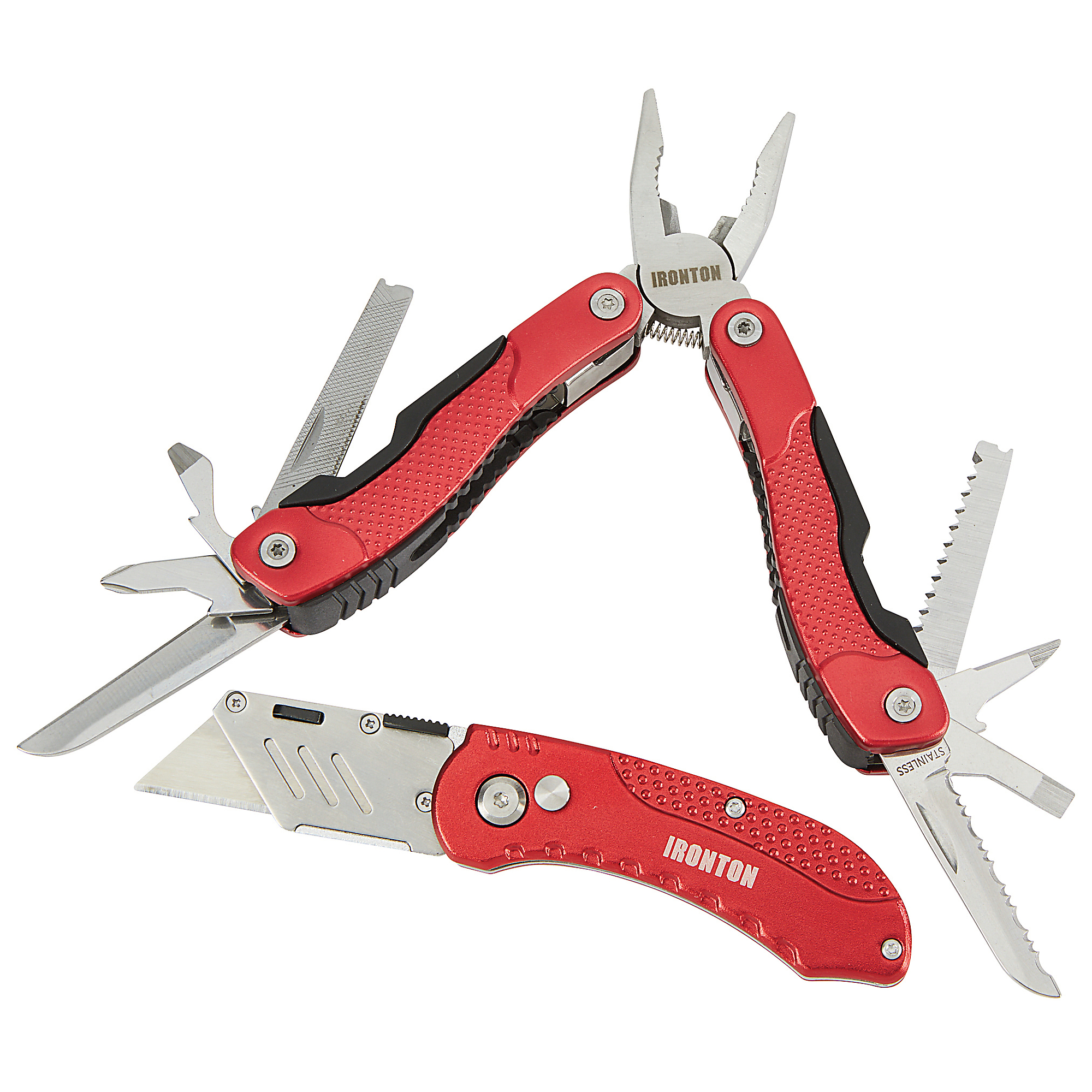
Ironton Multi-Tool/Utility Knife Set, Model# DF220624-9
Item # 5032714
$12.99
Reg $15.99Save 19%
Order today to get this price.
See All Utility Knives
See All Milwaukee Utility Knives
Currently Viewing This Product
 $15.97Reg $21.97Save $6.00
Order today to get this price.
Specifications
Specifications
Milwaukee FASTBACK Compact Folding Utility Knife, Model# 48-22-1500
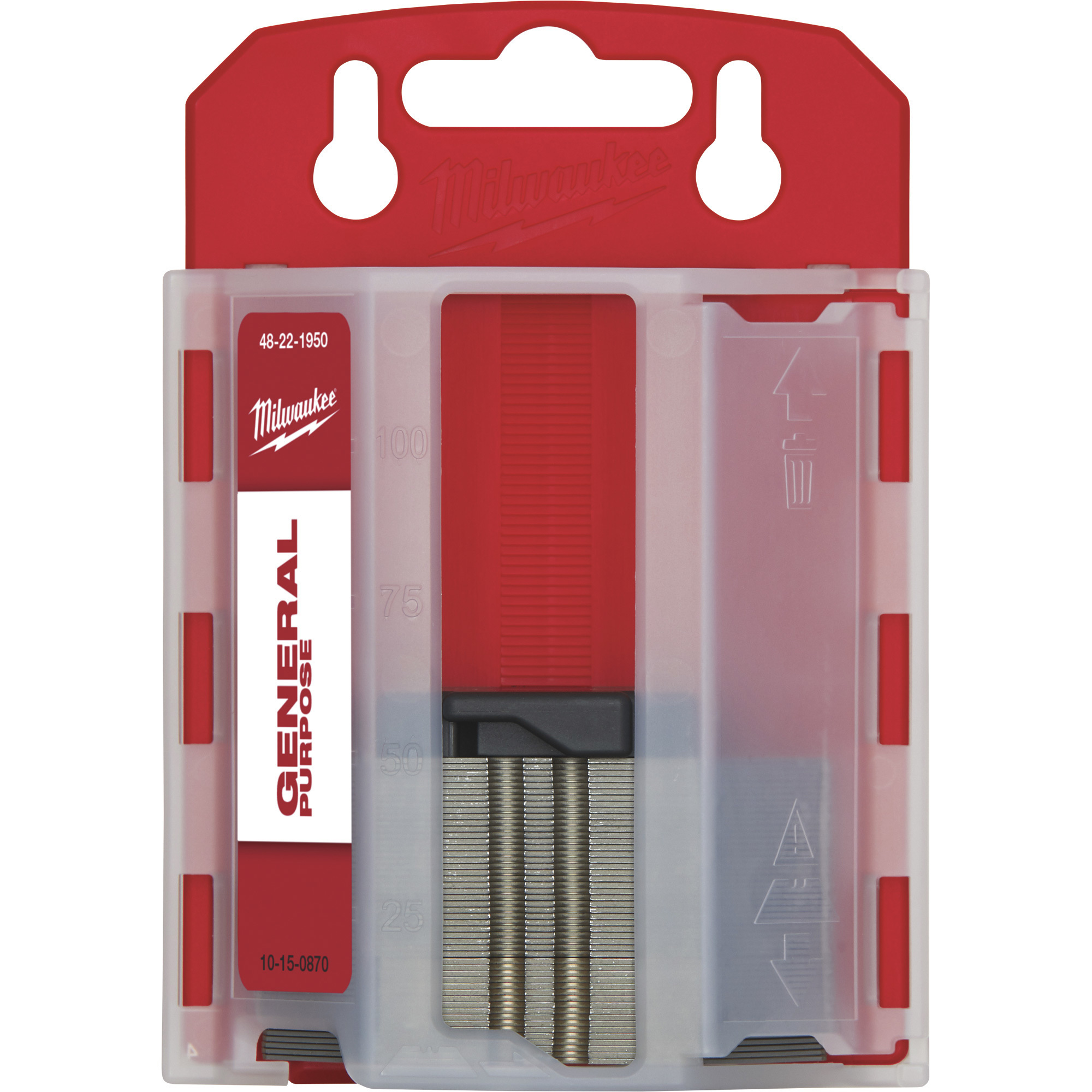
Milwaukee General-Purpose Utility Blades, 50-Pack, Model# 48-22-1950
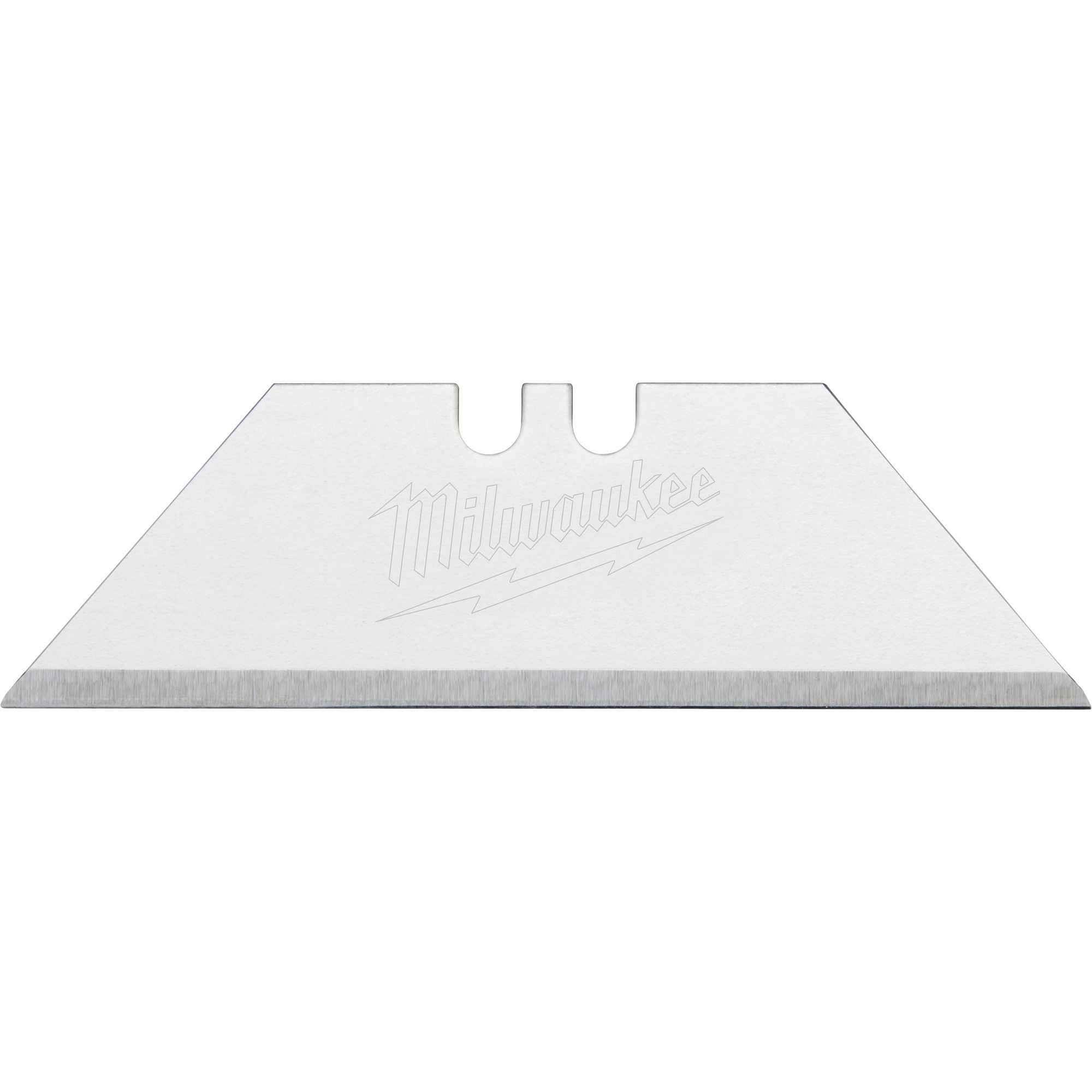
Milwaukee General Purpose Utility Blades, 5-Pk., Model# 48-22-1905
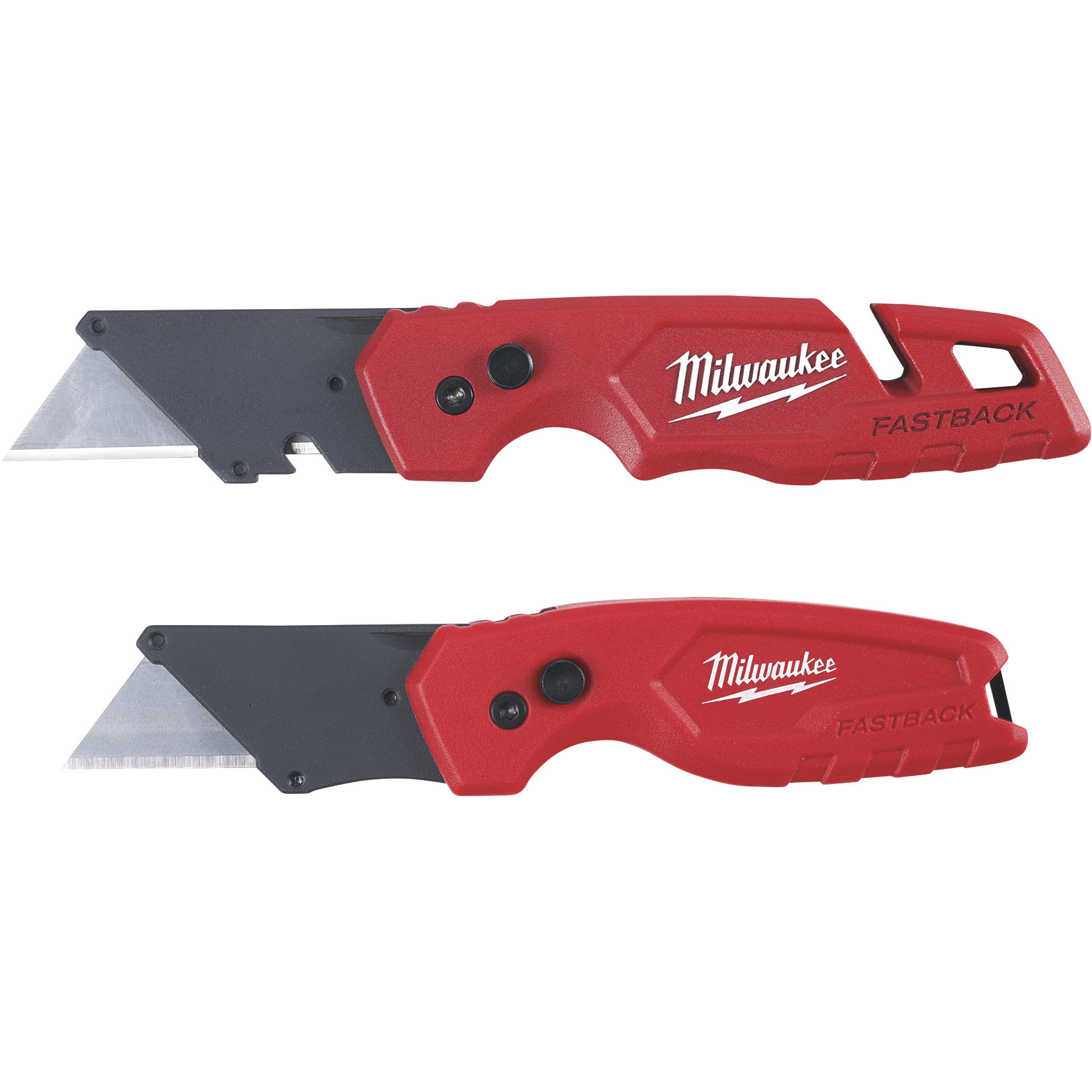
Milwaukee FASTBACK Folding Utility Knife Set, Model# 48-22-1503
Folding
Same
Yes
No
No
Yes
Knives (qty.)
Same
1
50
0
1
Blades (qty.)
Same
1
50
5
2
Product Weight
Same
lb
0.5900 lb
0.0500 lb
lb
Dimensions L x W x H (in.)
Same
0.31 x 6.15 x 0.93 in
2.25 x 0.75 x 0.0156 in
2.25 x 0.75 x 0.015 in
6.875 x 1.0313 x 1.1875 in
See All Utility Knives
See All Milwaukee Utility Knives
Recently Viewed Items
This is a carousel with auto-rotating slides. Activate any of the buttons to disable rotation. Use Next and Previous buttons to navigate, or jump to a slide with the slide dots.