The power source to the solenoid can not be energized until the four pole quick connector plug is plugged in. Each solenoid has two black wires that are connected to each other at the factory and are grounded. The other black wires will plug into the white and black wires from the hand control connection. The brown wire will go to ground from the female 4 pole plug gray box. Attach the circuit breaker to the vehicle under the hood. Connect all wiring as shown in illustration. Test hand control unit, solenoid will make a slight “click” sound if connected correctly. Do not start vehicle to do this test.
When done, check fluid level. Replace lost fluid in system until full. To purge air, start engine, run for two seconds and shut off engine. Check fluid level again. Add fluid until full. Do this until system stays full. Run vehicle for three minutes or until fluid looses aeration. After system has been filled, turn wheels from lock to lock position (completely right and left) five times. This will aid in bleeding out any air that may still be in the system. If the hand control unit is working backwards, simply reverse the connections at the solenoids (switch the white and black wire on the solenoid valve. Make sure that you hear a slight “hiss” when the hand controller is pressed “out” when the vehicle is running. Do not connect the power cables to the battery until the final step of installation.
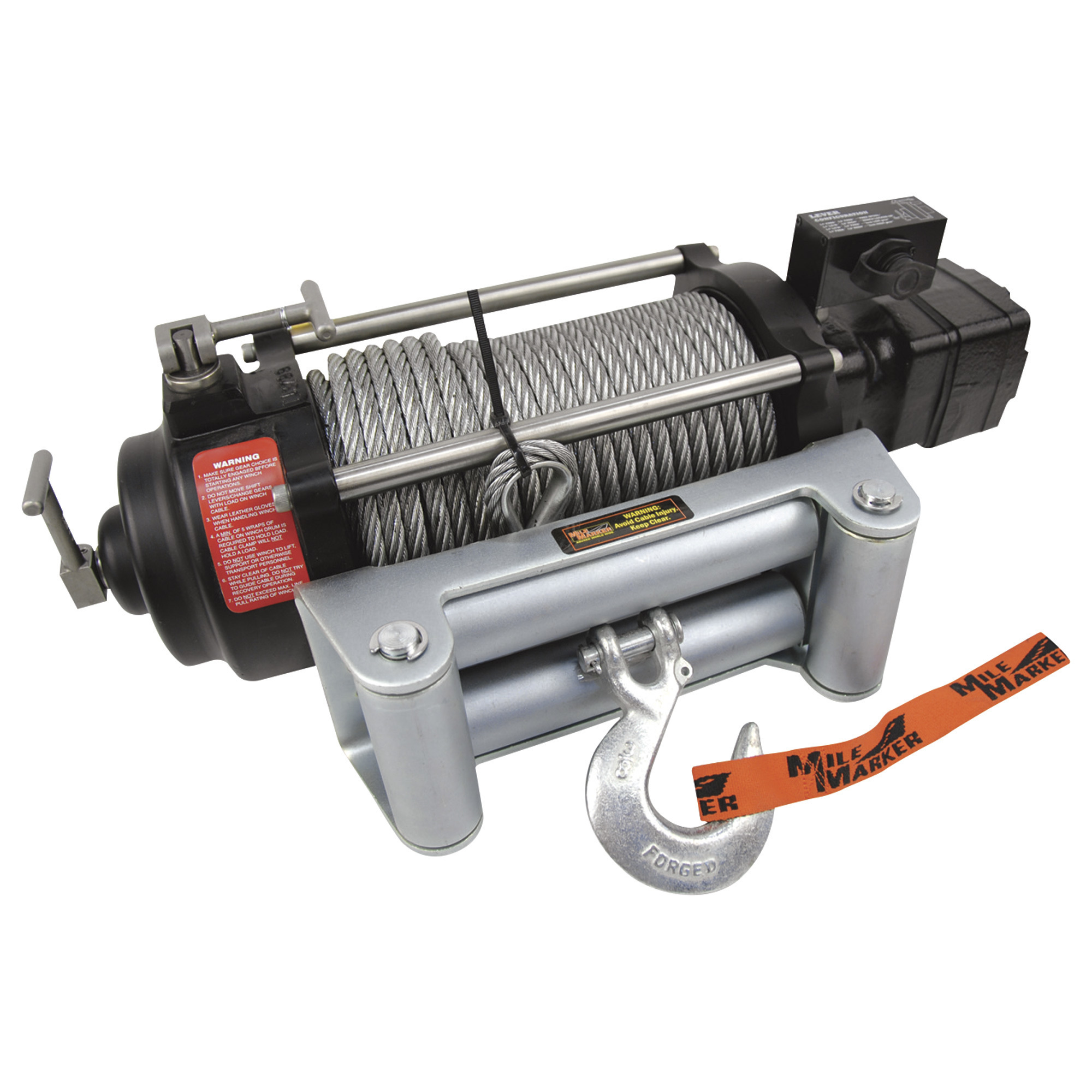
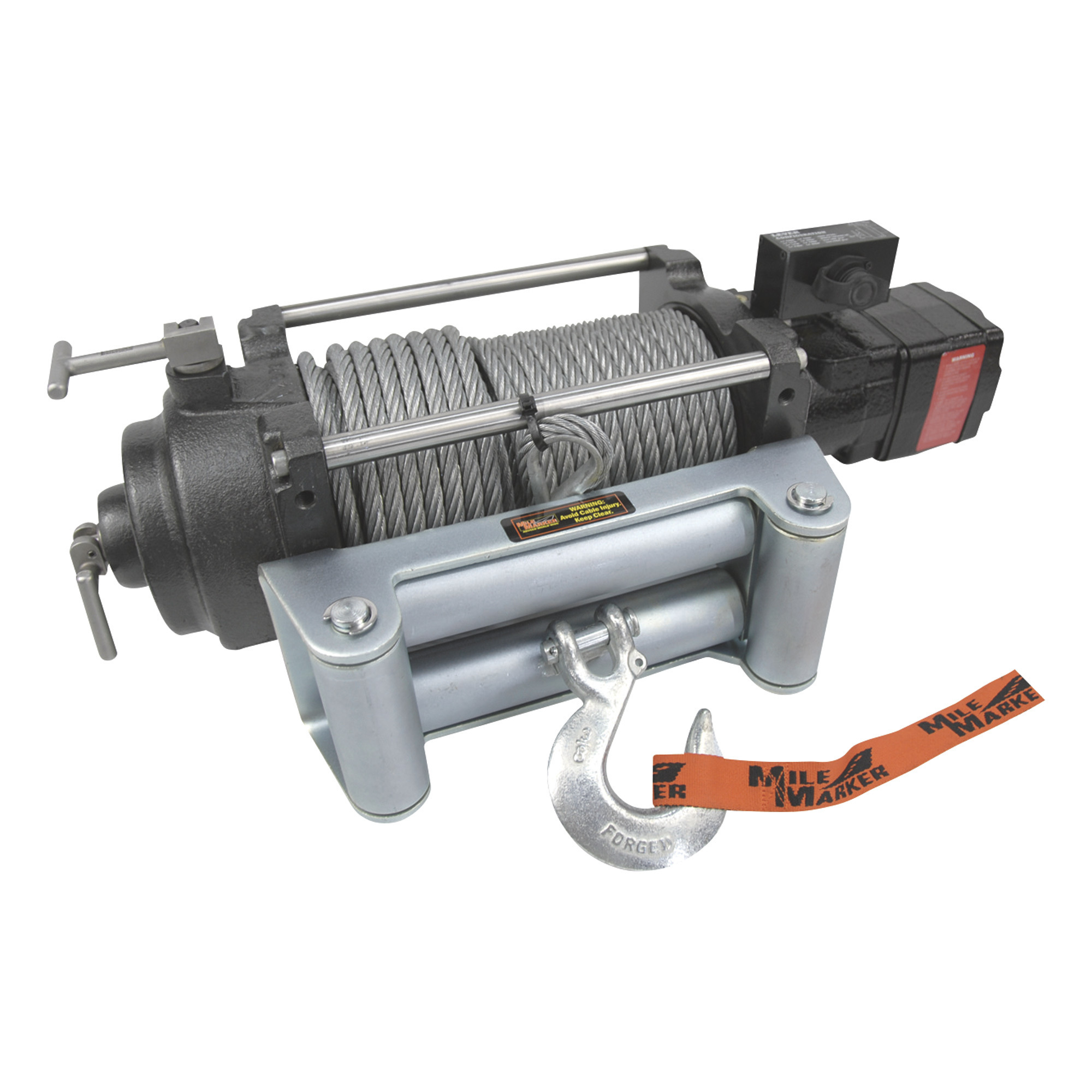
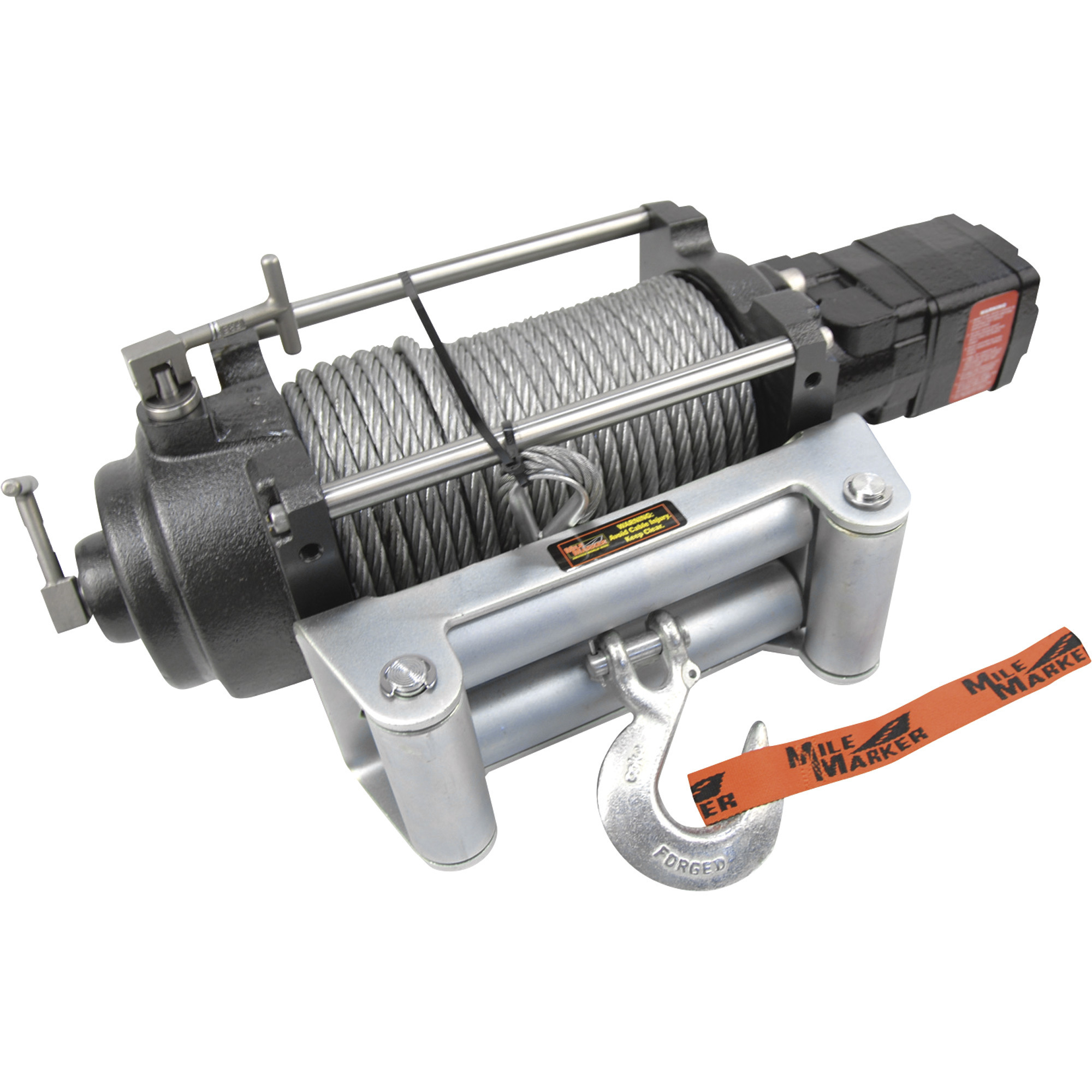
Mile Marker HI-Series 12 Volt DC Powered Hydraulic Truck Winch, 10,500-lb. Capacity, Galvanized Aircraft Cable, Model# HI10500
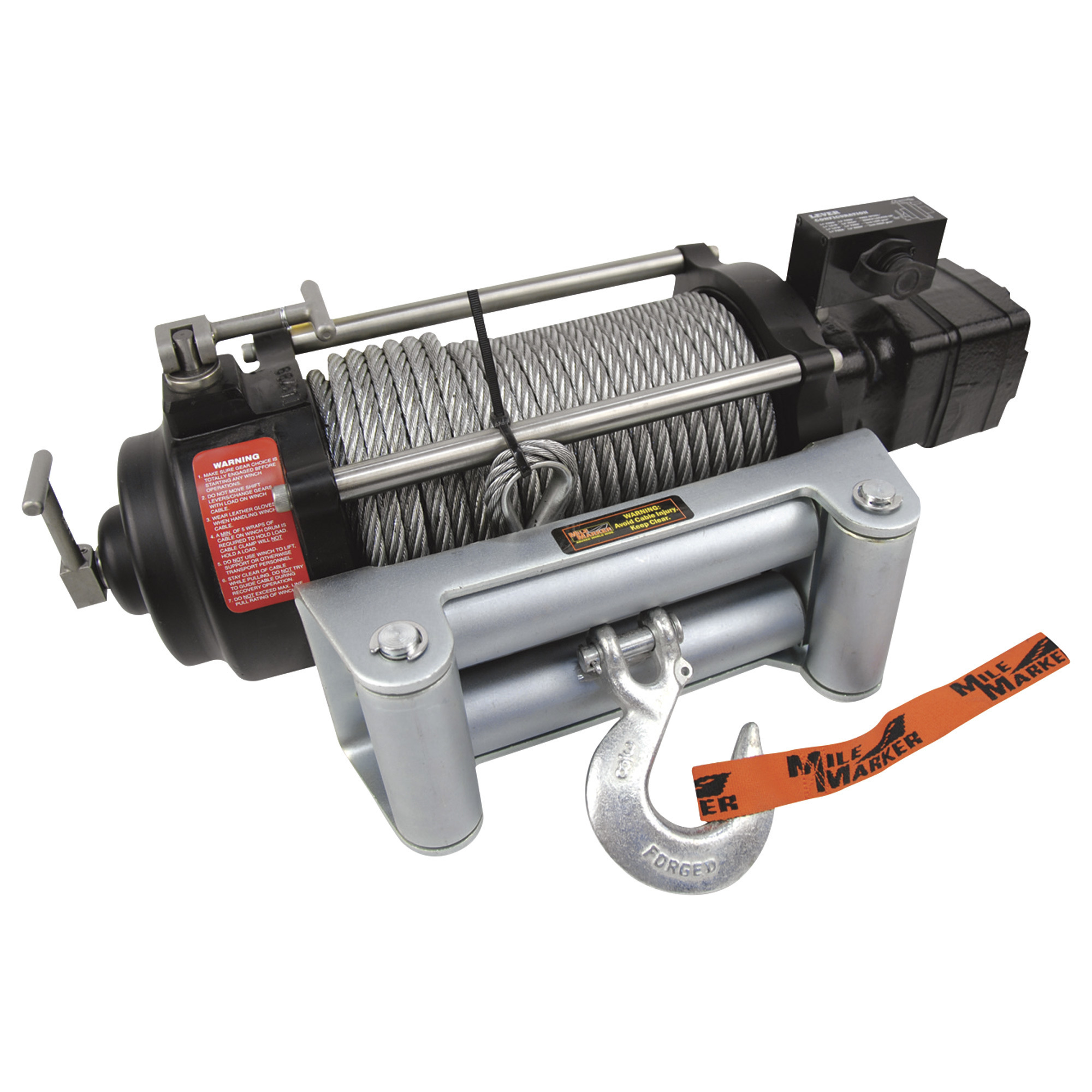
This is a carousel with one large zoomable image and a track of thumbnails on the left. Select any of the thumbnail buttons to change the zoomable image on the right. If a thumbnail is a video or 360 degree image thumbnail, or the last thumbnail in the list, the button will open the product media modal.
Click or Tap image to Zoom
- Requires a vehicle specific 35-series vehicle adapter kit
- 2-speed motor
- Integrated solenoid valve
- Can be used under water
- Corrosion resistant
See full description
$2537.98
Accessories We Recommend
This is a carousel with auto-rotating slides. Activate any of the buttons to disable rotation. Use Next and Previous buttons to navigate, or jump to a slide with the slide dots.
See All DC Powered Winches
See All Mile Marker DC Powered Winches
Currently Viewing This Product
Specifications
10,500 lb
12,000 lb
12,000 lb
Planetary
Planetary
Planetary
31 ft./min.
31 ft./min.
31 ft./min.
6:1
6:1
6:1
100 ft
100 ft
100 ft
3/8 in
3/8 in
3/8 in
Galvanized Steel
Galvanized Steel
Galvanized Steel
Yes
Yes
Yes
Yes
Yes
Yes
See All DC Powered Winches
See All Mile Marker DC Powered Winches
Recently Viewed Items
This is a carousel with auto-rotating slides. Activate any of the buttons to disable rotation. Use Next and Previous buttons to navigate, or jump to a slide with the slide dots.