To replace the front cover lens, place your finger or thumb into the recess (C) at the bottom edge of the cover lens and flex the lens upwards until it releases from the edges marked A and B. To replace the inside cover lens, place your fingernail in the recess above cartridge view window and flex lens upwards until it releases from edges of cartridge view window.
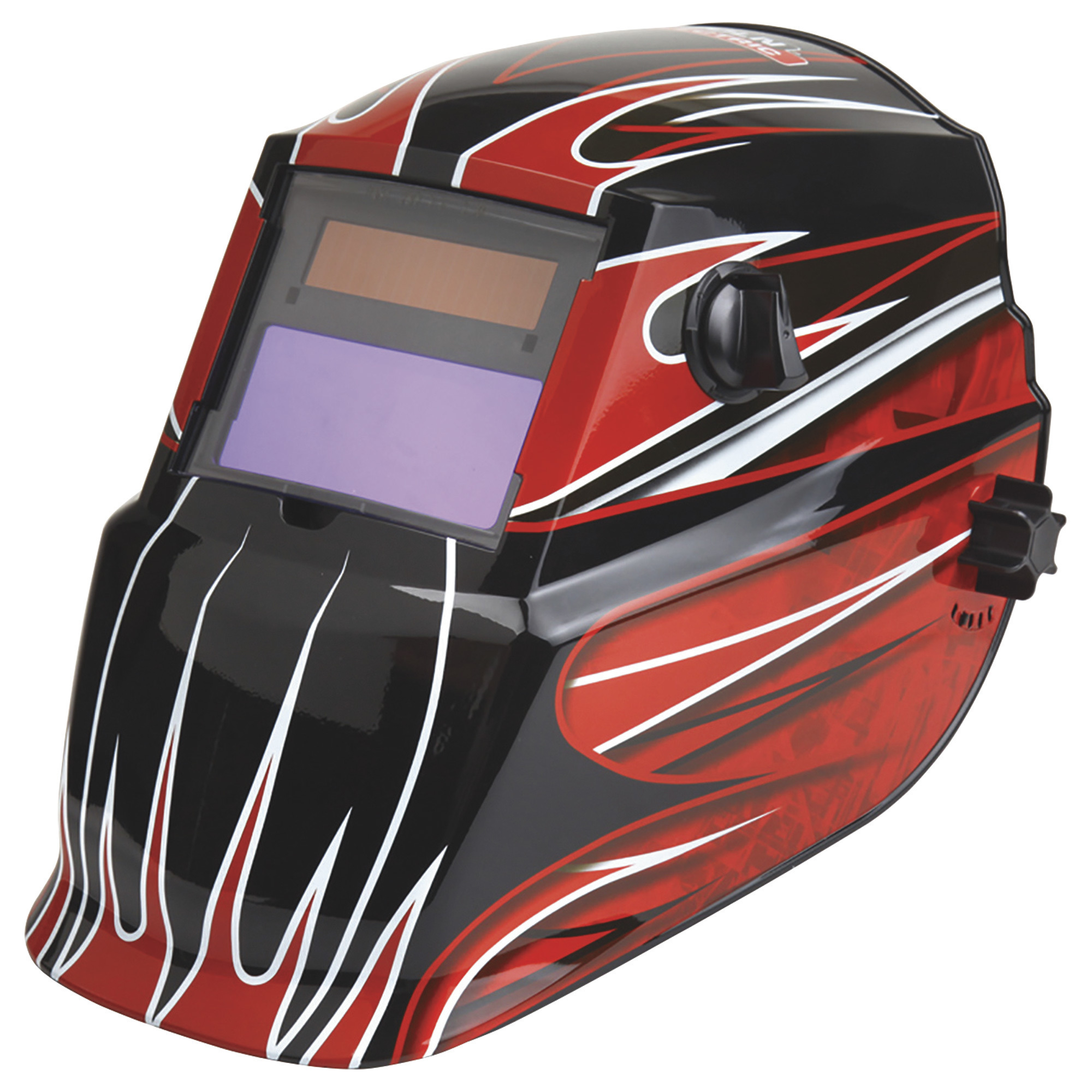
Lincoln Electric Auto-Darkening Variable Shade Welding Helmet with Grind Mode, Fierce Red, Model# K3063-1
This is a carousel with one large zoomable image and a track of thumbnails on the left. Select any of the thumbnail buttons to change the zoomable image on the right. If a thumbnail is a video or 360 degree image thumbnail, or the last thumbnail in the list, the button will open the product media modal.
Click or Tap image to Zoom
$164.99
- WELD PROTECTION: Lincoln Electric Red Fierce Welding Helmet K3063-1 is an auto-darkening hood for safety and protection that’s solar powered with battery backup
- COMFORTABLE FIT: Adjustable ratchet headgear provides the perfect fit for men and women; It’s rugged but lightweight with an oversized absorbent sweatband for extended wear and comfort
- EXTRA LENSES: Includes 2 extra inside and outside impact resistant clear lenses; The variable shade feature allows you to choose from shades 7-13; The helmet also has an additional grind mode shade
- DURABLE & VERSATILE: Suitable for a wide range of projects and can be used in Stick, TIG, Pulsed TIG, MIG, Pulsed MIG, Flux Core, and Gouging welding processes; Tig Rating = ?5 amps
- MORE SPECS: This helmet is ANSI Z87.1 safety certified, made of nylon material, weighs 17.5 oz, has a 4.33" x 3.54 viewing area, is hard hat compatible, and comes with 2 AAA batteries included
Prop 65 Warning: See Details
See full description
What's Included
- (1) Welding helmet (2) Extra lenses
Downloads
Features + Benefits
- WELD PROTECTION: Lincoln Electric Red Fierce Welding Helmet K3063-1 is an auto-darkening hood for safety and protection that’s solar powered with battery backup
- COMFORTABLE FIT: Adjustable ratchet headgear provides the perfect fit for men and women; It’s rugged but lightweight with an oversized absorbent sweatband for extended wear and comfort
- EXTRA LENSES: Includes 2 extra inside and outside impact resistant clear lenses; The variable shade feature allows you to choose from shades 7-13; The helmet also has an additional grind mode shade
- DURABLE & VERSATILE: Suitable for a wide range of projects and can be used in Stick, TIG, Pulsed TIG, MIG, Pulsed MIG, Flux Core, and Gouging welding processes; Tig Rating = ?5 amps
- MORE SPECS: This helmet is ANSI Z87.1 safety certified, made of nylon material, weighs 17.5 oz, has a 4.33" x 3.54 viewing area, is hard hat compatible, and comes with 2 AAA batteries included
- Grind Mode Capability
- Lightweight - 17.0 oz. (483 g)
- Optical Clarity - 1/1/1/2
- Includes: 2 extra inside and outside polycarbonate impact resistant clear lenses
Accessories We Recommend
This is a carousel with auto-rotating slides. Activate any of the buttons to disable rotation. Use Next and Previous buttons to navigate, or jump to a slide with the slide dots.
See All Welding Helmets
See All Lincoln Electric Welding Helmets
Currently Viewing This Product
 $34.99Reg $69.99Save $35.00
Order today to get this price.
Specifications
Specifications
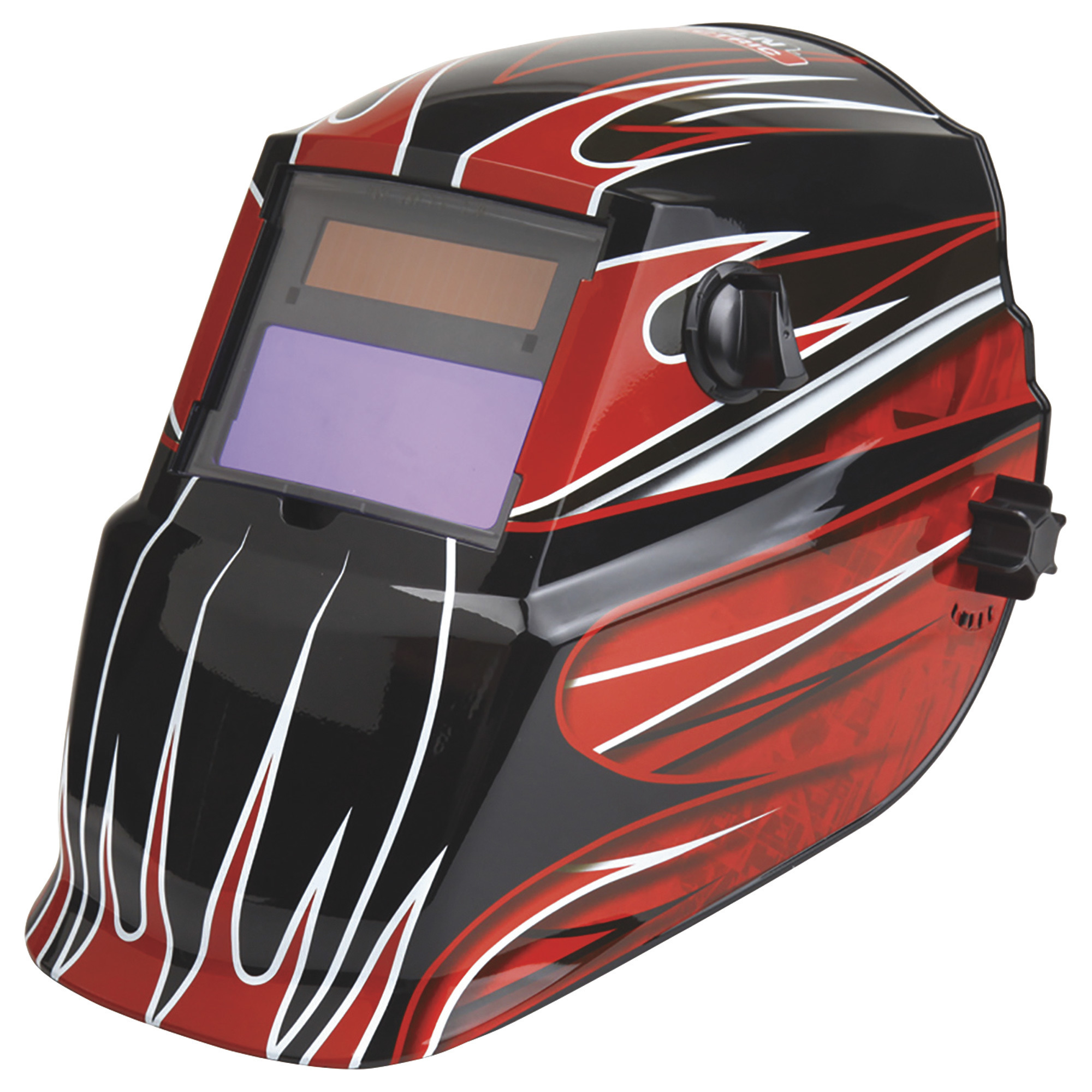
Lincoln Electric Auto-Darkening Variable Shade Welding Helmet with Grind Mode, Fierce Red, Model# K3063-1
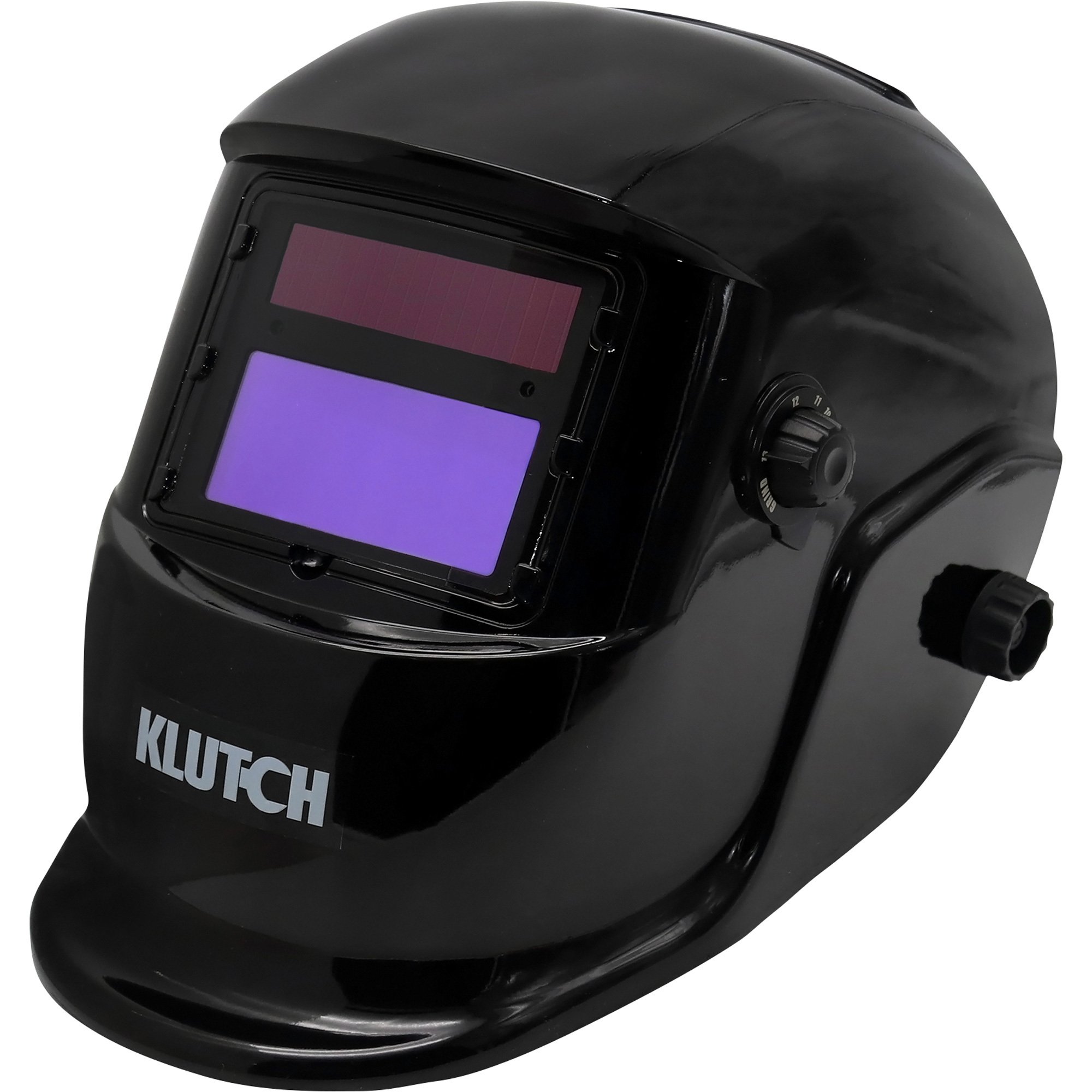
Klutch Auto-Darkening Welding Helmets — Gloss Black
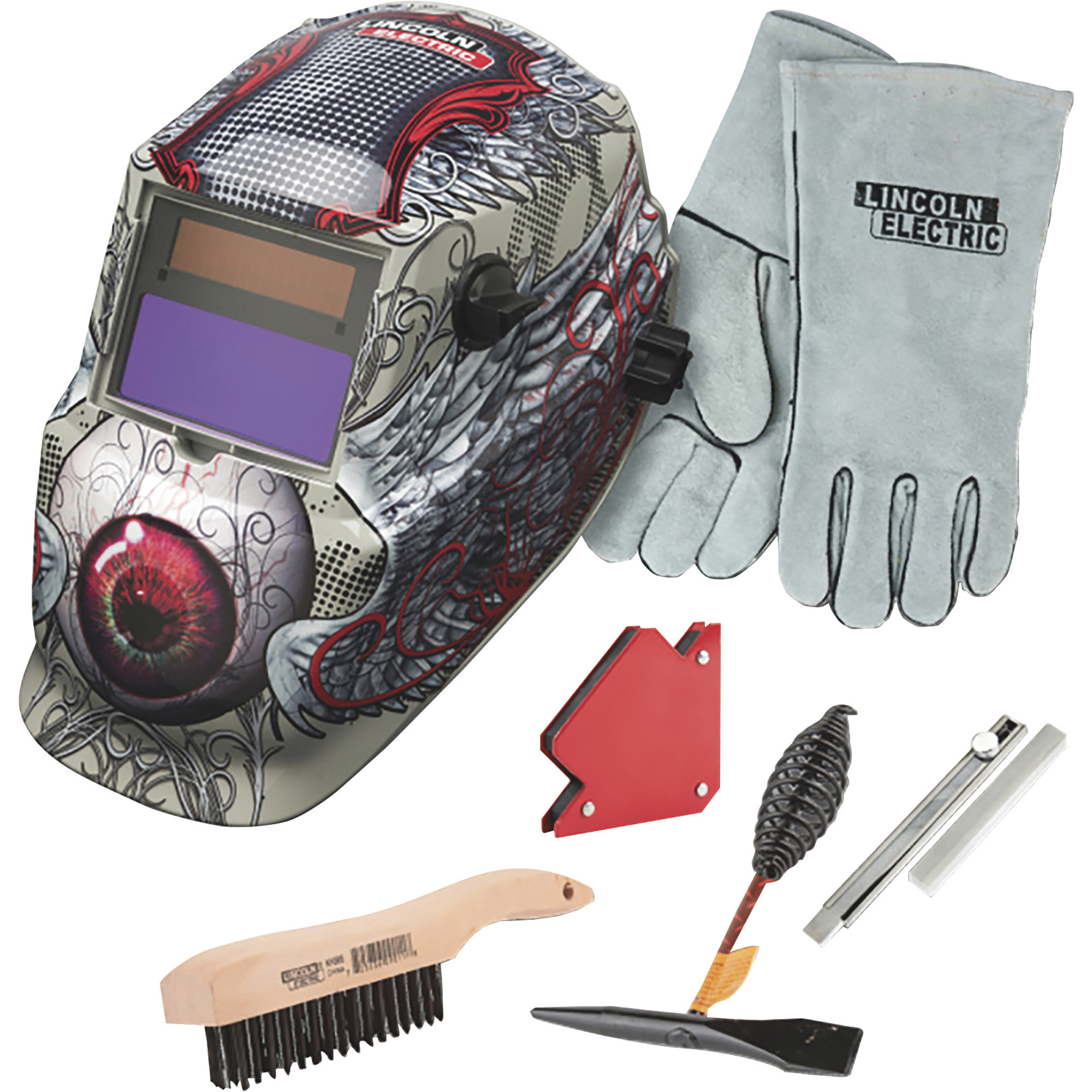
Lincoln Electric Auto-Darkening Welding Helmet Kit, Bloodshot Eyeball, Model# KH978
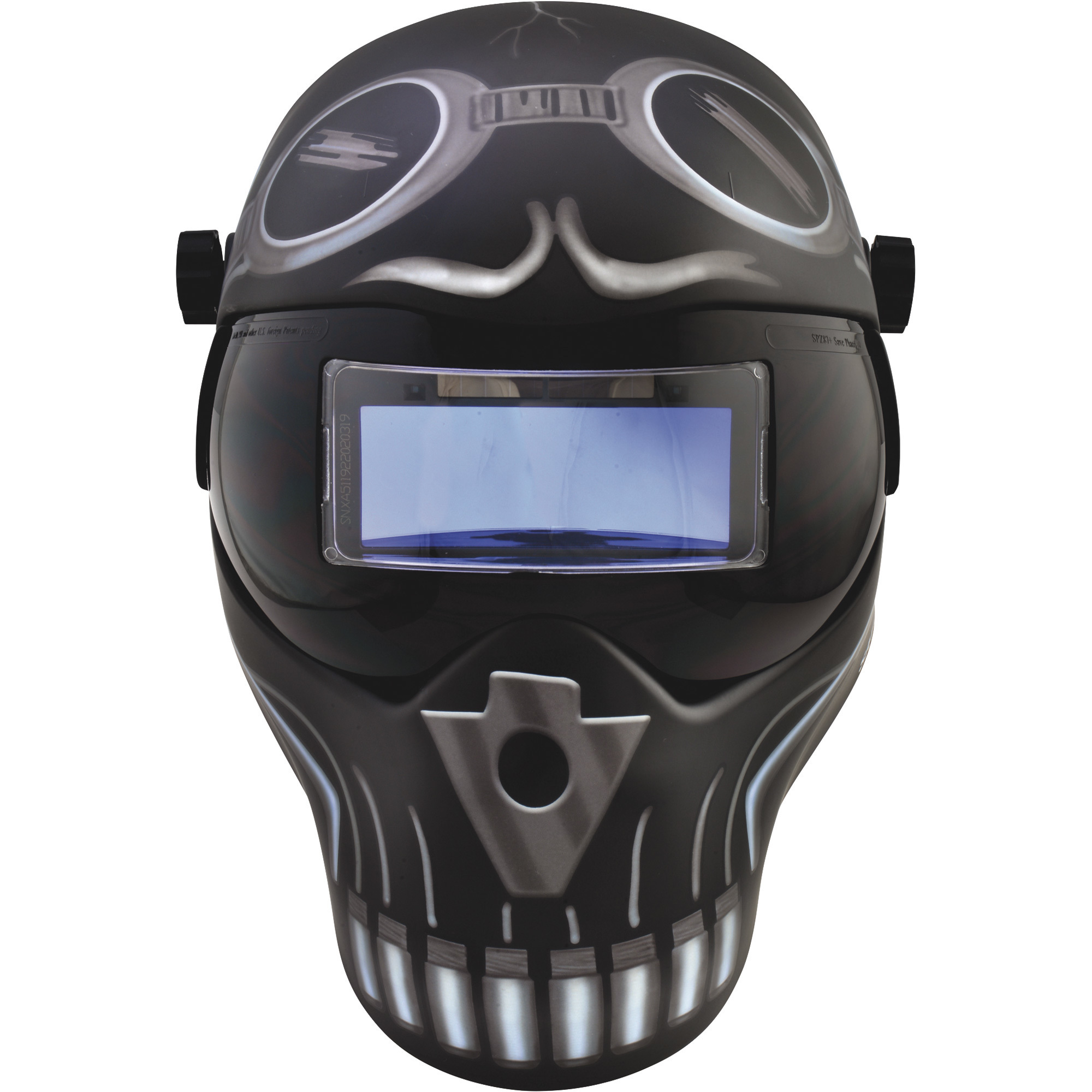
Save Phace Auto-Darkening Welding Helmet, Skelator Graphics, Model# 3012466
Auto Darkening
Same
Yes
Yes
Yes
Yes
Switch Time
Same
1/25,000 sec.
1/25,000 sec.
1/25,000 sec.
0.0003 sec.
Grind Mode
Same
Yes
No
No
No
Variable Shades
Same
Yes
Yes
Yes
Yes
Color Family
Same
Red
-
Other
Black
Viewing Area
Same
6.61 in²
6.50 in²
6.61 in²
5.16 in²
Adjustable Fit
Same
Yes
Yes
Yes
Yes
Hardhat Compatible
Same
No
-
No
Yes
Cheater Lens Compatible
Same
Yes
-
-
-
Viewing Area Height
Same
1.73 in
1.68 in
1.73 in
1.38 in
Viewing Area Width
Same
3.82 in
3.87 in
3.82 in
3.74 in
UV/IR Coated Lens
Same
No
Yes
Yes
Yes
Adjustable Sensitivity
Same
Yes
Yes
Yes
Yes
Battery Included
Same
Yes
Yes
Yes
Yes
ANSI Approved
Same
Yes
Yes
Yes
Yes
CSE/CE Standard
Same
Yes
Yes
Yes
-
Arc Sensors (qty.)
Same
2
-
-
-
Includes
Same
2 extra inside and outside polycarbonate impact resistant clear lenses
-
-
-
Product Weight
Same
1.5000 lb
1.9 lb
3.0000 lb
lb
Dimensions L x W x H (in.)
Same
11.12 x 10.25 x 11.87 in
9.5 x 9 x 13 in
9.25 x 9.25 x 13.0 in
12.0 x 10.0 x 9.0 in
See All Welding Helmets
See All Lincoln Electric Welding Helmets
Recently Viewed Items
This is a carousel with auto-rotating slides. Activate any of the buttons to disable rotation. Use Next and Previous buttons to navigate, or jump to a slide with the slide dots.