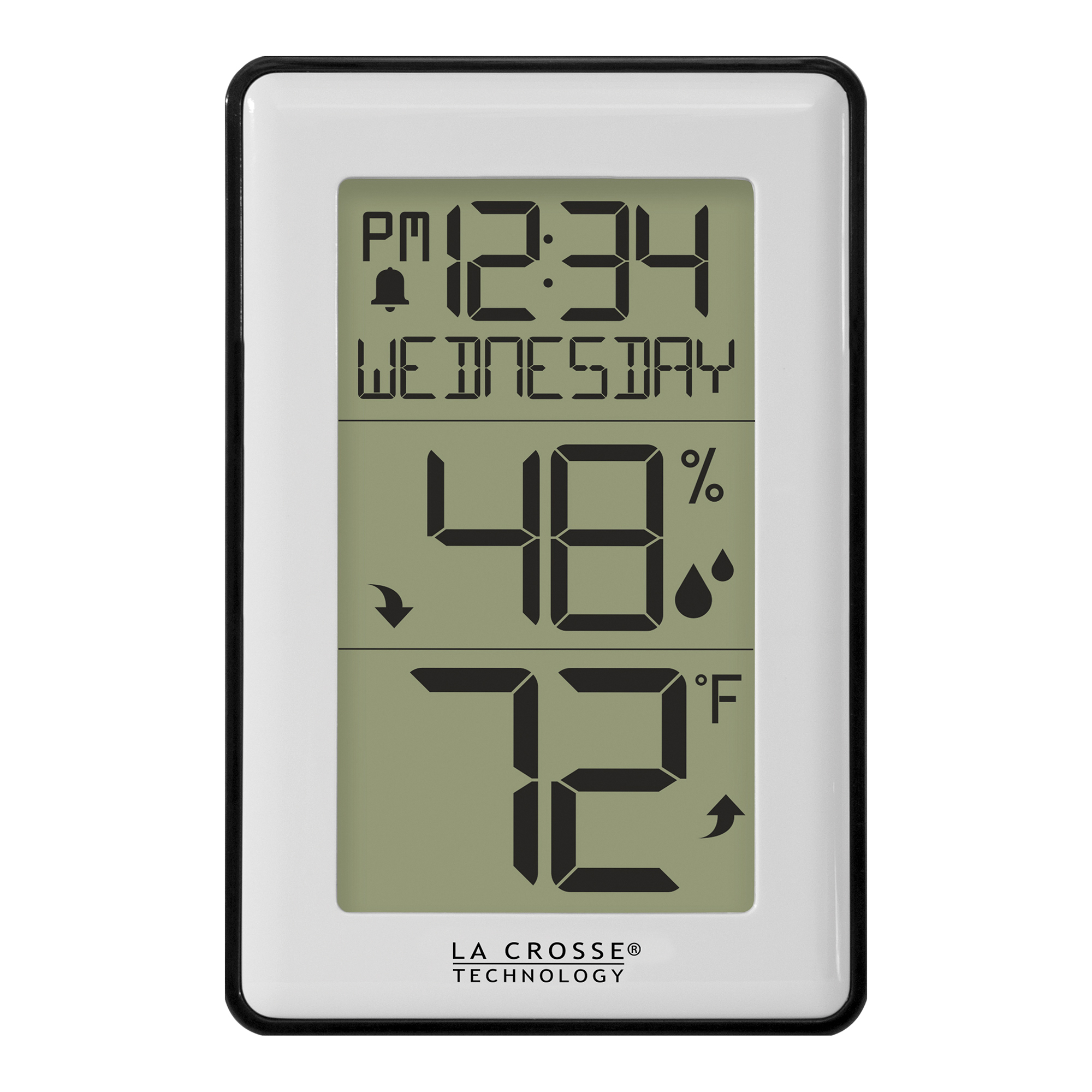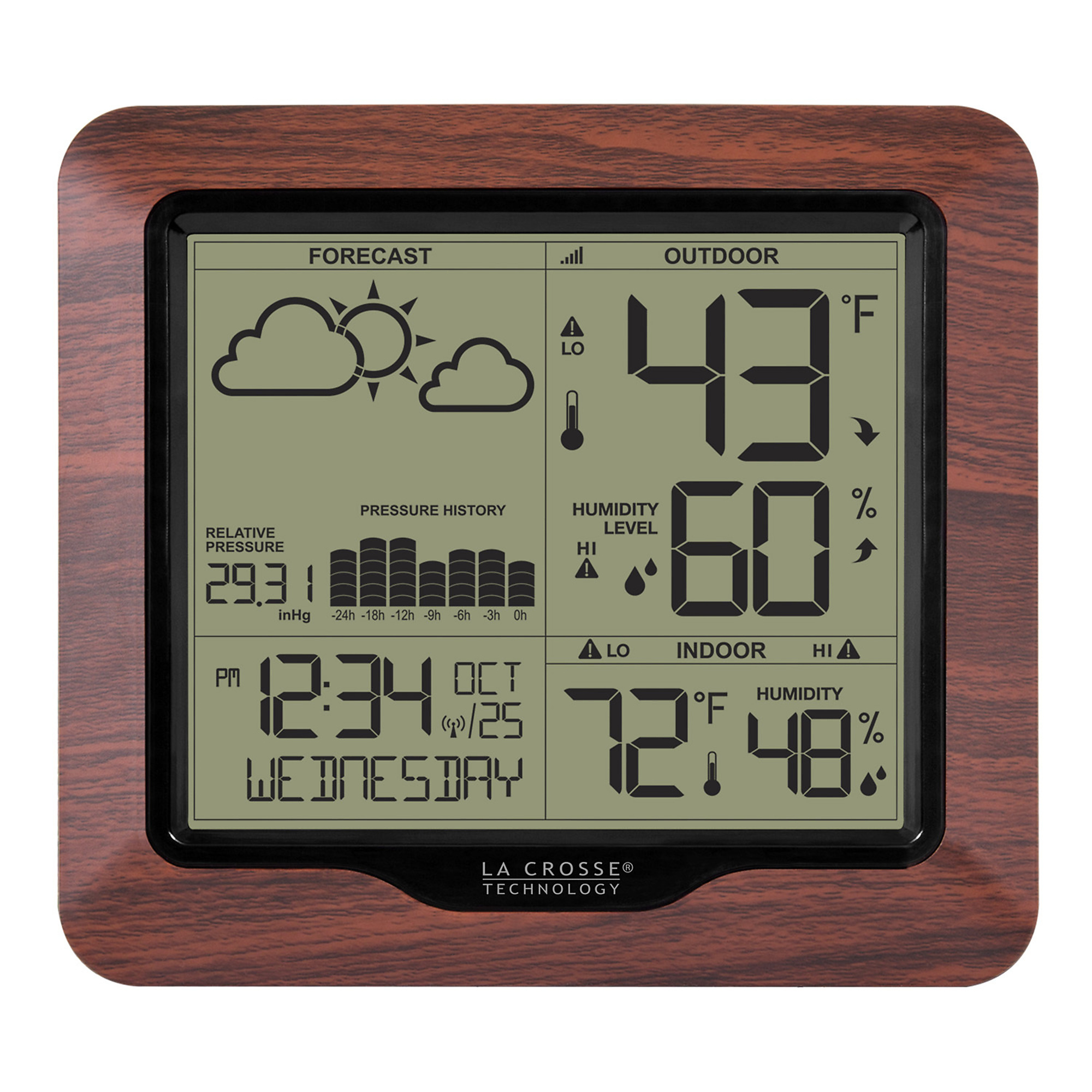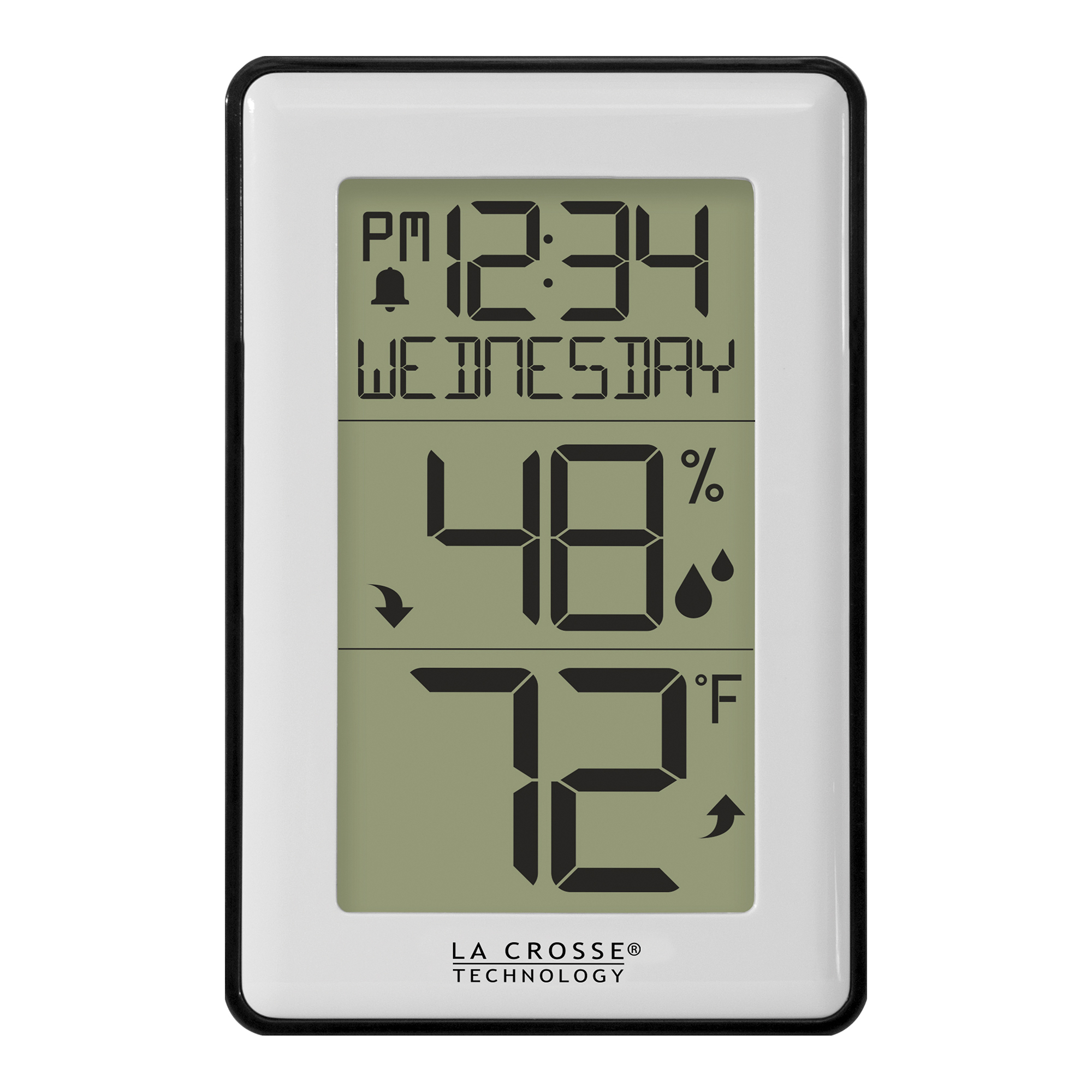
To set the time and date on the La Crosse Technology 308-1911:
Press and hold the SETTINGS button for about 3 seconds until the language begins flashing.
Use the + or − buttons to change each setting.
Press SETTINGS to move through the options:
Language
Beep On/Off
Hour
Minutes
Month
Year
Temperature °F/°C
After setting the year, month, and date, press SETTINGS until you exit setup mode.
The station will then display the correct time and calendar date.