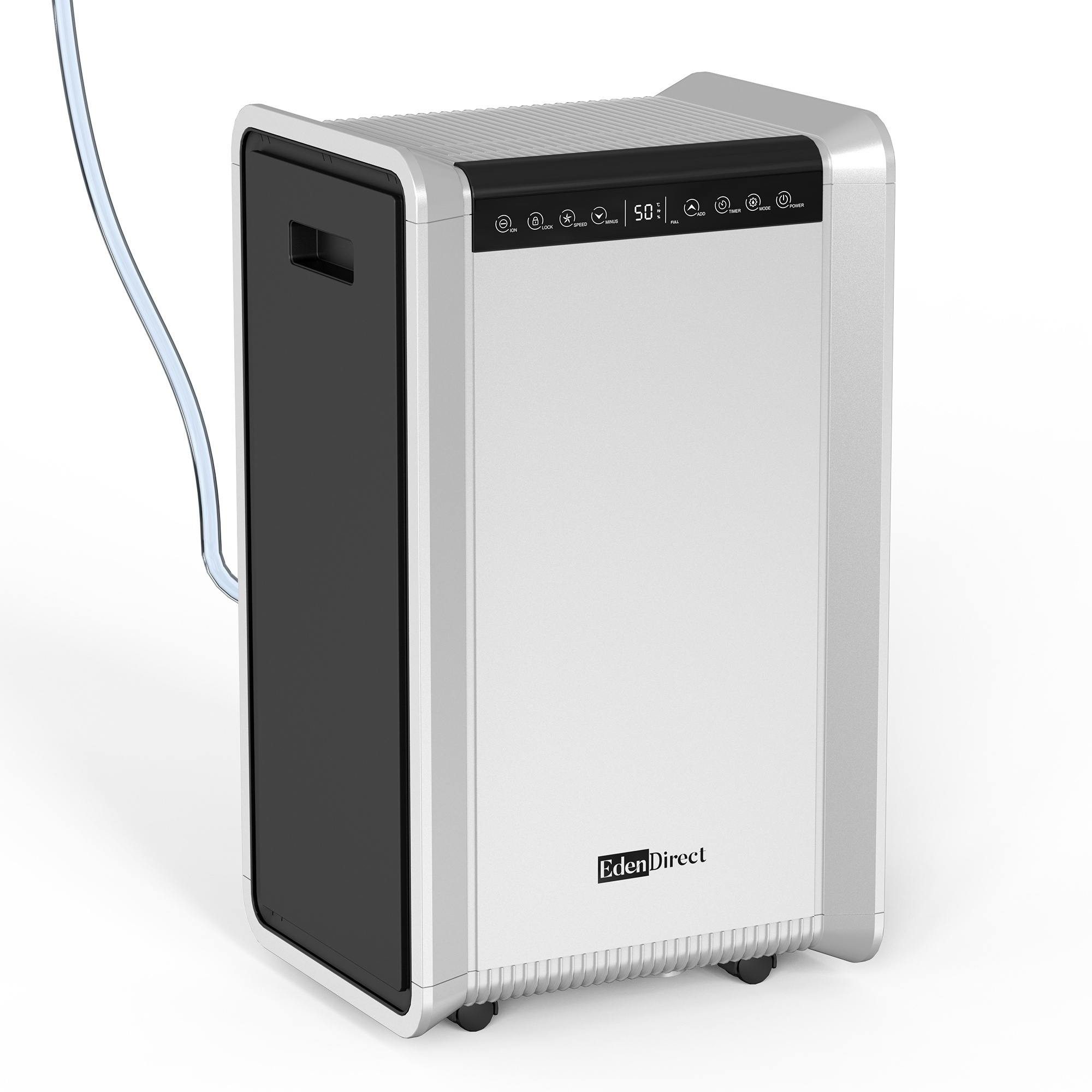
The EdenDirect OL50-D024D does not have a built-in pump and relies on gravity drainage or the bucket.
EdenDirect Commercial Dehumidifier With 19.6ft Pump— 125 Pints, 8,500 Sq. Ft. Coverage, 3.3ft Drain Hose and 2.22Gal Large Bucket, Model# OL50-D024D
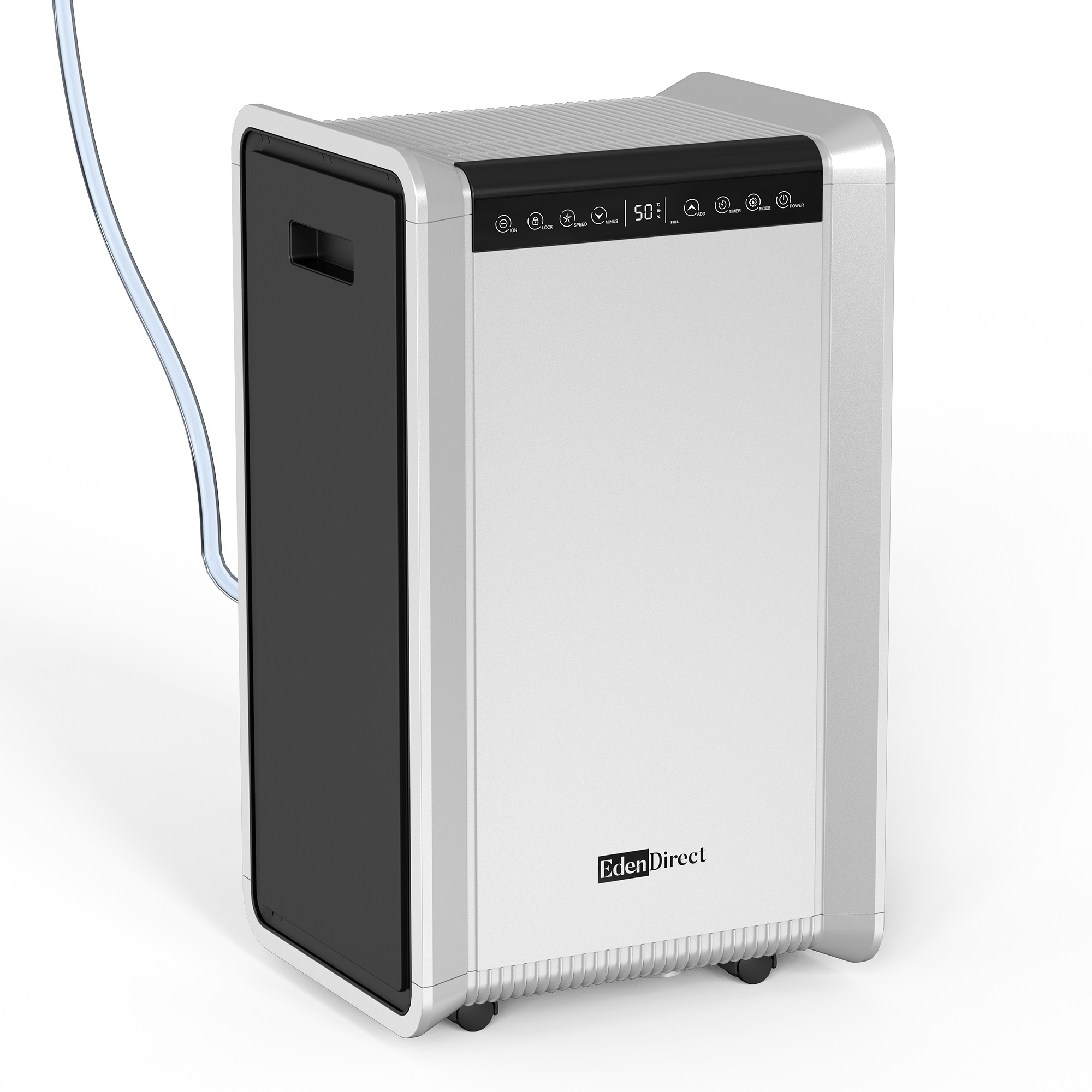
This is a carousel with one large zoomable image and a track of thumbnails on the left. Select any of the thumbnail buttons to change the zoomable image on the right. If a thumbnail is a video or 360 degree image thumbnail, or the last thumbnail in the list, the button will open the product media modal.
Click or Tap image to Zoom
$364.99
- Powerful 125-Pint Moisture Removal for Large Spaces: Removes up to 125 pints of moisture per day (95°F, 90% RH) and effectively controls humidity in spaces up to 8,500 sq ft, Ideal for basements, crawl spaces, garages, warehouses, storage rooms, and other large, damp areas.
- 3 Smart Operating Modes with Air Purification: Choose from Intelligent Mode for everyday humidity control, Continuous Mode for persistently damp conditions, or Sleep Mode for quieter nighttime operation, Built-in ion air purification and a washable filter help reduce airborne particles and odors for fresher indoor air.
- Quiet, Energy-Efficient Performance: Operating at approximately 50 dB, this dehumidifier delivers powerful moisture removal without excessive noise, ENERGY STAR® certified to help reduce energy consumption while maintaining reliable, efficient performance.
- Flexible Drainage with Built-In Pump: Features an extra large 2.22 gallon visible water tank with auto shutoff, plus three drainage options including two 3.3 ft gravity drain hoses and a 19.6 ft pump drain hose for convenient continuous drainage and elevated water discharge.
- Smart Controls with Real-Time Humidity Display: The easy-to-use digital control panel features a 12-hour programmable timer, 3-color humidity indicator, real-time humidity display, auto restart, and adjustable humidity settings for convenient, automatic operation.
See full description
See All Dehumidifiers
See All EdenDirect Dehumidifiers
Currently Viewing This Product
 $3685.00
Specifications
Specifications
EdenDirect Commercial Dehumidifier With 19.6ft Pump— 125 Pints, 8,500 Sq. Ft. Coverage, 3.3ft Drain Hose and 2.22Gal Large Bucket, Model# OL50-D024D
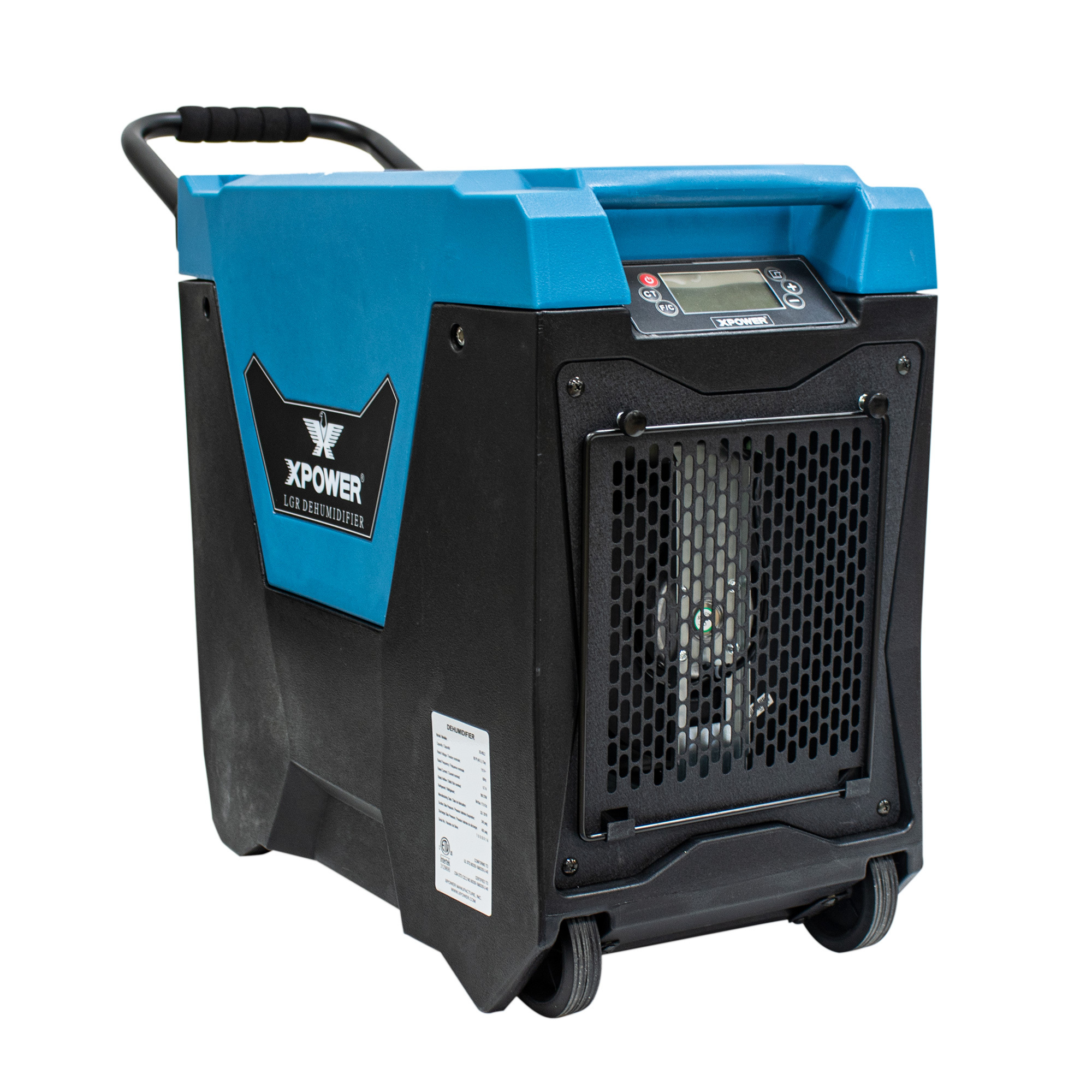
XPower LGR Commercial Dehumidifier with Handle and Wheels, 85 Pints/Day, Model# XD-85L2-Blue
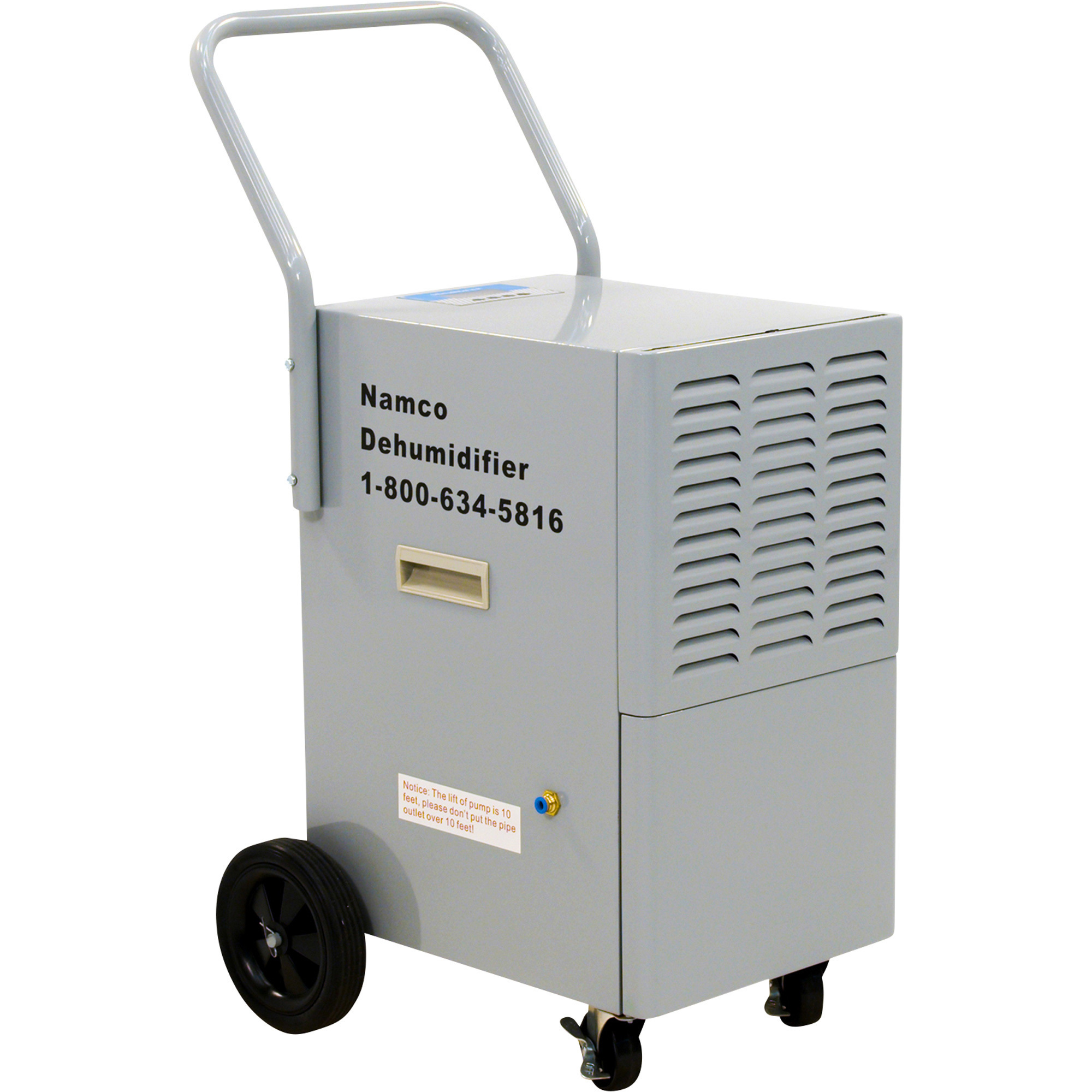
Namco Industrial-Grade Dehumidifier, 110 Pints, 900 Watts, Model# P646
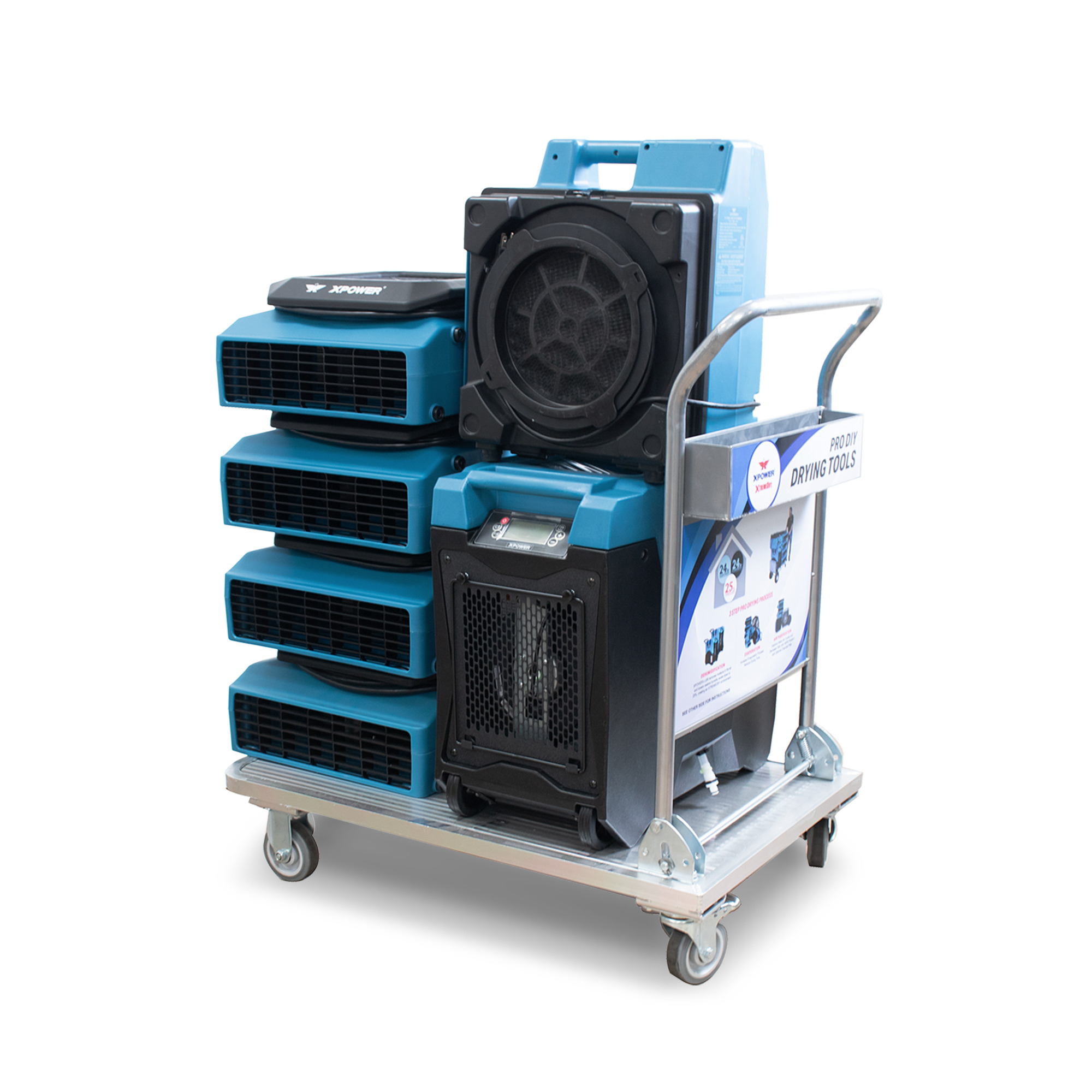
XPOWER, XTREMEDRY Mojave DIY Commercial Drying System, Volts 115 Amps 6.7 Model# XDP1
Water Removal
Same
125 pt.
85 Pints/day
110 pints/day
85
Volts
Same
115
115
115
115
Amps
Same
5.5
6.7
7.3
6.7
Max. Operating Temp
Same
110 °F
105 °F
95 °F
105 °F
Min. Operating Temp
Same
41 °F
33 °F
41 °F
33 °F
Speeds (qty.)
Same
2
2
1
1
CFM
Same
106
180
282
180
Power Cord Length
Same
6.56 ft
-
-
25 ft
Watts
Same
680
771
900
770
Housing Material
Same
Aluminum
-
Aluminum
Other
Refrigerant
Same
R410A
410ra
410RA
R401A
Certifications
Same
CSA
UL Listed
ETL/CETL (UL/CUL)
ETL/CETL safety certified and meets OSHA safety requirements
Product Weight
Same
52.0000 lb
79.5000 lb
81 lb
192.0000 lb
Dimensions L x W x H (in.)
Same
15.75 x 14.09 x 26.22 in
13.12 x 27.81 x 23.4 in
20.25 x 13.25 x 37.5 in
40.0 x 48.0 x 30.0 in
Xactimate Code
Same
-
Wtrdhm>l
WTRDHM>L
-
See All Dehumidifiers
See All EdenDirect Dehumidifiers
Recently Viewed Items
This is a carousel with auto-rotating slides. Activate any of the buttons to disable rotation. Use Next and Previous buttons to navigate, or jump to a slide with the slide dots.