The manual control is used when there is a slow reduction in speed desired. When the manual control is pushed, the brake controller begins to apply the trailer brakes. The gain control can be adjusted during initial set up or any time when the trailer load changes and adjustment is needed for road conditions. The load control can be adjusted for the individual driver preference.
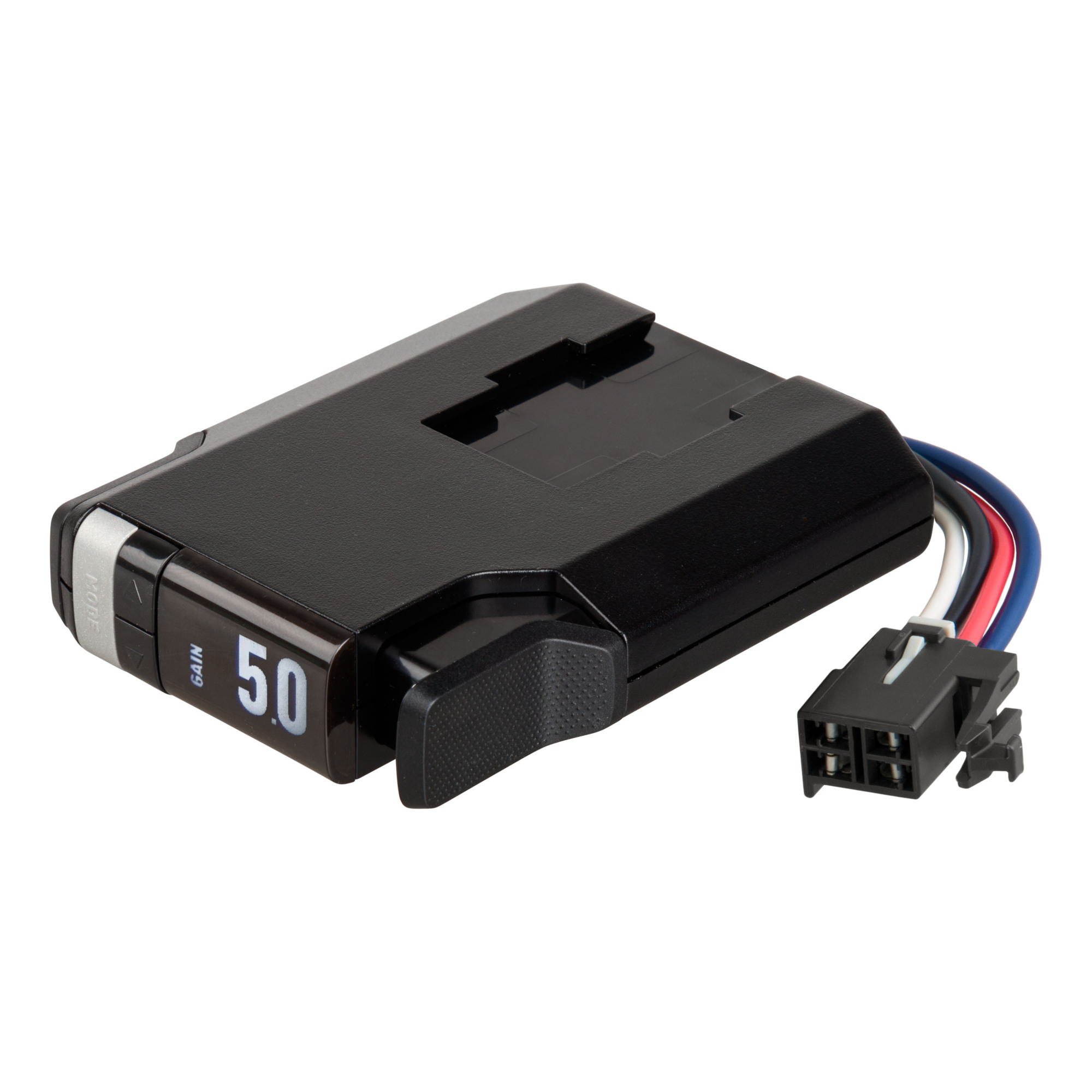
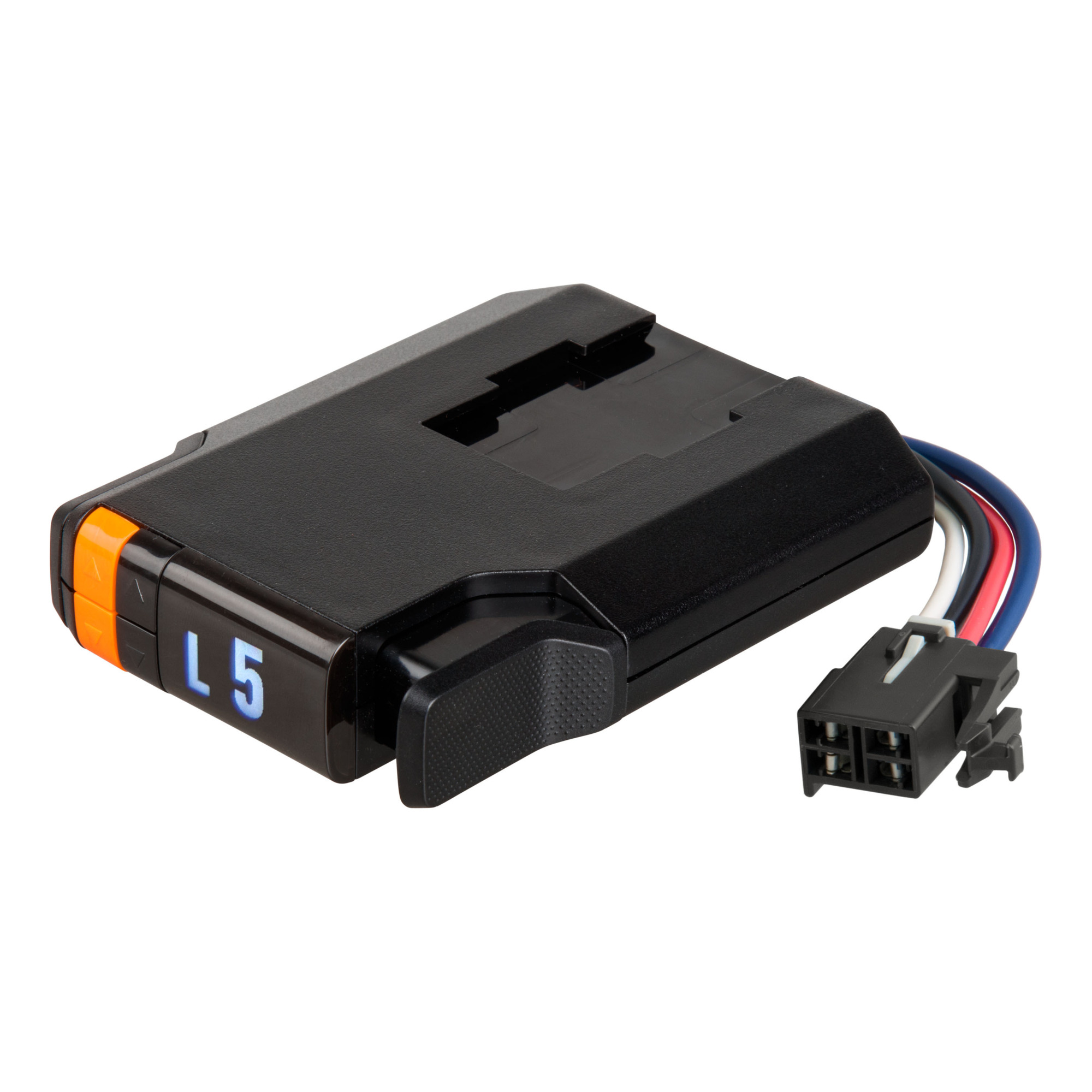
Curt Manufacturing, TriFlex NEXT Trailer Brake Controller Proportional, Axle Capacity 1-4 Brakes Capacity (qty.) 8 Display Type LED, Model# 51146
Top Seller
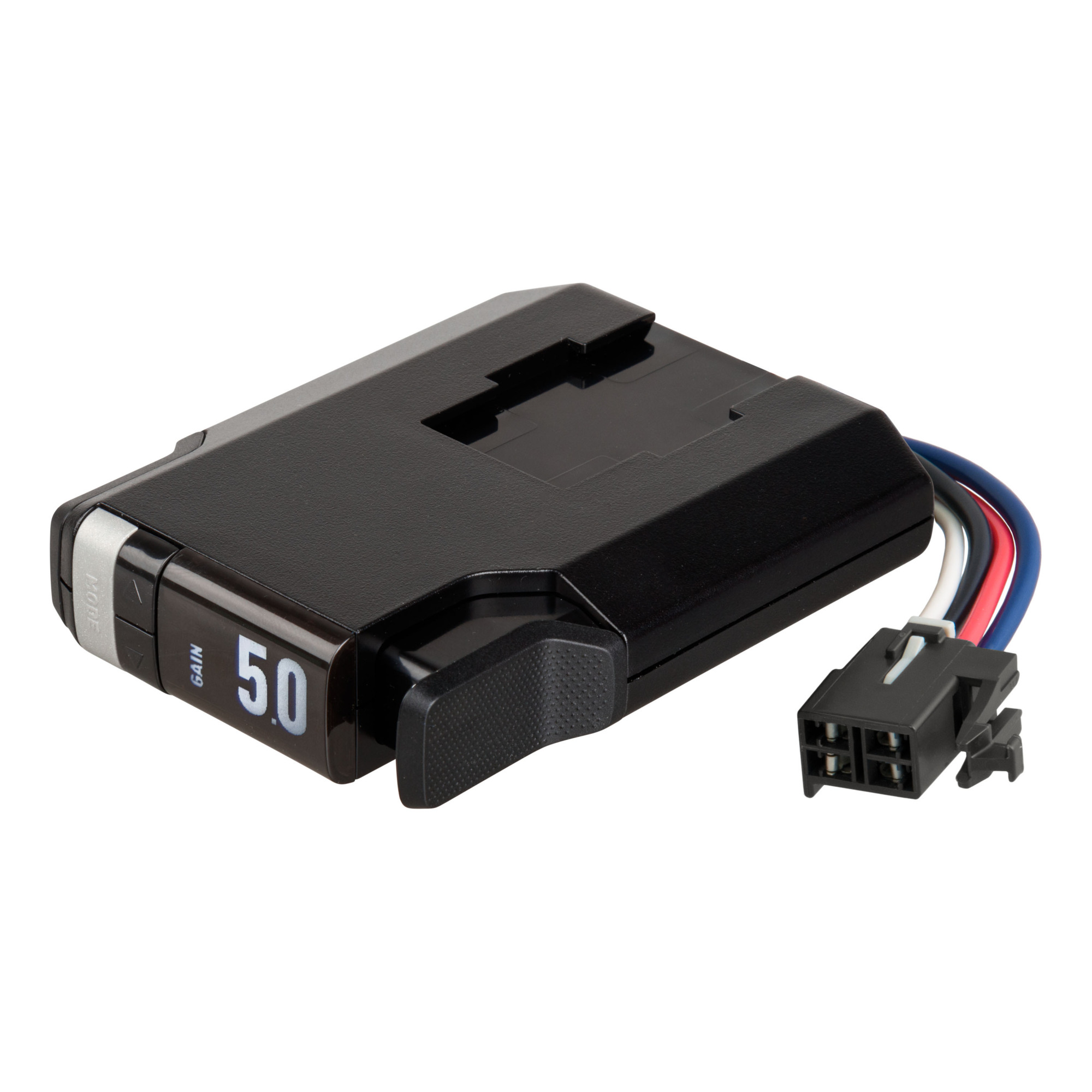
This is a carousel with one large zoomable image and a track of thumbnails on the left. Select any of the thumbnail buttons to change the zoomable image on the right. If a thumbnail is a video or 360 degree image thumbnail, or the last thumbnail in the list, the button will open the product media modal.
Click or Tap image to Zoom
$141.95
- Slim, low-profile design for a functional, modern aesthetic|Unique bracket system for improved dash clearance|Triple-axis, motion-sensing accelerometer for highly responsive, smooth stops|Third axis provides dynamic power adjustments when going up or down a hill|Operates 2-8 trailer brakes at a time (1-4 axles)|10 gain settings and 9 load settings to adapt to various driving conditions|LED display shows power adjustments in 0.5 increments|Clean, easy-to-read interface with full-text readout and troubleshooting|Day-night mode and adjustable brightness for optimal visibility|Auto-sleep mode prevents battery drain after five minutes of idle time|Automatic leveling and calibration eliminate setup requirements|Built-in reverse-polarity and short-circuit protection|Tow vehicle 'low voltage' and trailer disconnect indicators|Compatible with low-volt, PWM, ABS, and cruise control|Mounts anywhere in the vehicle, at any angle|Plug-and-play install with vehicle-specific quick plug harness (sold separately)
- Includes mounting hardware
- Limited lifetime warranty
Prop 65 Warning: See Details
See full description
See All Trailer Brake Controllers
See All Curt Manufacturing Trailer Brake Controllers
Currently Viewing This Product
Specifications
Specifications
Curt Manufacturing, TriFlex NEXT Trailer Brake Controller Proportional, Axle Capacity 1-4 Brakes Capacity (qty.) 8 Display Type LED, Model# 51146
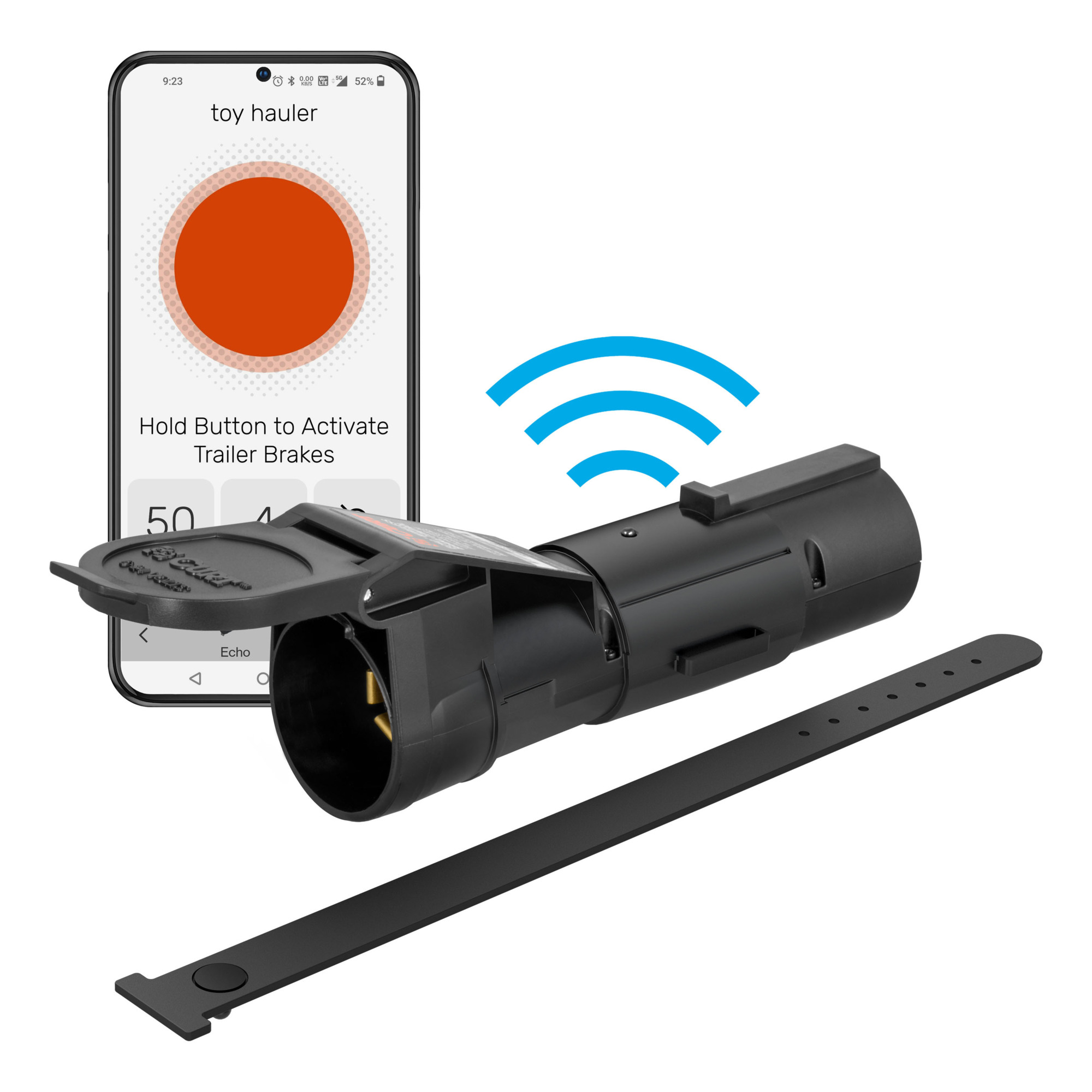
CURT Echo Bluetooth-Enabled Mobile Brake Control, Model# 51180
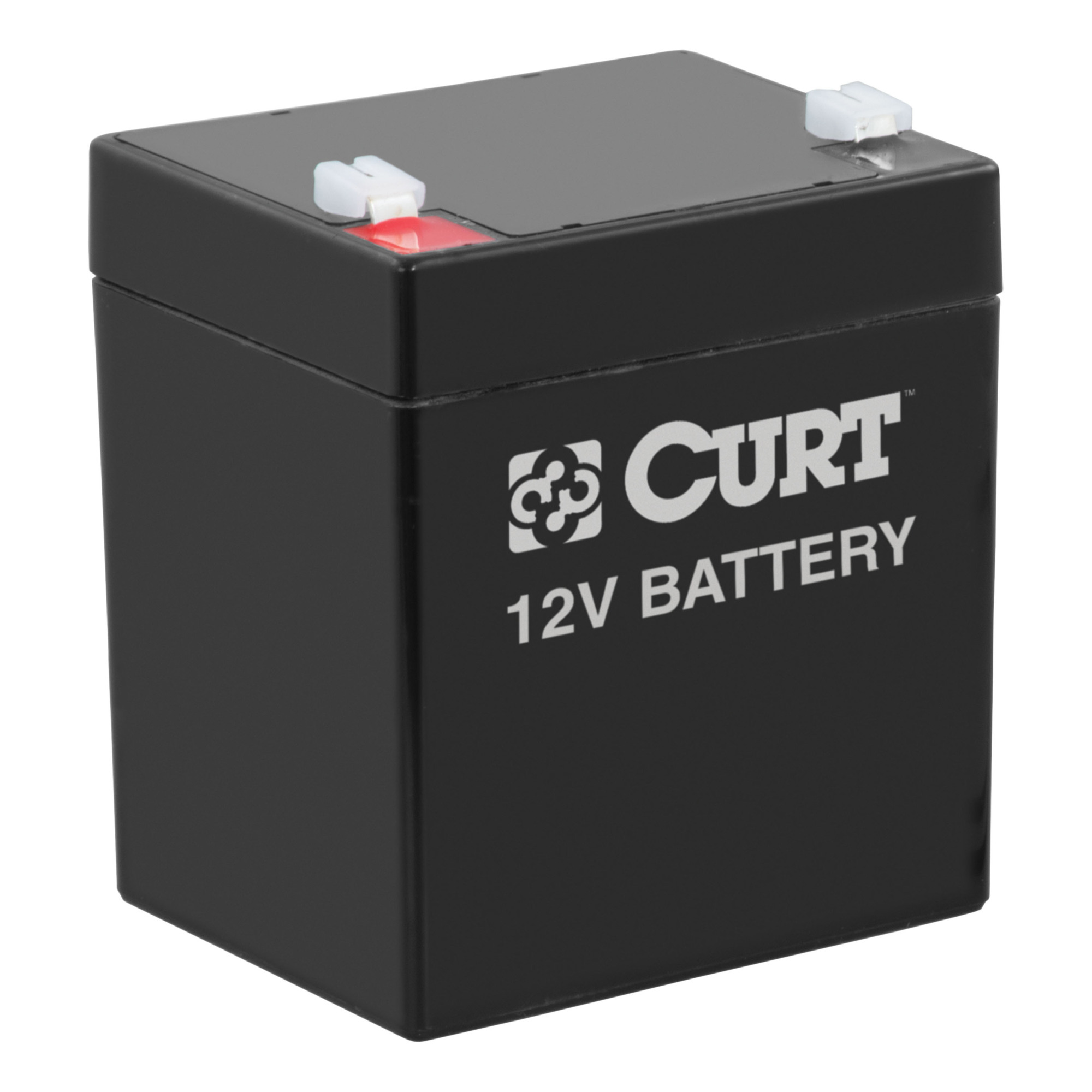
Curt Manufacturing Trailer Breakaway Battery — 12V, 5 Amps, Model# 52023
Curt Manufacturing, Discovery NEXT Trailer Brake Controller Time-Delay, Axle Capacity 1-4 Brakes Capacity (qty.) 8 Display Type LCD, Model# 51126
Axle Capacity
Same
1-4
1-2
1-3
1-4
Brakes Capacity (qty.)
Same
8
4
-
8
Display Type
Same
LED
-
-
LCD
Automatic Level Adjust
Same
Yes
-
-
-
Mounting Location
Same
Multi
-
Trailer Mount
Multi
Mounting Hardware Included
Same
Yes
No
-
Yes
Bluetooth
Same
No
Yes
-
No
Product Weight
Same
0.6000 lb
0.79 lb
3.0000 lb
0.6000 lb
Dimensions L x W x H (in.)
Same
2.75 x 9.0 x 8.125 in
-
4.0 x 4.0 x 3.0 in
2.75 x 9.0 x 8.125 in
See All Trailer Brake Controllers
See All Curt Manufacturing Trailer Brake Controllers
Recently Viewed Items
This is a carousel with auto-rotating slides. Activate any of the buttons to disable rotation. Use Next and Previous buttons to navigate, or jump to a slide with the slide dots.